News
News
 Shopify SEO
 Shopify development

Smart Stock Display
- by kadirkaval
- Free
- by kadirkaval
- Free
Automatically move sold-out products to the end of collections. Keep in-stock items visible first for better shopping experience.
Claim app
Verify your developer profile to earn a badge and build trust to your apps


About the Smart Stock Display
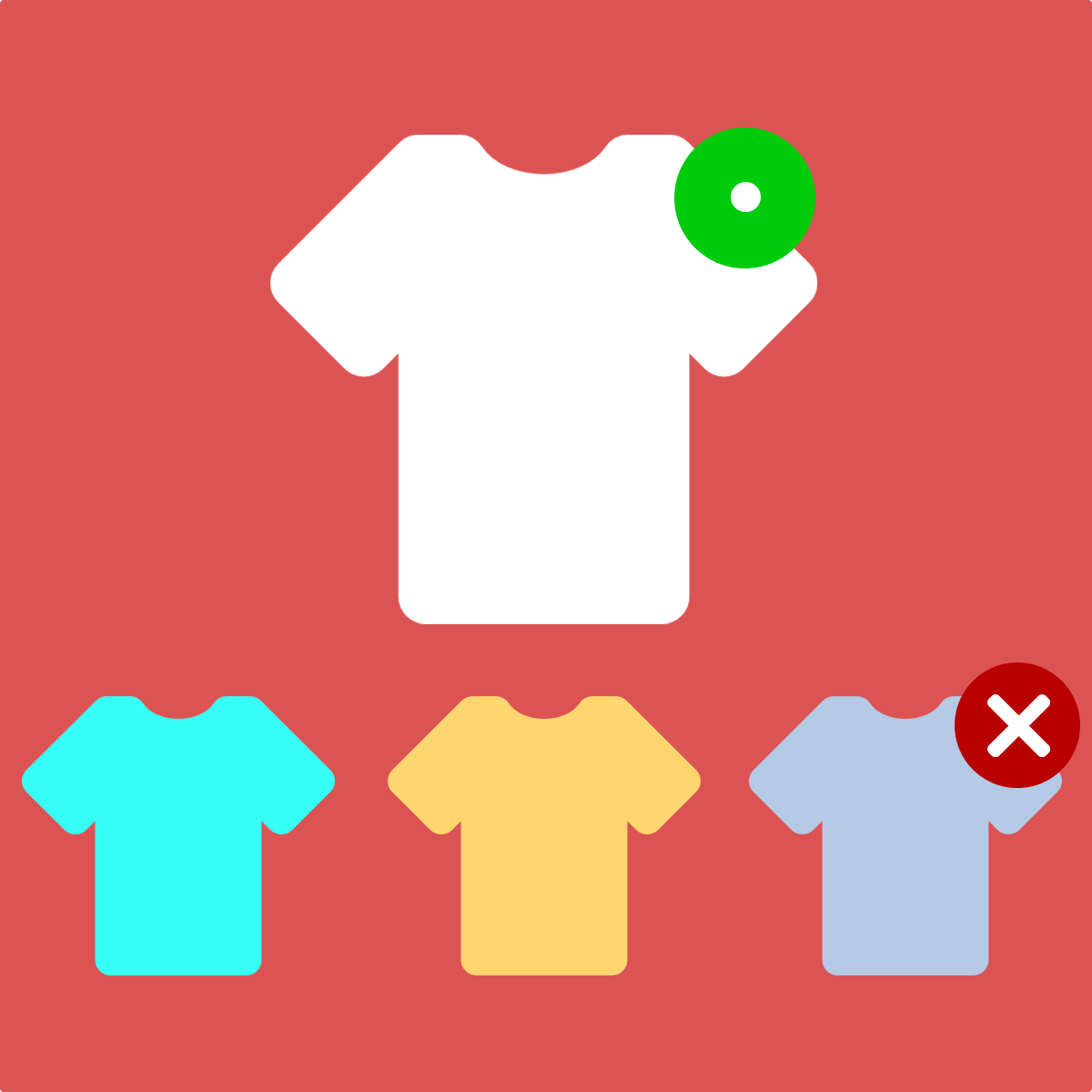
Smart Stock Display automatically moves sold-out products to the end of your collection pages, so customers always see available items first. When inventory returns, products automatically move back to their original position in the in-stock zone.
Setup takes just one click: enable the sold-out products last theme app embed, then click Update store. After initial setup, inventory webhooks keep everything synchronized automatically.
The app works with both manual and smart collections. For manual collections, it handles server-side reordering of your collection sort order. Smart collections use the theme embed to display sold-out products last on the storefront.
Works seamlessly with paginated and load-more collection pages. Products are tagged and collection order is fixed with a single update, ensuring your store always shows in-stock products first and sold-out items at the end.
Launched: October 2, 2026
Key features
- Sold-out products move to the end
- When stock returns, products go back to their original spot
- One Update store click tags products and fixes collection order
- Theme embed shows sold-out products last on the storefront
- Works with paginated and load-more collection pages
Integrations with:
- Shopify Admin