News
News
 Shopify SEO
 Shopify development

Buddha Mega Menu & Navigation
- by Buddha Apps (Zero Carbon)
- Free plan available. Free trial available.
- by Buddha Apps (Zero Carbon)
- Free plan available. Free trial available.
Build stylish mega menus with images, products, and collections. Help customers navigate your store and find products faster.
Claim app
Verify your developer profile to earn a badge and build trust to your apps


About the Buddha Mega Menu & Navigation
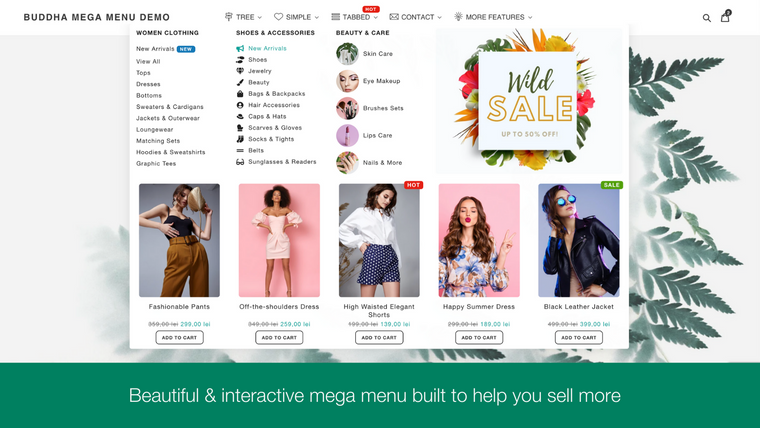
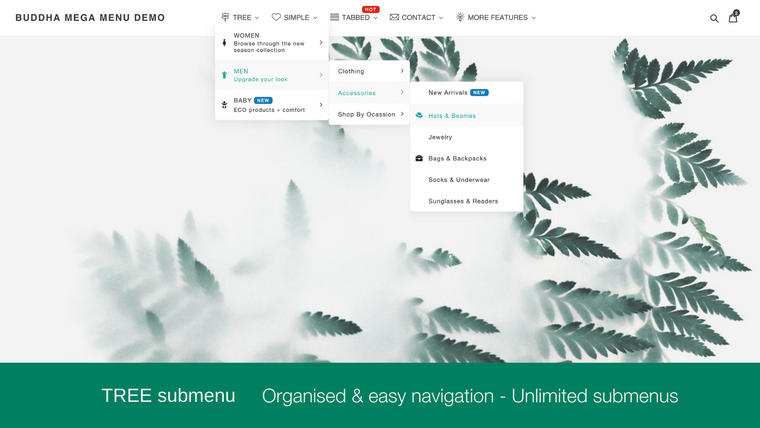
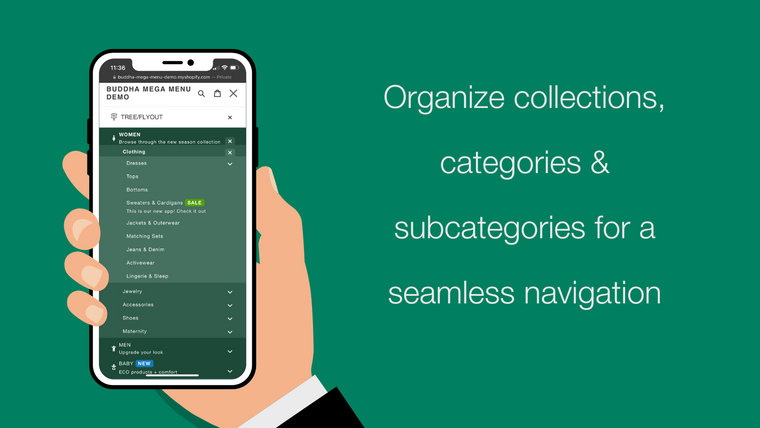
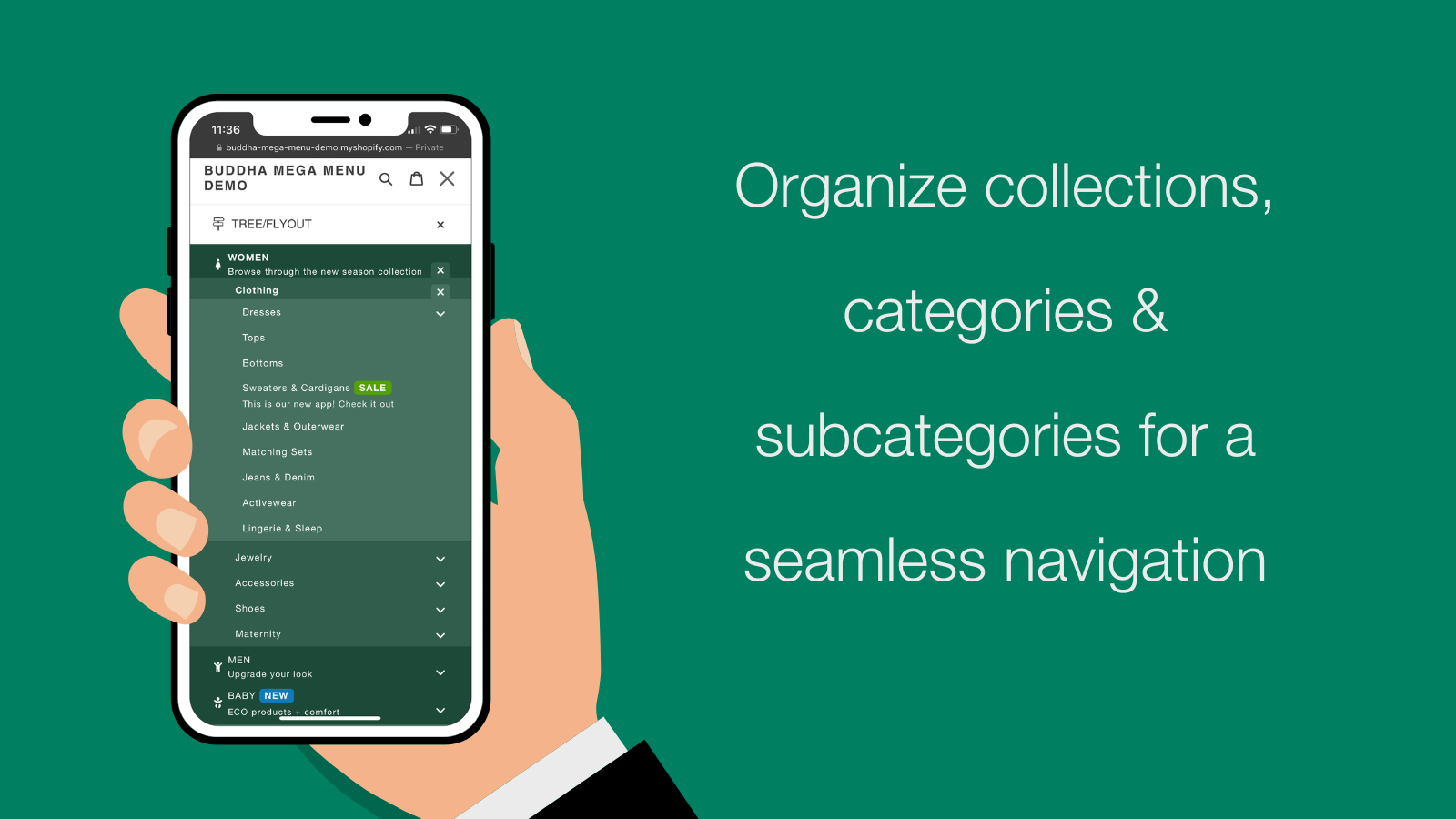
Buddha Mega Menu & Navigation helps merchants create organized, multi-level mega menus for their Shopify stores without any coding required. The app makes store navigation clearer and more intuitive on both desktop and mobile devices, helping customers browse collections and find products faster.
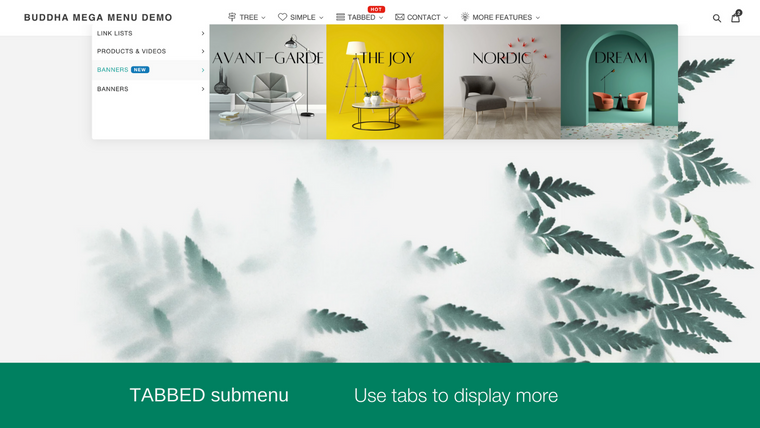
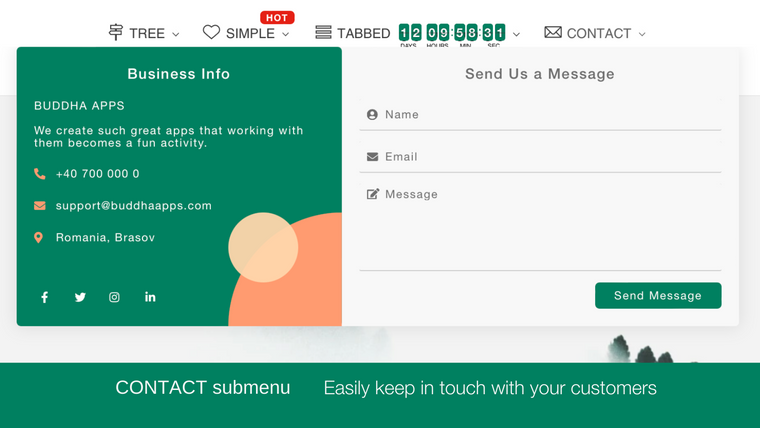
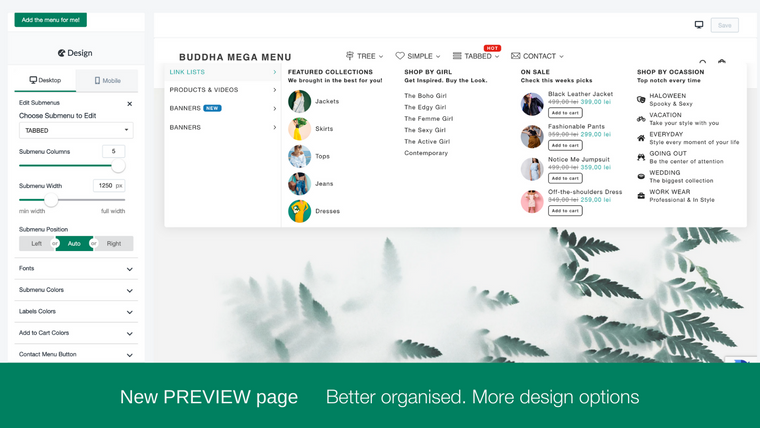
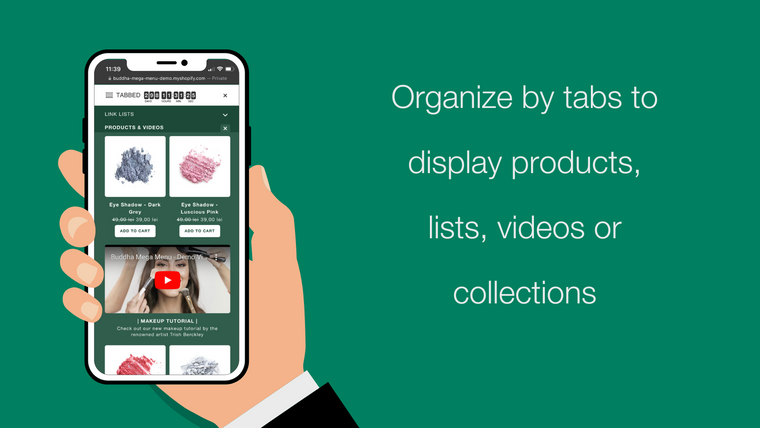
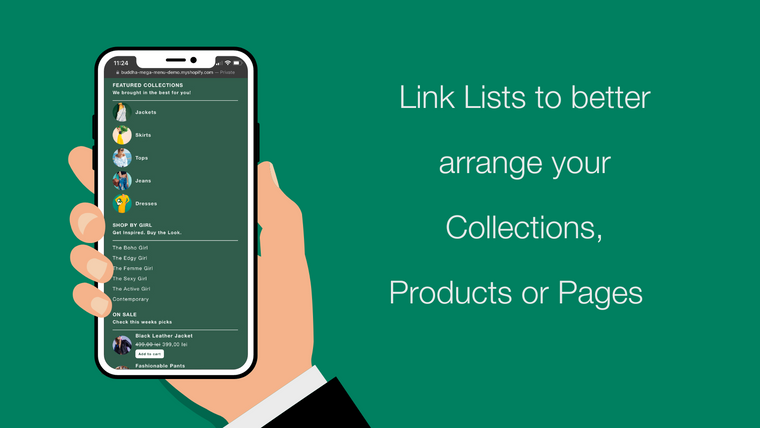
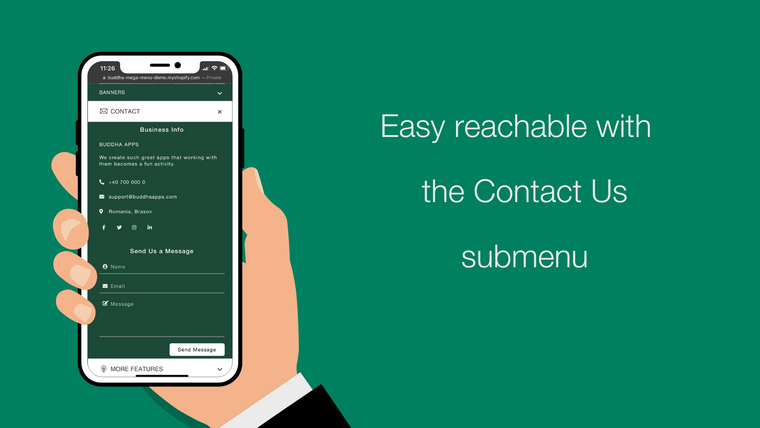
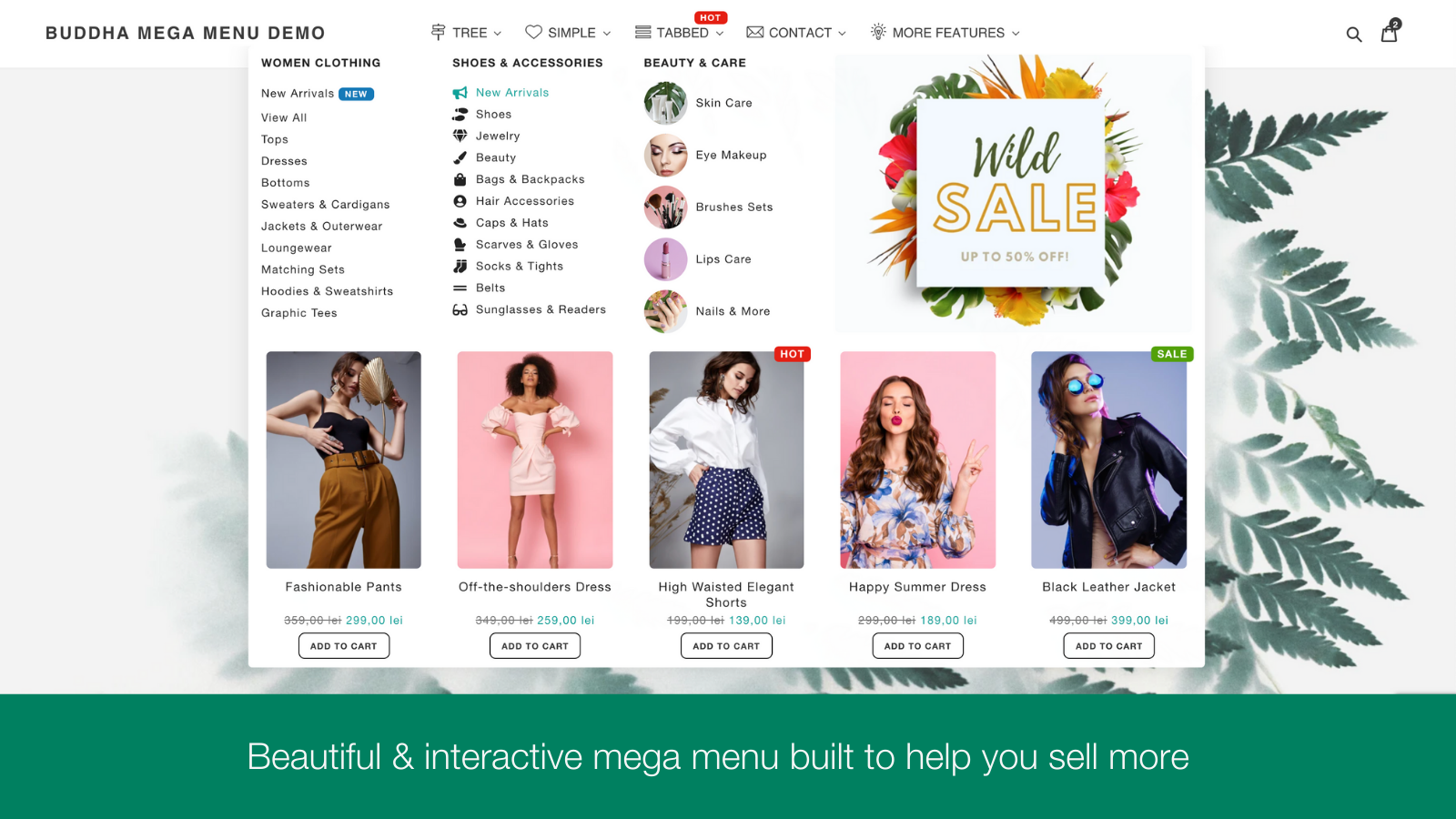
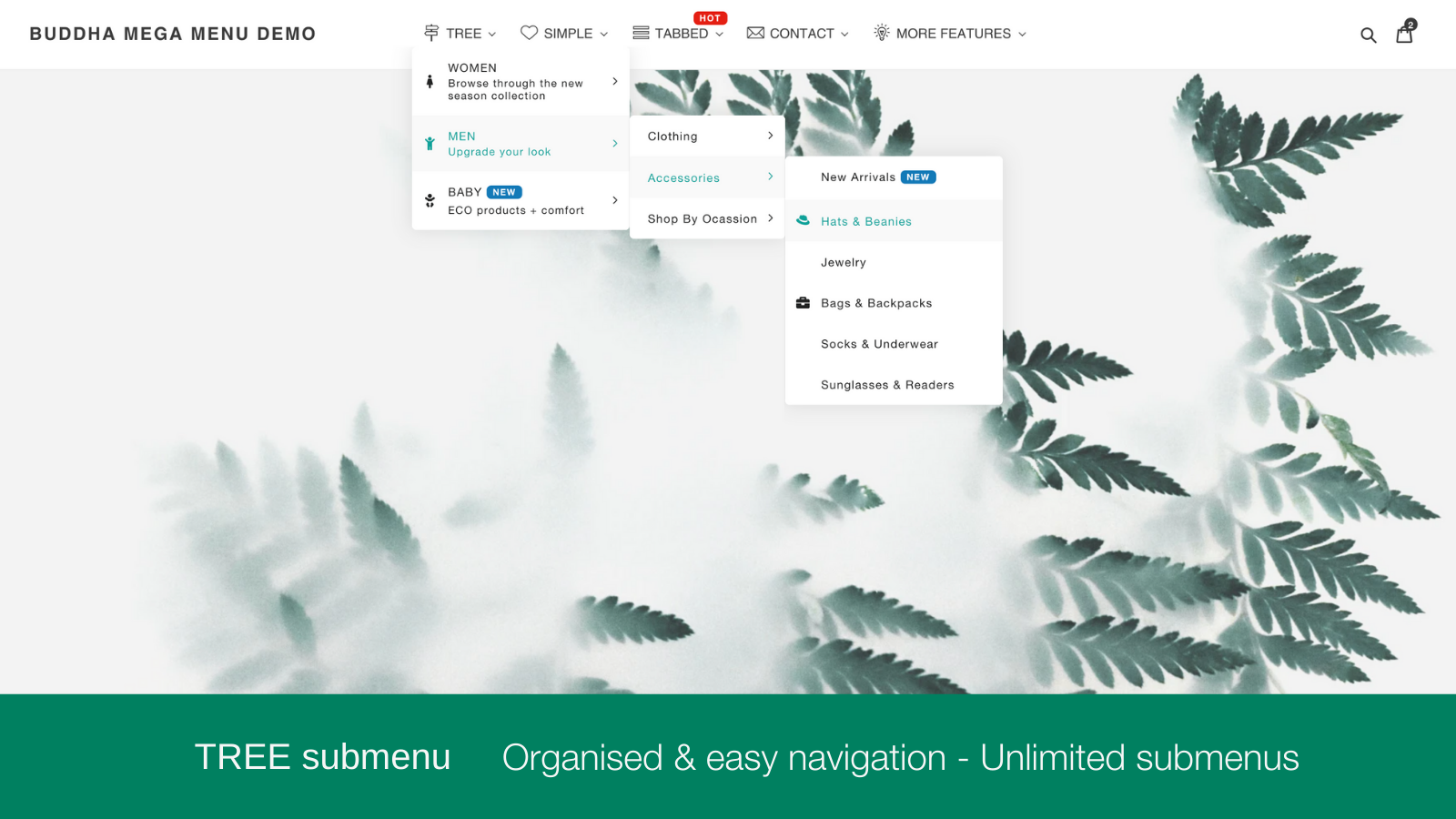
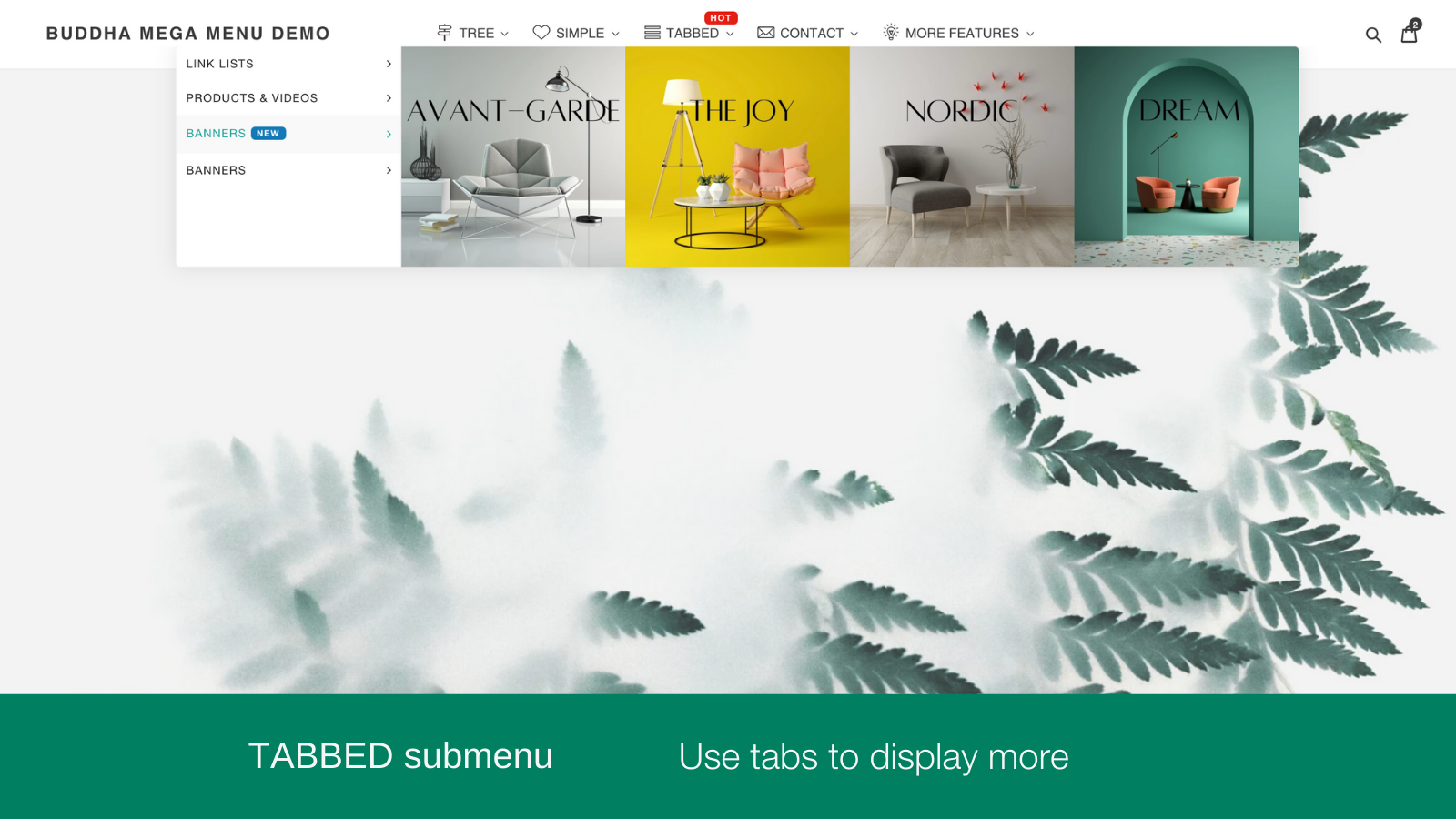
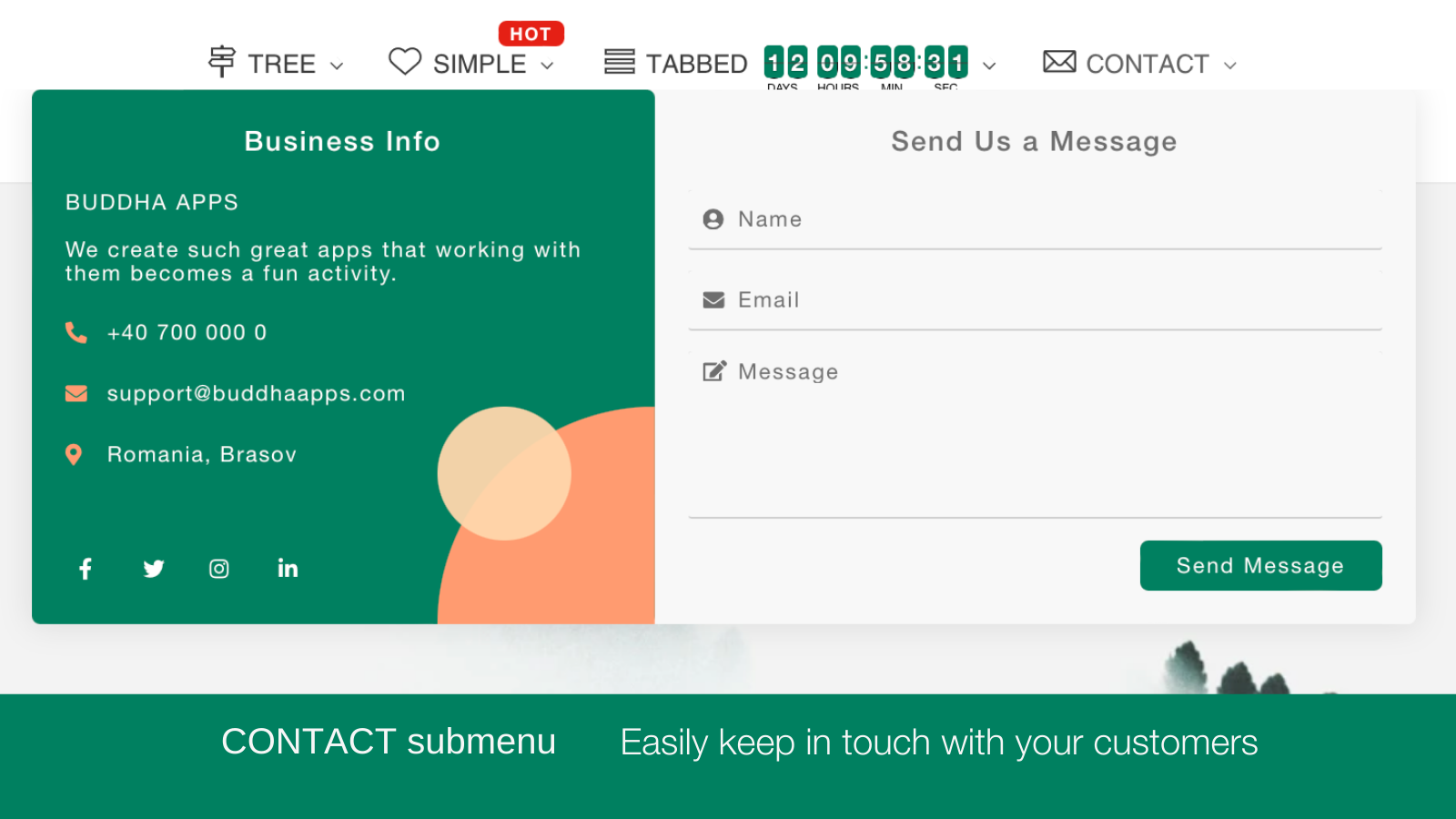
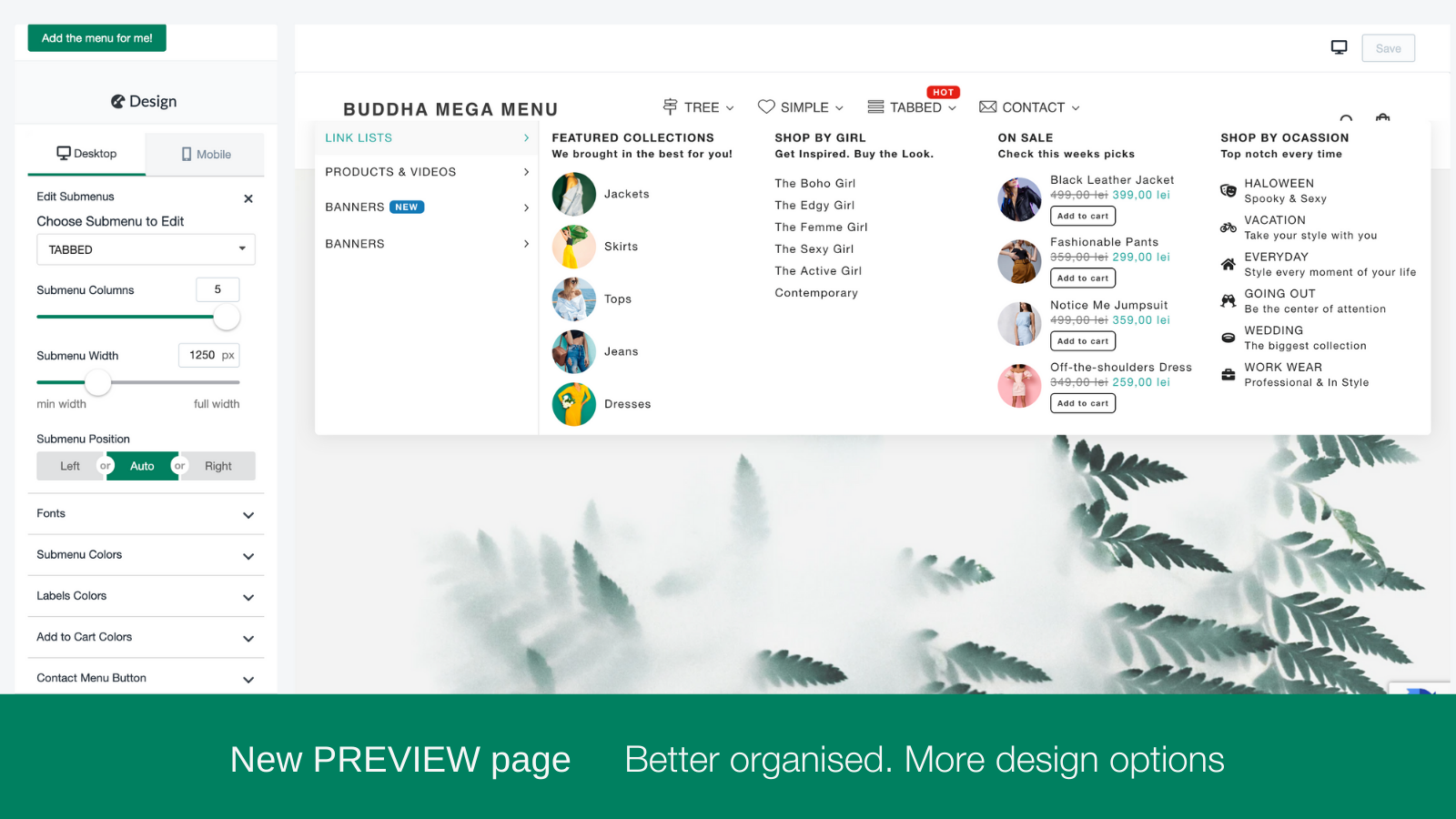
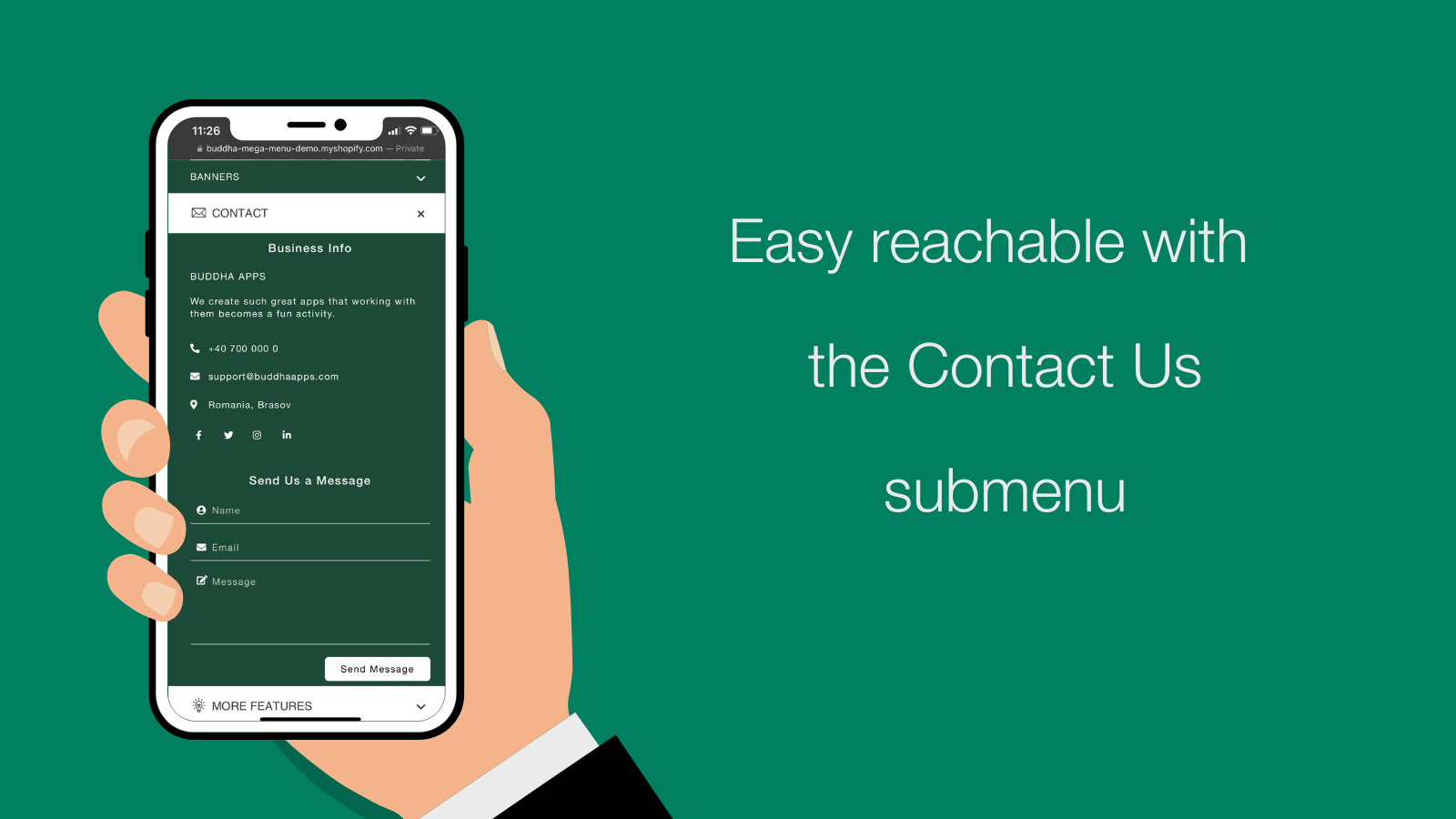
Build custom mega menus with images, products, collections, tabs, and custom content using responsive layouts that adapt to any screen size. Choose from 4 submenu layouts including Tree, Simple, Tabbed, and Contact Form to match your store design.
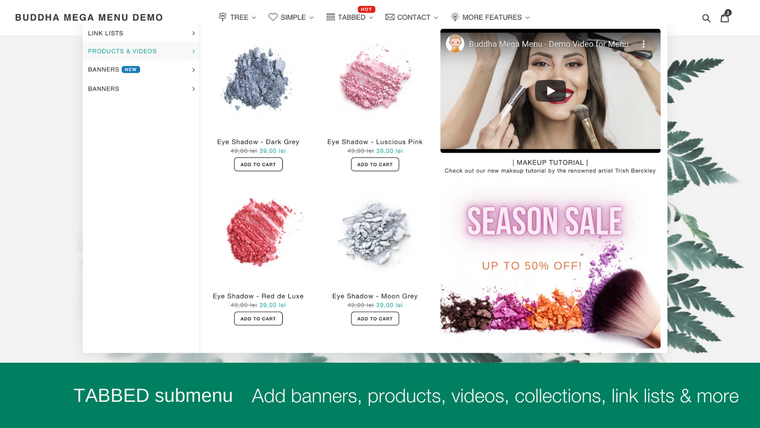
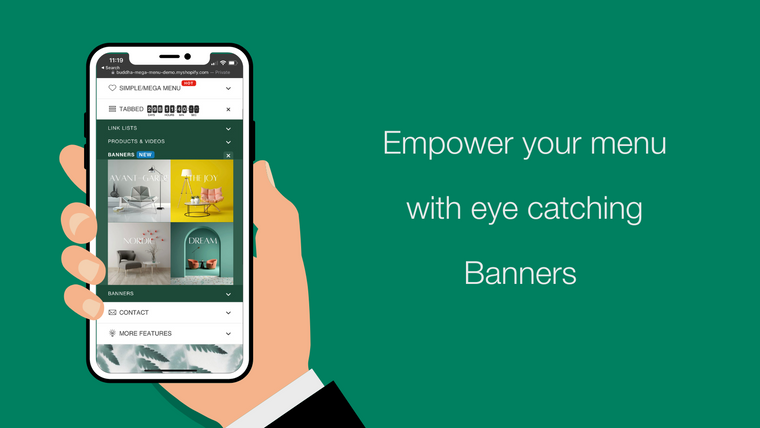
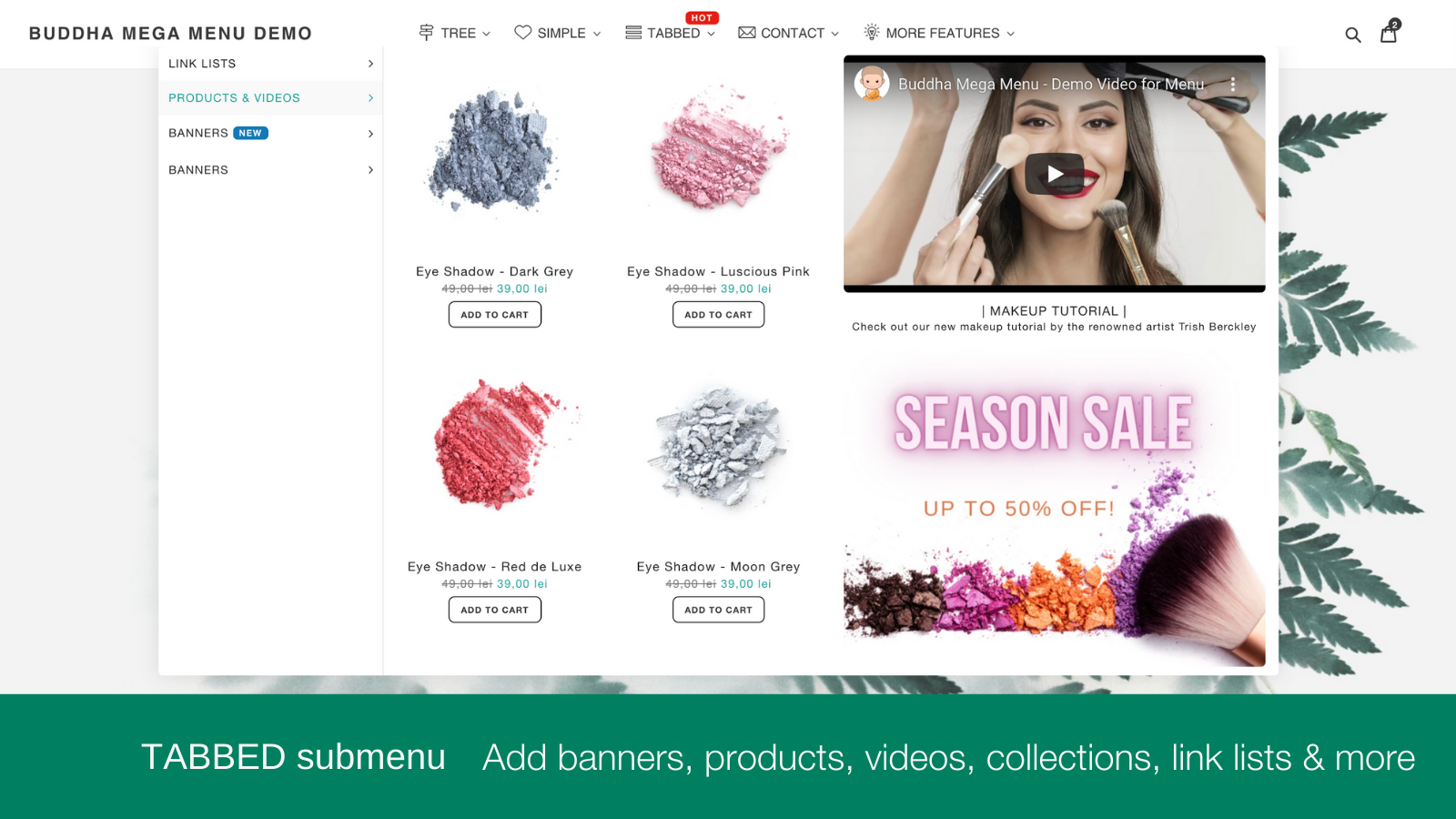
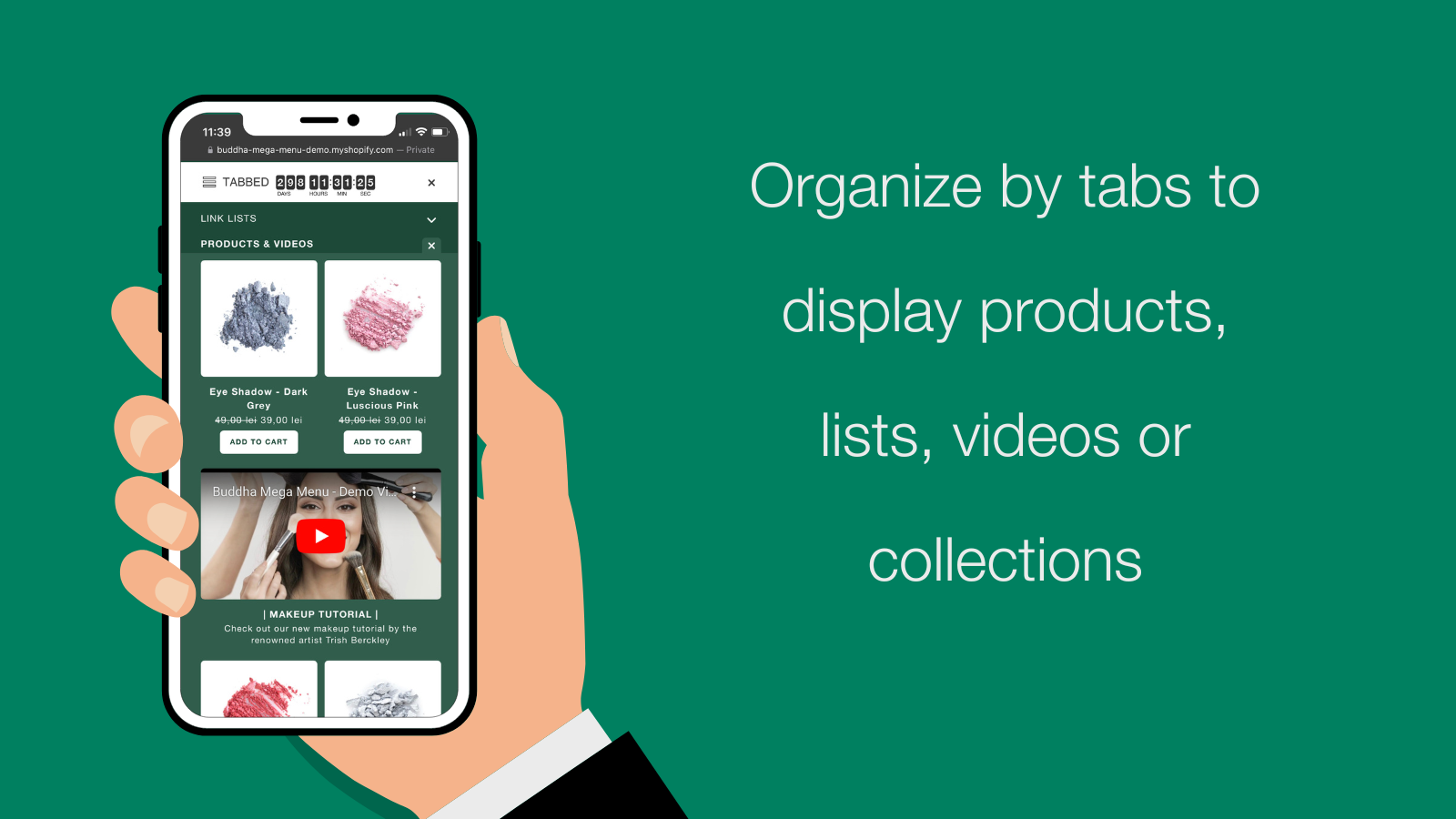
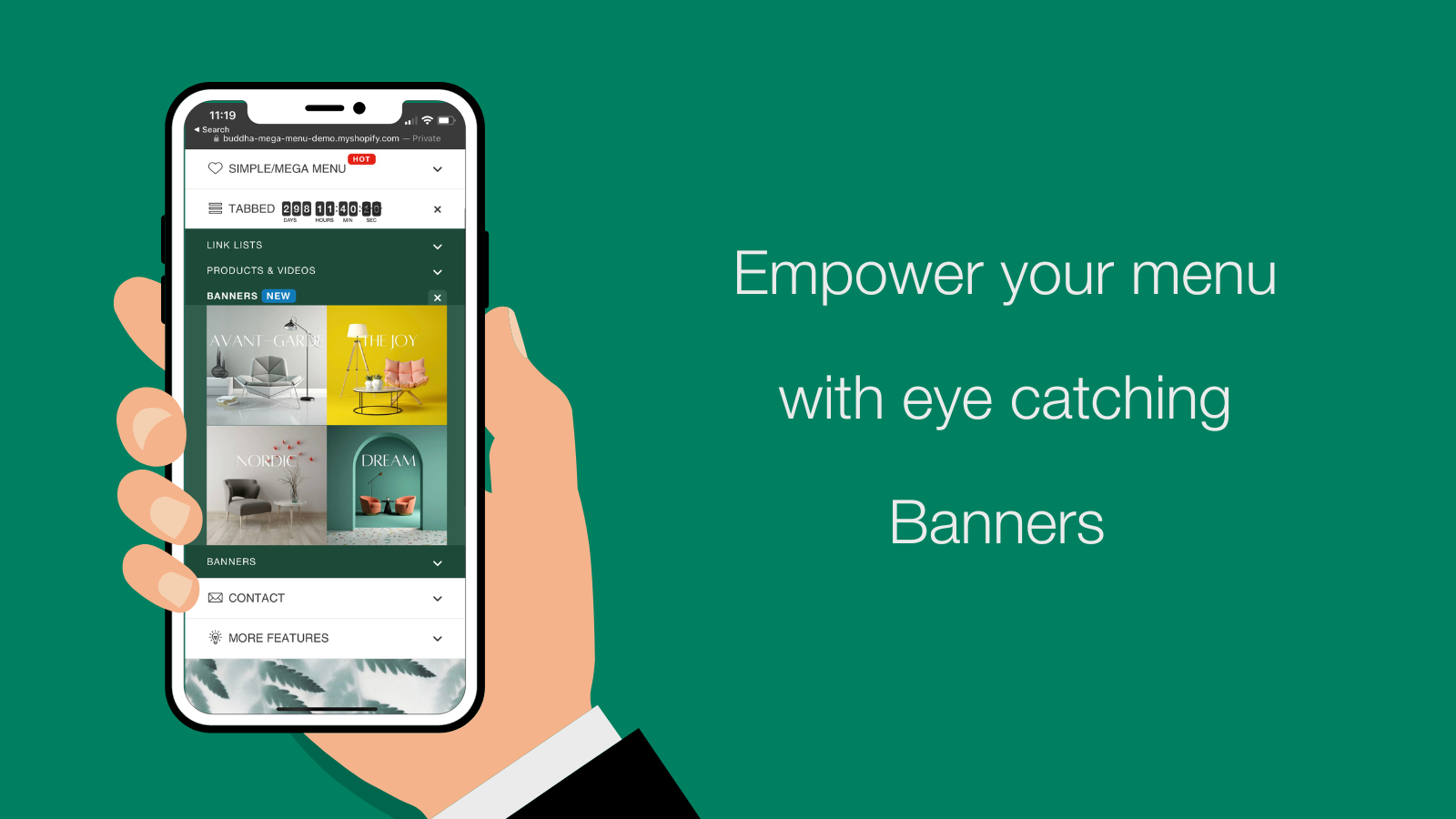
Display featured images for collections, products, blogs, pages, and banners directly in your navigation. Show featured products with Add to Cart buttons right in the menu for quick purchasing. Add promotional elements like sale banners, countdown timers, animated icons, and badges to highlight special offers and drive conversions. The app includes 1-click menu translation for global stores, making it easy to serve international customers with mobile-friendly navigation that improves the overall shopping experience.
Launched: August 19, 2016
Key features
- Choose from 4 submenu layouts: Tree, Simple, Tabbed & Contact Form
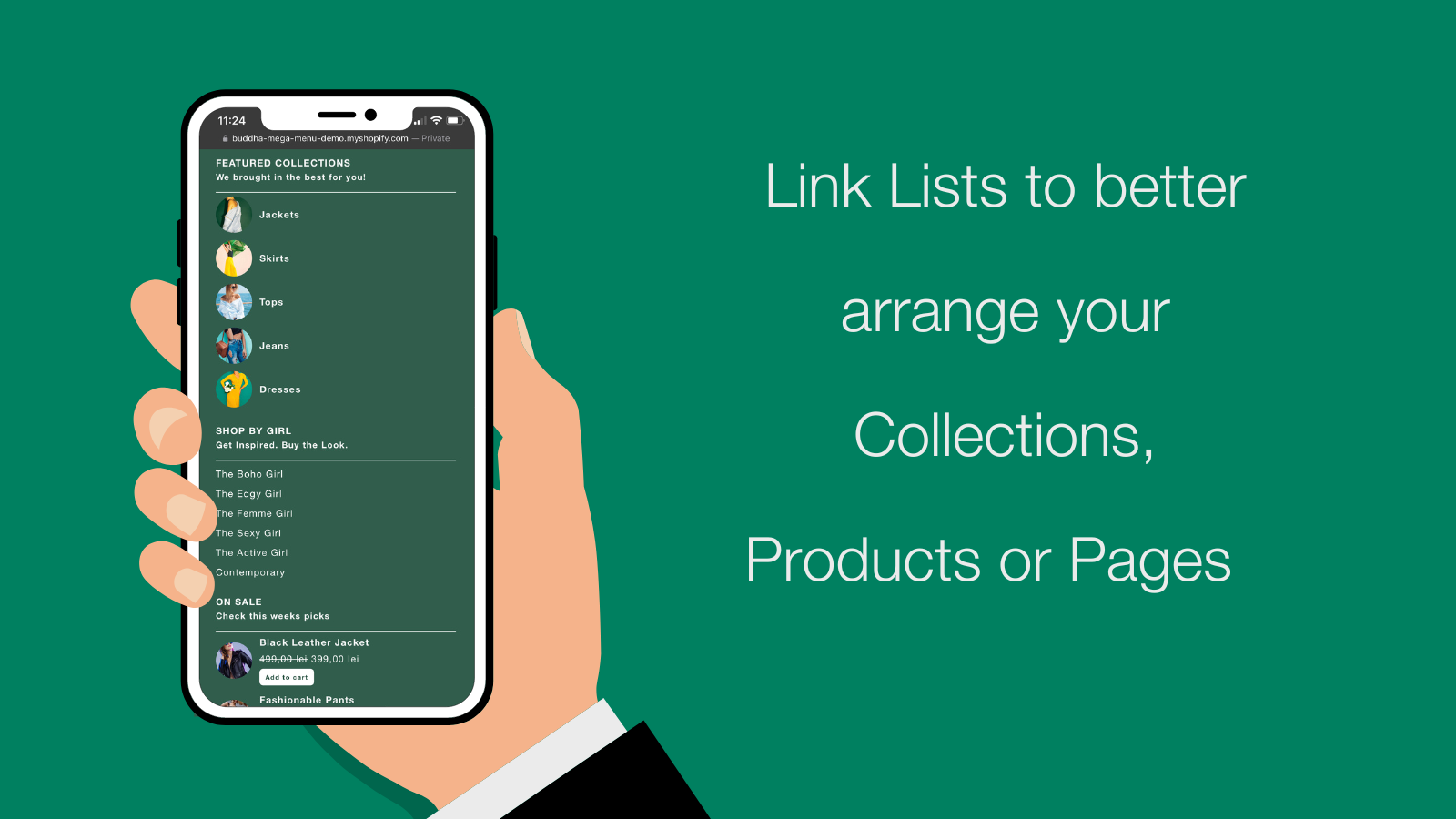
- Display featured images for collections, products, blogs, pages, banners & lists
- Show featured products with Add to Cart buttons directly in the menu
- SALES: Banners & Promotional blocks + Countdown timers for promotions
- GLOBAL: 1-Click Menu translation
Integrations with:
- 2048 Variants
Pricing of Buddha Mega Menu & Navigation
Free
Free
- 2 Mega Menu types Tree (Flyout) · Simple
- Unlimited Mega Menus
- Unlimited menu items & Link Lists
- 5 Featured Collections
- 5 Featured Products
- Icons Library
- Customizable Mobile / Desktop Design
- No watermark & FREE Tech Support
Mega Zen
$9.95 / month
or $95.52/year and save 20%
- Everything in Free + Tabbed · Contact
- Featured Images & Add-to-cart buttons
- FREE for dev. stores
- Embed videos directly in menus
- Animated Icons Library + Labels / Badges
- Sales Banners & Promotional blocks
- Countdown timers for promotions
- 1-Click Menu translation