News
News
 Shopify SEO
 Shopify development
Best free Design elements - Other Shopify apps in 2027 [Updated]


| Name | Rate on Shopify | Price | Free trial | Key features |
|---|
-
#1. Easily add trust badges and seals to increase customer trust and increase your conversion rates.
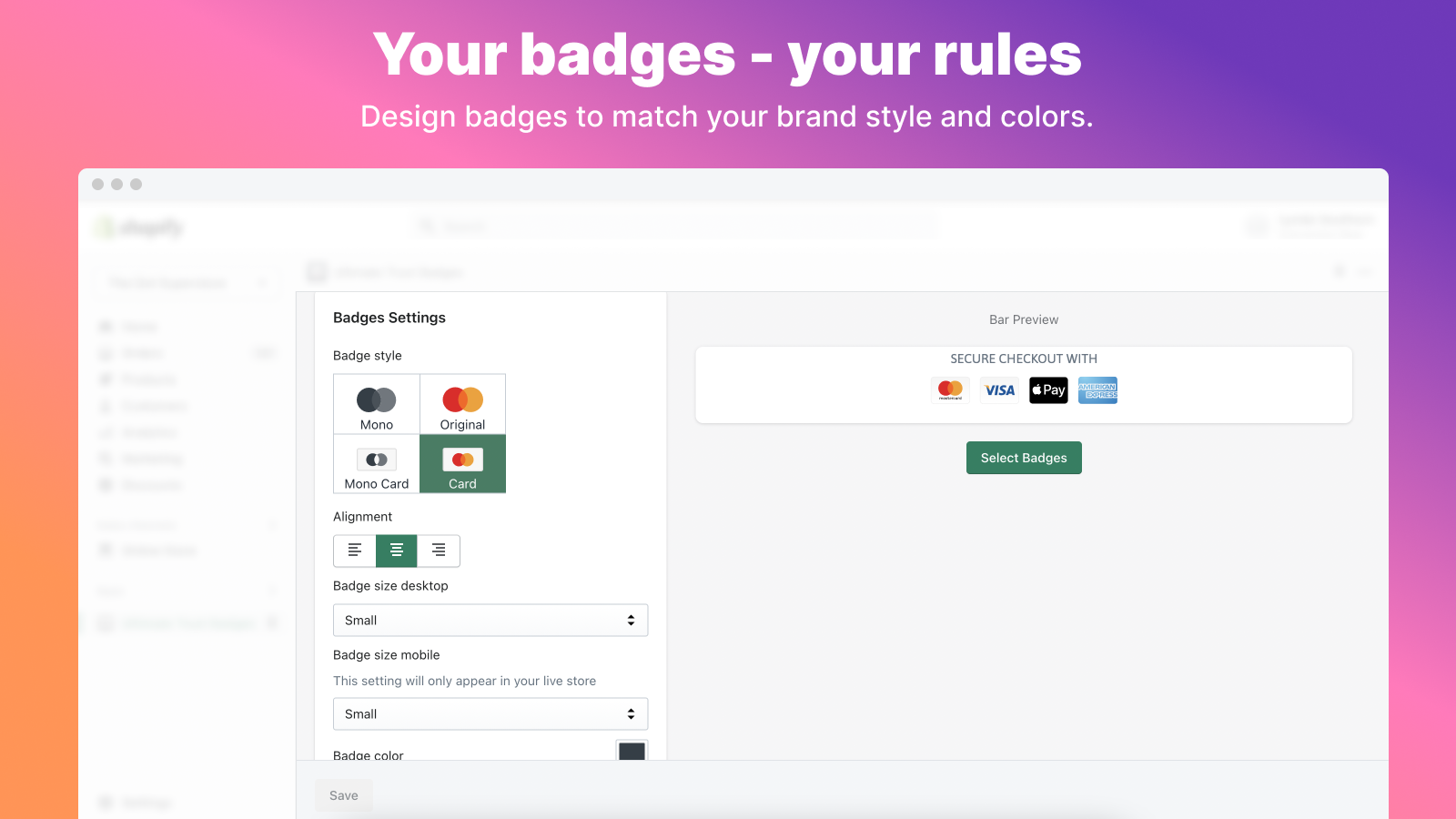
Build customer confidence with trust badges and payment icons that show your store is secure and reliable. Choose from 300+ badge options and customize them to match your store's design. Adjust colors, size, alignment, and messaging to create the perfect look. Add trust badges anywhere - product pages, cart, footer, or hero sections with simple copy-paste installation. The app loads quickly at under 30kb and offers different sizing for desktop and mobile displays. All badges maintain their crisp appearance while helping increase conversion rates. New payment icons and trust seals are regularly added based on merchant requests. Make your store more trustworthy today with professionally designed badges that give shoppers peace of mind. -
#2. Go from basic to bold with our theme sections and product bundles! Endless configs to make it yours!
Section Star lets you add beautifully designed theme sections, blocks, and product bundles to your Shopify store without hiring a freelancer. Choose from tabs, slideshows, countdown timers, sticky add-to-cart buttons, banners, and more from the section store. The landing page builder gives you deep customization options to match your brand style. Build sections, tabs, forms, and popups with easy-to-use builders. Create product bundles to increase sales and turn your shop into a revenue-generating machine. Get direct support from Matt whenever you need help. -
#3. Easy way to add Google Fonts to your theme without coding. Merchants can also upload custom fonts.
Make your Shopify store stand out with custom fonts that reflect your unique style. This app lets you easily add Google Fonts to your website without any coding knowledge. With access to Google's extensive font library, you can create a distinctive look that sets your site apart from others using standard fonts. Want even more personalization? Upload your own custom font files directly to your store. The app works seamlessly with all Shopify themes, including customized ones, making it simple to change your website's typography. Whether you're looking to refresh your brand's appearance or create a more professional look, custom fonts help you express your site's personality exactly how you want it. -
#4. Personalize your store with custom cursor and stand out from most of websites.
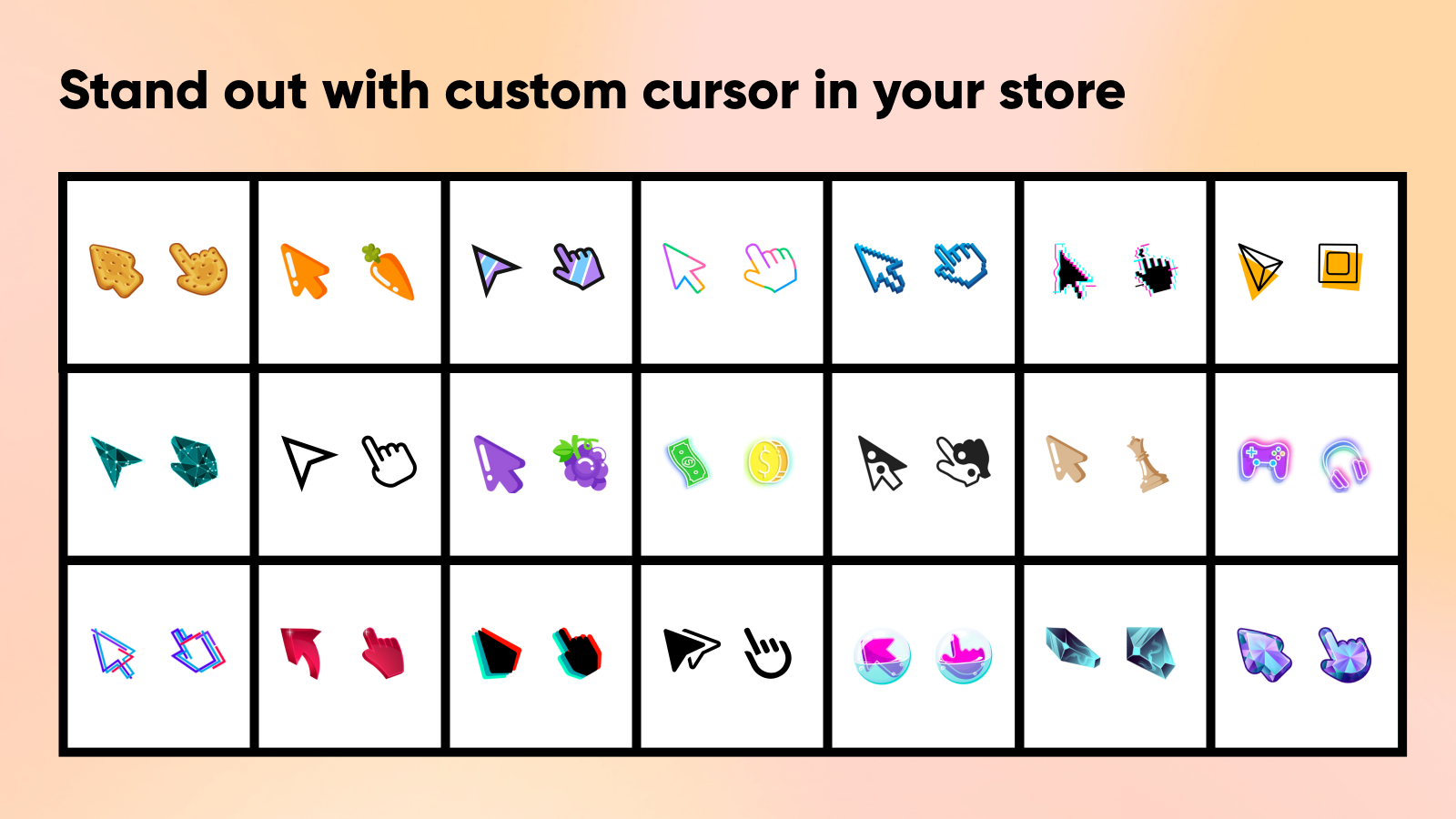
Make your online store instantly memorable with a custom cursor that sets you apart from standard websites. Choose from our extensive gallery of over 100 unique cursor designs, or upload your own cursor to perfectly match your brand identity. While most websites stick to boring default cursors, you can create a more engaging shopping experience that helps customers recognize and remember your store. Whether you're aiming for a fun, professional, or distinctive look, a custom cursor adds that perfect finishing touch to your personalized theme, making your store's interface truly unique and on-brand. -
#5. A button allows the user to quickly return to the top of the page without making too much effort.

 Make your Shopify store more user-friendly with the Smooth Scroll To Top button. Perfect for stores with long product descriptions and content-rich pages, this button lets visitors instantly return to the top with a single click. The button appears only when scrolling is needed and includes a progress bar to help customers track their position on the page. You can easily customize the button's appearance - from colors and shapes to size and position - to match your store's design. Whether customers are browsing lengthy product catalogs or detailed blog posts, this scroll-to-top function improves navigation and helps create a better shopping experience. If your theme doesn't include this essential feature by default, Smooth Scroll To Top offers a simple solution to add professional scrolling functionality to your store.
 -
#6. Collection of beautiful pre-built sections, contact customer support for free customization!

 Add beautiful, lightweight sections to any Shopify theme without coding. This app offers 20+ pre-built sections including video background banners, circle menu collections, image compare sliders, trust badges, and shop the look image galleries. Each section is designed to grab attention and improve navigation while matching your store's look. Fast to install and easy to customize through the Shopify Theme Editor. Features include page templates with options to hide header or footer, custom section development through support, and the ability to paste HTML, CSS, and JS snippets anywhere. Add seasonal effects like snow, falling hearts, and Valentine themes. Contact customer support for free customization help.
 -
#7. Simplify page layouts with organized, customizable tabs for every need.

 Organize your store content with smart product tabs and customizable layouts. Create product page tabs, FAQ sections, accordion tabs, and collapsible designs for clean product display. Build product description tabs, comparison tables, and custom tabs for any product page without coding knowledge. Design tabs with horizontal or vertical styles, adjust width, and manage layouts faster with intuitive designer tools. Perfect for product pages, collection tabs, informational content, and more to improve navigation and engagement.
 -
#8. Advanced metafields manager app that helps to create custom fields & add to your store
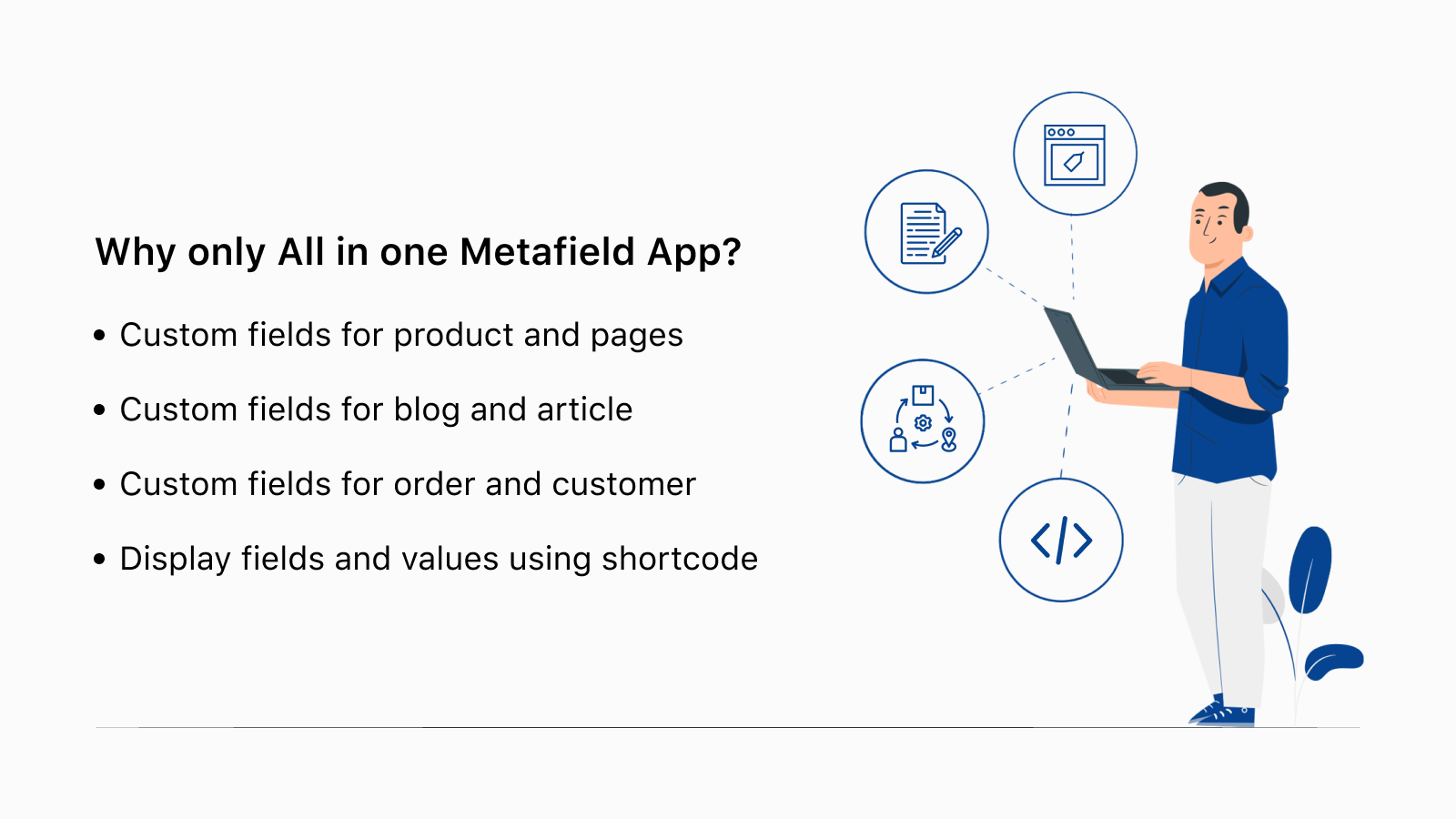
Flexi makes it simple to add and manage custom metafields in your Shopify store without any coding skills. This all-in-one metafields manager helps you create custom fields for products, customers, orders, pages, blogs, and articles. Add extra product details, organize customer information, and display metafields exactly where you need them on your store pages. Choose from multiple field types to tailor custom text fields based on your specific needs. Easily add, edit, or delete metafields using a user-friendly interface. Perfect for adding rich, detailed information to your products and making your content more engaging without technical knowledge. -
#9. In just one click - the Turbo will improve your store's page speed and load times.

 Pasilobus Turbo improves your store's page speed and load times with just one click. When pages take too long to load, customers leave or view fewer pages, and even a one-second delay costs you conversions. This app ensures your pages load instantly by anticipating user behavior and loading pages ahead of time. Your customers will enjoy lightning-fast speeds without any coding required. The app works with the latest Online Store 2.0 stack, so it won't slow down your store while improving performance. As you install more apps over time, your store's performance can change, but Turbo keeps load times fast. Reduce page load times to improve usability, stop customers from leaving, and optimize your store's speed with a single click. No technical skills needed.
 -
#10. Enhance your store’s navigation with a responsive, brand-matchingscroll to top button.
The Back to Top app improves your store's usability with a fully customizable scroll-to-top button that integrates seamlessly with your brand. One-click installation lets customers easily navigate back to the top of long pages, improving their shopping experience and engagement. Customize every aspect: choose icon types, upload custom icons, modify button text, and select layout styles. Configure when the button appears based on scroll percentage, pick exact locations and pages for display, and choose between horizontal or vertical layouts. No-code setup works with all themes.