News
News
 Shopify SEO
 Shopify development
Best alternatives for Magic Zoom Plus Shopify app in 2027 [Updated]

Magic Zoom Plus
From $69
Magic Zoom Plus lets users hover to zoom an image and click to enlarge an image on any product page.
Compare with % app %| Name | Rate on Shopify | Price | Free trial | Key features |
|---|
-
#1. Make it easy for visitors to share your content via Pinterest. Gain new followers and customers.
Enable your website visitors to share content directly to Pinterest with the simple Pin it button. This user-friendly tool lets people save your products, images, and content to their Pinterest boards in just one click. As more Pinners discover and share your content, you'll grow your Pinterest following and reach new potential customers. The button integrates smoothly with your website, featuring attractive skins and requiring no coding knowledge. When users Pin your content, they can add photos, notes, and helpful tips to their Pins, creating engaging interactions that help your products and content spread naturally across Pinterest's visual discovery platform. -
#2. Create stunning image galleries, lookbooks, and video galleries that keep shoppers engaged.

 Create beautiful image galleries, video galleries, lookbooks, and portfolios that make your store stand out. Display your products with full-screen viewing, lightbox popups, and clickable titles, links, and captions for a seamless browsing experience. Choose from multiple layouts including masonry, collage, grid, and list to match your brand style. Build video galleries using YouTube or Vimeo content, or set up a main gallery with linked child galleries for organized navigation. Add SEO-friendly alt tags to improve search visibility and attract more shoppers. Works perfectly across all devices from first click to checkout.
 -
#3. Connect Instagram, showcase live posts, boost engagement & let customers shop your feed.

 Display your Instagram feed on your store to build trust and increase engagement with real posts from your Instagram profile. This app lets you showcase live, auto-refreshing Instagram content that keeps your store looking active and authentic. Customize the gallery with slider or grid layout options to match your branding, with adjustable overlay and text colors. Make your Instagram feed shoppable by tagging products directly on photos, turning visitors into customers. Link posts to Instagram for seamless social connection. The responsive feed works perfectly on desktop and mobile devices. Set up everything in one click with no coding required, and get support from the team anytime you need help.
 -
#4. EVM Lookbook app to create beautiful Shoppable Lookbook galleries by tagging products on the images
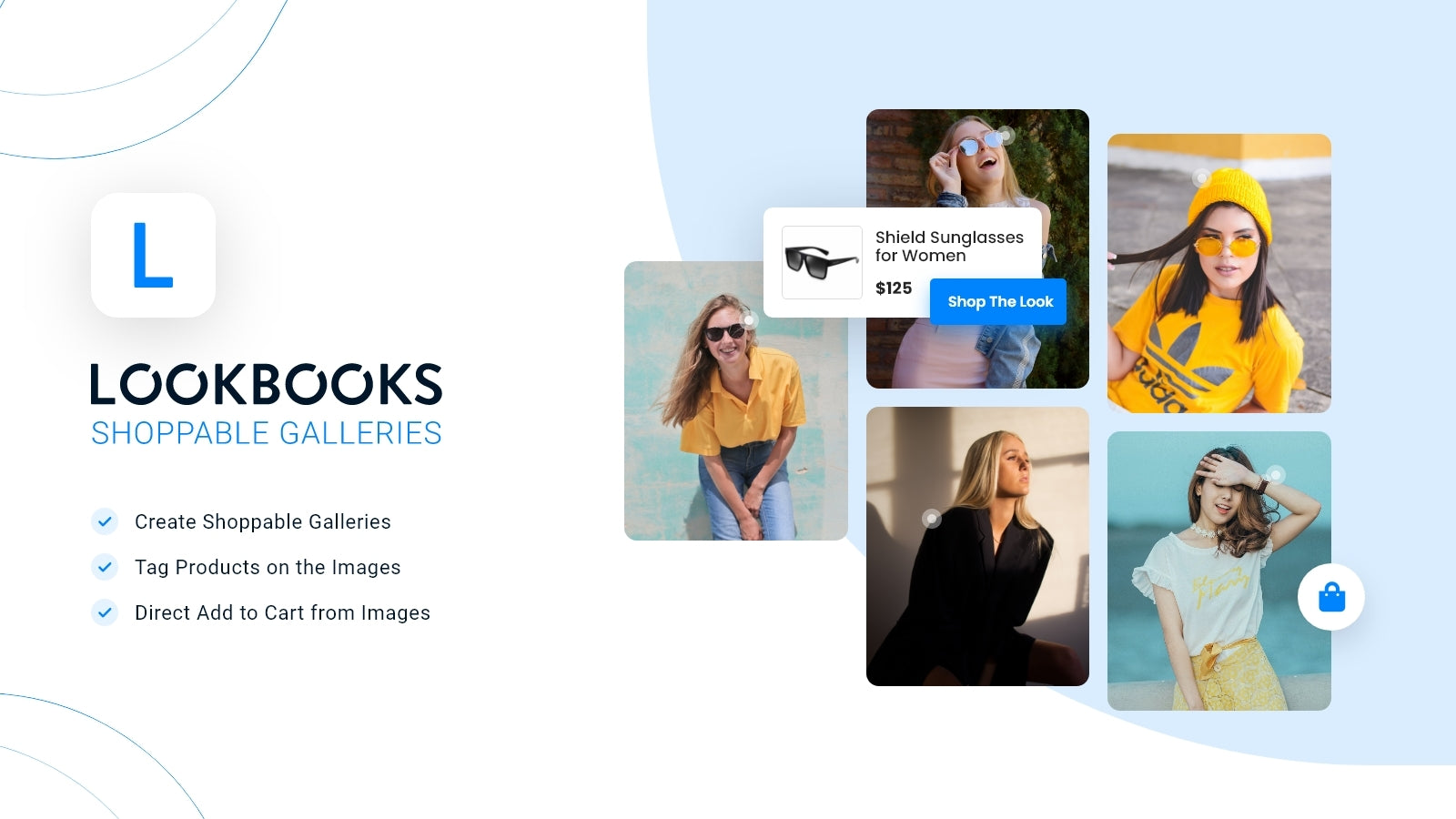
 EVM Lookbook helps you create beautiful shoppable image galleries for your Shopify store. Tag products directly on lifestyle images using hotspots, making it simple for customers to discover and purchase items from your lookbooks. Upload images in bulk and display them in multiple formats including collage, slideshow, carousel, masonry, and grid layouts. Place these shoppable galleries on any store page, or add them to product detail pages where the app automatically detects and shows product-specific images. The direct add to cart system lets buyers purchase straight from lookbook images without extra steps. This shoppable lookbook app makes showcasing your products in lifestyle settings easy and effective, helping customers visualize items while shopping your store.
 -
#5. Embedding a photo gallery into your store is incredibly easy with XO Gallery.
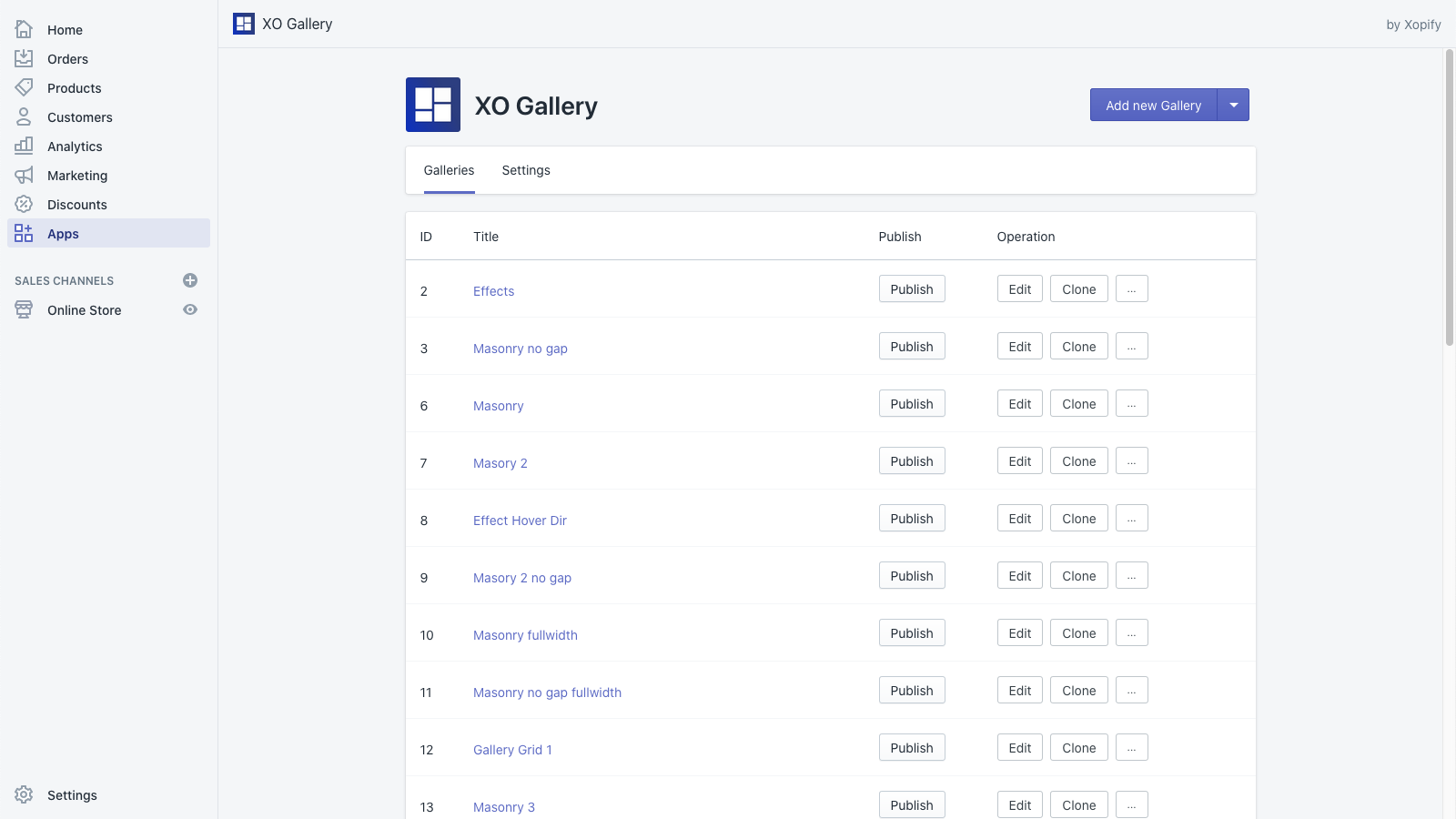
 XO Gallery makes photo gallery creation simple and intuitive for your Shopify store. Choose from modern layouts including Grid, Masonry, Stack, Justified, Carousel, and Slider to showcase your images perfectly. The mobile-first responsive design ensures your galleries look stunning across all devices - from desktop to tablet and mobile phones. Customize each photo individually and adjust gallery settings for different screen sizes to create the exact look you want. Upload unlimited photos, organize them easily, and even tag products directly in your images with hotspot features. Turn your product images into engaging galleries that capture attention and help drive sales, all while maintaining smooth performance across every device your customers use.
 -
#6. Reducing shopping comparison time and increasing conversion rate with one-click purchase feature.
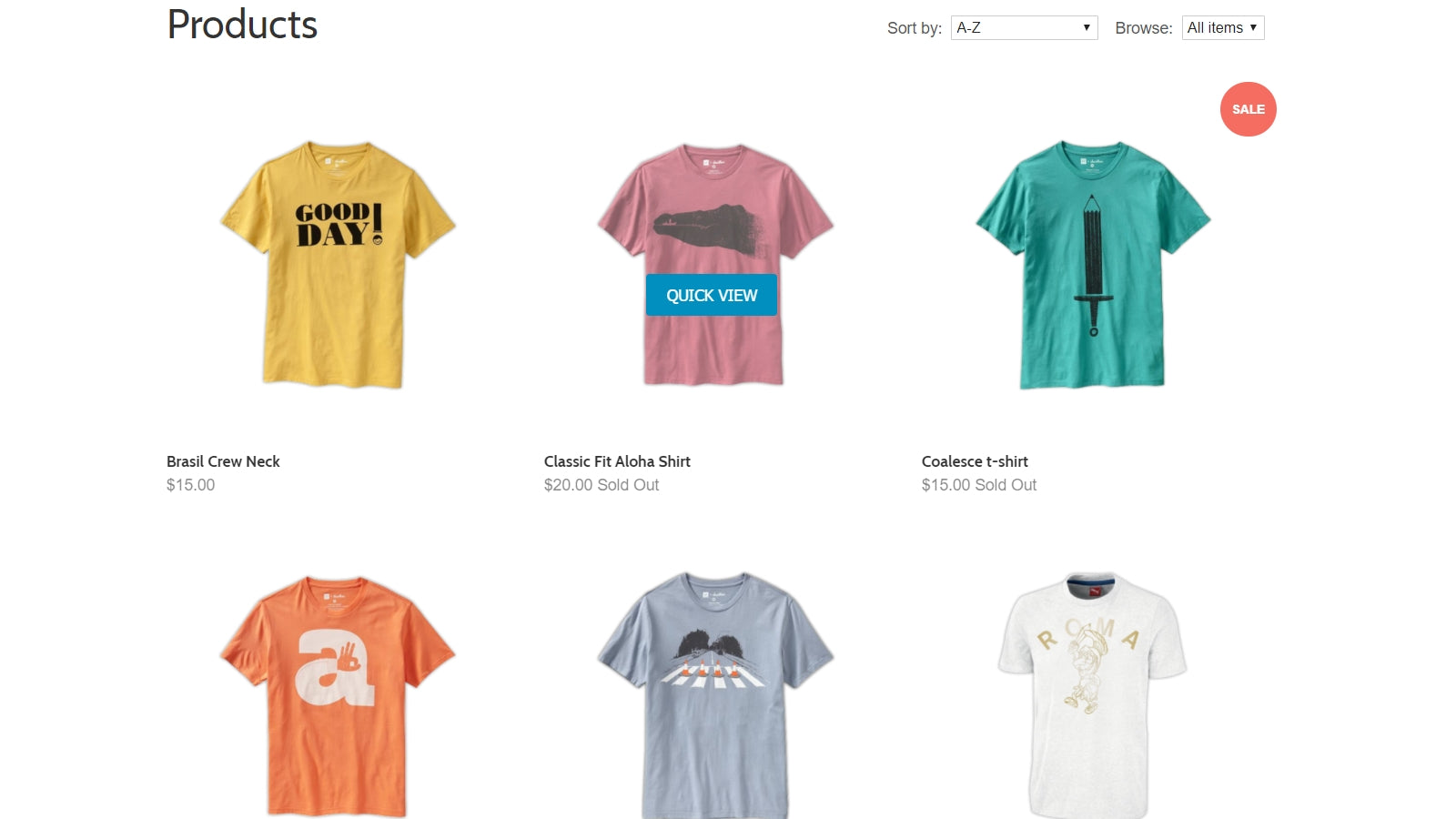
 Experience faster shopping with Smartviewer's Quick View feature, designed to make product browsing seamless and efficient. This user-friendly app lets customers preview products instantly in a popup window without leaving their current page or waiting for full page loads. Shoppers can view detailed product information and add items to cart directly from the Quick View popup, making comparison shopping quick and convenient. The simple one-click activation requires no coding skills, making it easy for store owners to improve their customers' shopping experience. By reducing navigation time between products, Quick View helps increase conversion rates while providing a smooth, interruption-free browsing experience for your customers.
 -
#7. The easy and fast solution for creating captivating image gallery, lookbook, portfolio and carousel

 Create stunning image galleries, lookbooks, and portfolios with this user-friendly Shopify app. The gallery features let you tag products directly on images using hotspots, enabling engaging shop-the-look experiences. Choose from multiple layout options including carousel, masonry, grid, and list views to showcase your products effectively. The app supports bulk photo uploads and quick position adjustments, making gallery management simple. Add shoppable image galleries anywhere on your store with HTML embedding, compatible with Shopify 2.0 and page builders. Smart filtering and load-more options help organize large photo collections, while product tagging drives sales through visual storytelling and curated product bundles.
 -
#8. SpeedSize helps you sell more with photoshoot-quality visuals, delivered at unmatched speed.

 SpeedSize uses neuroscience-based AI to optimize your product images and videos without sacrificing quality. Unlike standard compression tools or CDNs, this app preserves the color, texture, and detail that premium products need while dramatically reducing file sizes and improving loading speed. The app helps you maintain photoshoot-quality visuals that load faster, keeping shoppers engaged and reducing bounce rates caused by slow media. SpeedSize TrueImage keeps all visual details at ultra-small sizes, while InstantVideo delivers 4K videos across every page with smaller file sizes. The EdgeFlow engine provides personalized optimization for each visitor, and MediaOps dashboard monitors performance and usage automatically. Premium brands get done-for-you setup, dedicated engineers, personal audits, and SLA support. Contact the team directly to discuss your specific needs and implementation.
 -
#9. Turn lifestyle photos into shoppable lookbooks. Pin products so shoppers can buy the whole look.

 Nitro Lookbook & Image Gallery turns your lifestyle and campaign photos into shoppable lookbooks and image galleries. Upload images from your files, products, collections or Instagram, then add hotspots to pin products, images, text or links. When shoppers tap a pin, they see the item details and can go straight to the product page to buy the whole look. Choose from grid, list, masonry, slider or carousel layouts. Set global presets for hotspots, tooltips and buttons to keep your brand consistent across every lookbook. Add shop the look galleries to your home, product, collection or any page using an app block. Mobile-responsive and works with any theme including EComposer.
 -
#10. Create beautiful image sliders, banner sliders, logo carousels, and lookbook without coding

 Image Slider Pro lets you create banner sliders, logo carousels, and lookbook-style sliders for your Shopify store without any coding. Upload multiple images in bulk and customize slider speed, add captions, and apply hover effects to make your visual content stand out. Each image can link to products, collections, pages, or external URLs, helping you redirect customers exactly where you want them to go. The app is mobile responsive and works seamlessly on your home page, product pages, or collection pages. You can schedule sliders, control custom styles from the backend, and display your images in a clean, professional way that helps showcase your brand.