News
News
 Shopify SEO
 Shopify development

ShipWeaver Hide Shipping Rules
- by TradeFlow
- Free
- by TradeFlow
- Free
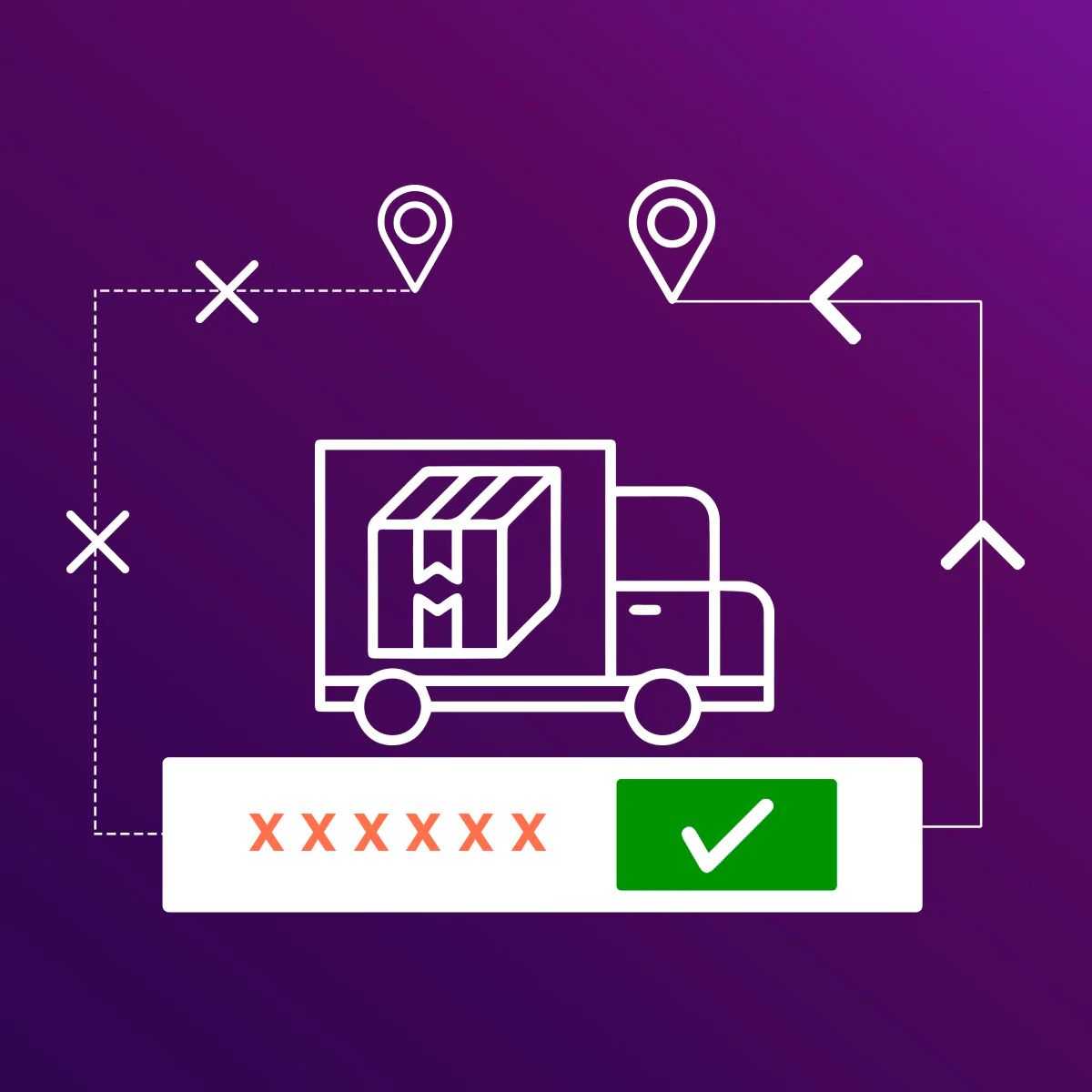
Hide, rename, or reorder shipping rates at checkout. Set rules by cart value, products, customer tags, and destination. Preview before going live.
Claim app
Verify your developer profile to earn a badge and build trust to your apps


About the ShipWeaver Hide Shipping Rules
ShipWeaver Hide Shipping Rules lets you hide, rename, reorder, and de-duplicate shipping methods at checkout so customers only see rates that apply to them. Build custom rules based on cart value, products, customer tags, destination, and B2B versus retail scenarios. Perfect for managing wholesale versus retail shipping, pickup versus delivery options, or removing rates that shouldn't appear in specific locations. Preview any rule on a tester checkout before going live to ensure everything works correctly. Use Sidekick to quickly check what's hidden, renamed, or in preview-only mode, then jump straight to the rule for easy management.
Launched: April 20, 2026
Key features
- Hide, rename, and reorder shipping methods at checkout
- Rules by cart, product, customer tag, destination, and B2B vs retail
- Preview rules at checkout, or ask Sidekick what customers see
Integrations with:
- Checkout,
- Shopify Admin