Nachricht
 Shopify SEO
 Shopify-Entwicklung

SmartStock: Sold out variants
- von JdeB Web Solutions
- Ab $3,99/Monat. Kostenlose Testversion verfügbar.
- von JdeB Web Solutions
- Ab $3,99/Monat. Kostenlose Testversion verfügbar.
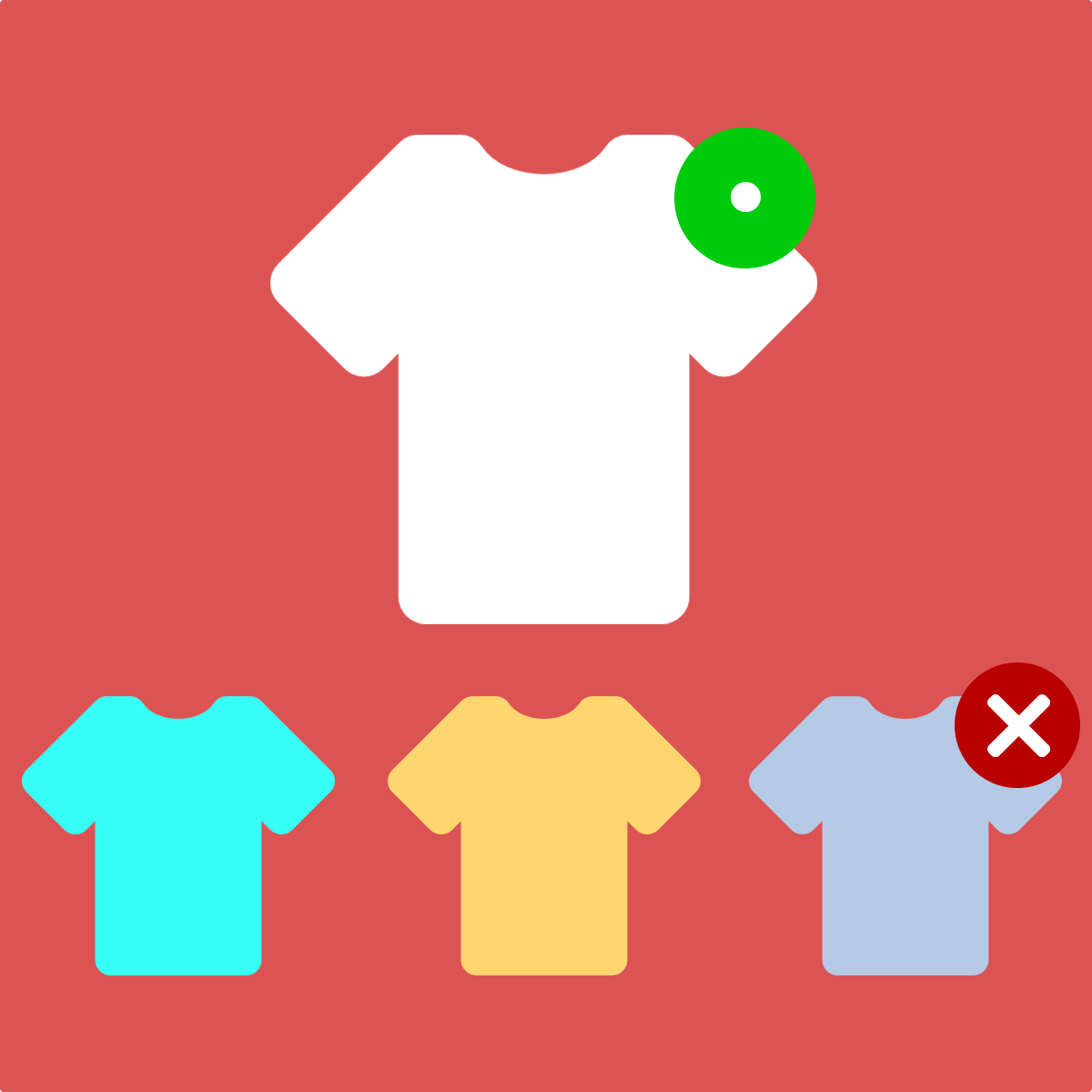
Zeigen Sie den Käufern, welche Produkte in ihrer Größe oder Farbe ausverkauft sind, bevor sie klicken. Reduzieren Sie Frustration und erhöhen Sie automatisch die Konversionen.
App beanspruchen
Verifiziere dein Entwicklerprofil, um ein Badge zu erhalten und Vertrauen in deine Apps aufzubauen


Über SmartStock: Sold out variants
SmartStock zeigt Käufern automatisch, welche Produkte für ihre ausgewählten Variantenfilter wie Größe oder Farbe ausverkauft sind. Ausverkaufte Artikel erhalten eine graue Überlagerung und ein Ausverkauft-Abzeichen direkt auf den Kollektionsseiten, damit die Kunden Bescheid wissen, bevor sie darauf klicken.
Keine Frustration mehr, wenn nach dem Öffnen von Produktseiten nicht verfügbare Varianten gefunden werden. Die App ist Filter-bewusst und kennzeichnet Produkte nur dann als ausverkauft, wenn sie der aktiven Filterauswahl entsprechen.
Funktioniert mit allen Online Store 2.0 Themes ohne Code- oder Theme-Bearbeitung. Aktivieren Sie es einfach mit einem Schalter im Theme-Editor. Sie können den Text, die Farbe, die Schriftart und die Position des Ausverkauft-Abzeichens an das Design Ihres Shops anpassen. Die App ermöglicht es Ihnen auch, ausverkaufte Varianten direkt auf den Produktseiten auszublenden, um Ihren Katalog übersichtlich und auf Konversionen ausgerichtet zu halten.
Veröffentlicht: 28. Mai 2026
Hauptmerkmale
- Automatische graue Überlagerung auf Produktkarten, die nicht auf Lager sind
Integrationen mit:
- Shopify Admin
Kategorie:
Preise von SmartStock: Sold out variants
Basic
3,99 $ / Monat
oder 39 $/Jahr und sparen Sie 19%
- Automatischer grauer Overlay
- Festes Ausverkauft-Badge
- Filterabhängige Erkennung
- Funktioniert mit allen OS 2.0-Themes
Advanced
7,99 $ / Monat
oder 79 $/Jahr und sparen Sie 18%
- Passen Sie Badge-Text, Farbe und Position an
- Overlay-Deckkraft und Graustufenregelung
- Ausverkaufte Varianten auf der Produktseite ausblenden
- Ausverkaufte Produkte am Ende der Seite sortieren
- Live-Badge-Vorschau