Nachricht
 Shopify SEO
 Shopify-Entwicklung

FitMatch Sizing Bar
- von Apex UI Studio
- Frei
- von Apex UI Studio
- Frei
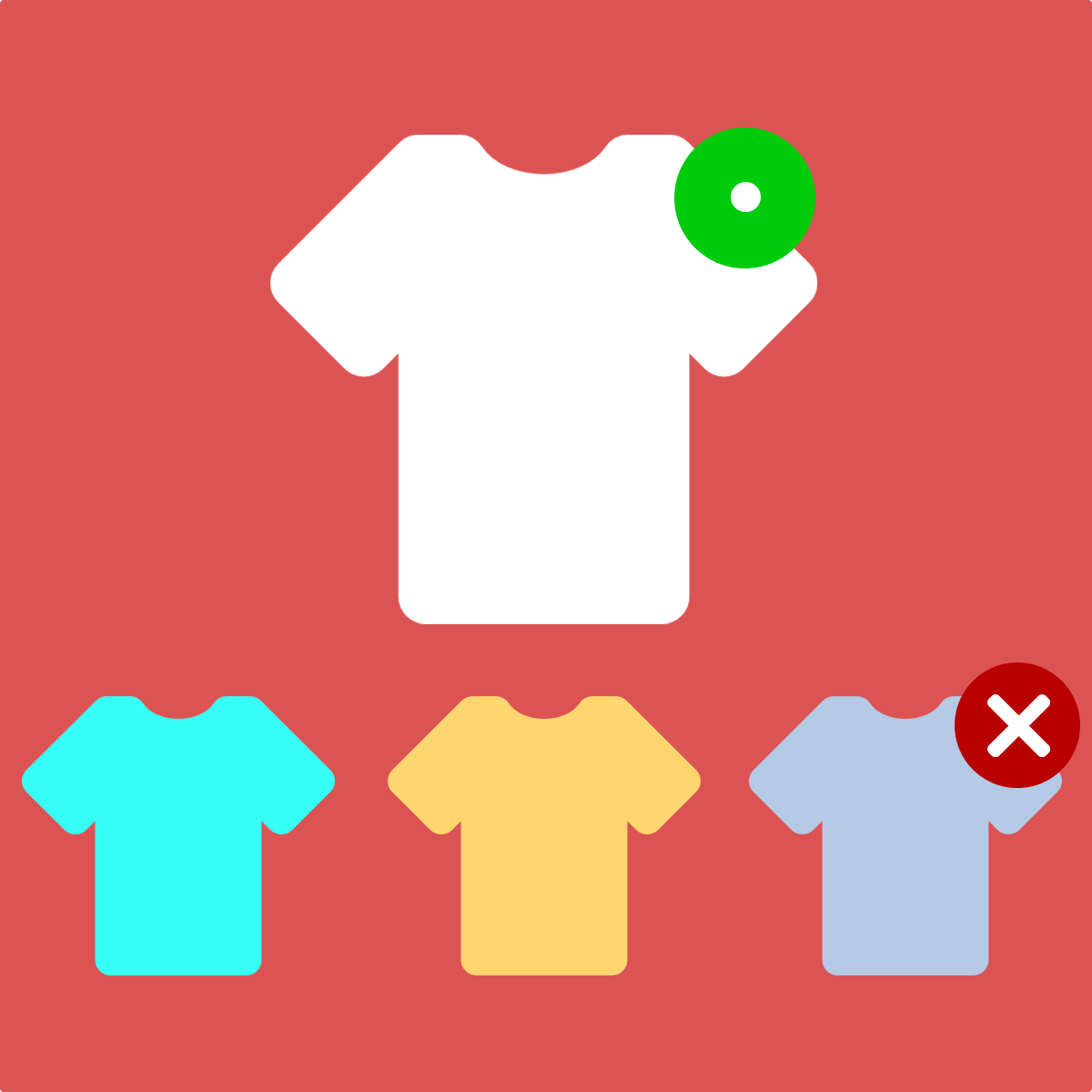
Leiten Sie Käufer zu ihrer perfekten Größe und reduzieren Sie Retouren. Kunden geben ihre übliche Größe ein, und das Widget empfiehlt automatisch die richtige Passform.
App beanspruchen
Verifiziere dein Entwicklerprofil, um ein Badge zu erhalten und Vertrauen in deine Apps aufzubauen


Über FitMatch Sizing Bar
FitMatch Sizing Bar hilft, Größenretouren zu reduzieren, indem es Käufer bei der Online-Bestellung von Bekleidung zum perfekten Sitz führt. Kunden geben einfach ihre übliche Größe wie „M“ oder „32“ ein, und das Widget wählt automatisch die passende Größe für sie aus. Händler können Produkte als „fällt klein aus“ oder „fällt groß aus“ kennzeichnen, und die Größenschiene passt die Empfehlungen entsprechend nach oben oder unten an. Sie können die Schaltfläche „In den Warenkorb“ sperren, damit Kunden FitMatch vor dem Kauf verwenden müssen, um sicherzustellen, dass jeder Käufer eine richtige Größenberatung erhält. Die App erkennt automatisch Bekleidung, Hosen und Schuhe und funktioniert mit jedem Theme – egal, ob Sie Größenauswahlen, Swatches oder Radio-Buttons verwenden. Legen Sie globale Standardwerte für Ihren gesamten Shop fest und passen Sie einzelne Produkte nach Bedarf an. Keine Programmierung erforderlich.
Veröffentlicht: 16. Juli 2026
Hauptmerkmale
- Größenanpassung – Kunden geben ihre übliche Größe ein, Widget wählt die richtige Größe aus.
Integrationen mit:
- Shopify Admin