News
News
 Shopify SEO
 Shopify development

GG Product Page Image Slider
- by Gigilabs
- Free plan available. Free trial available.
- by Gigilabs
-
Built for Shopify
- Free plan available. Free trial available.
Turn your product page gallery into a beautiful image slider with zoom, video support, and variant-specific images to help customers browse and buy faster.
Claim app
Verify your developer profile to earn a badge and build trust to your apps


About the GG Product Page Image Slider
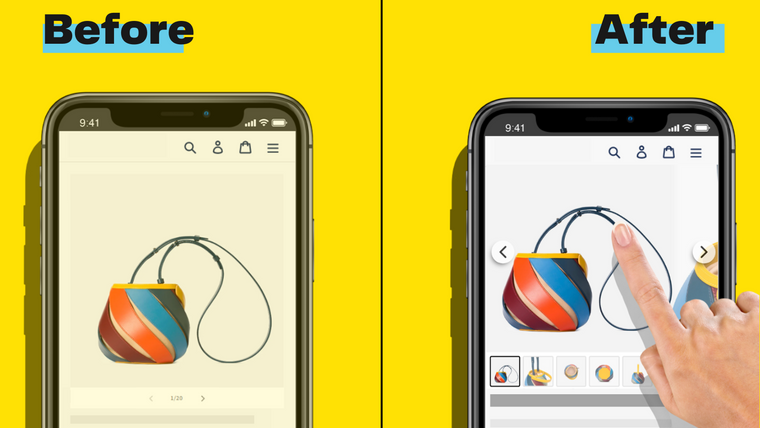
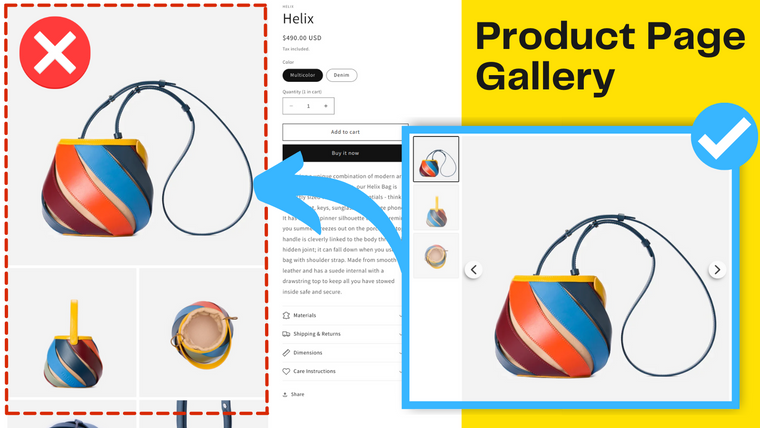
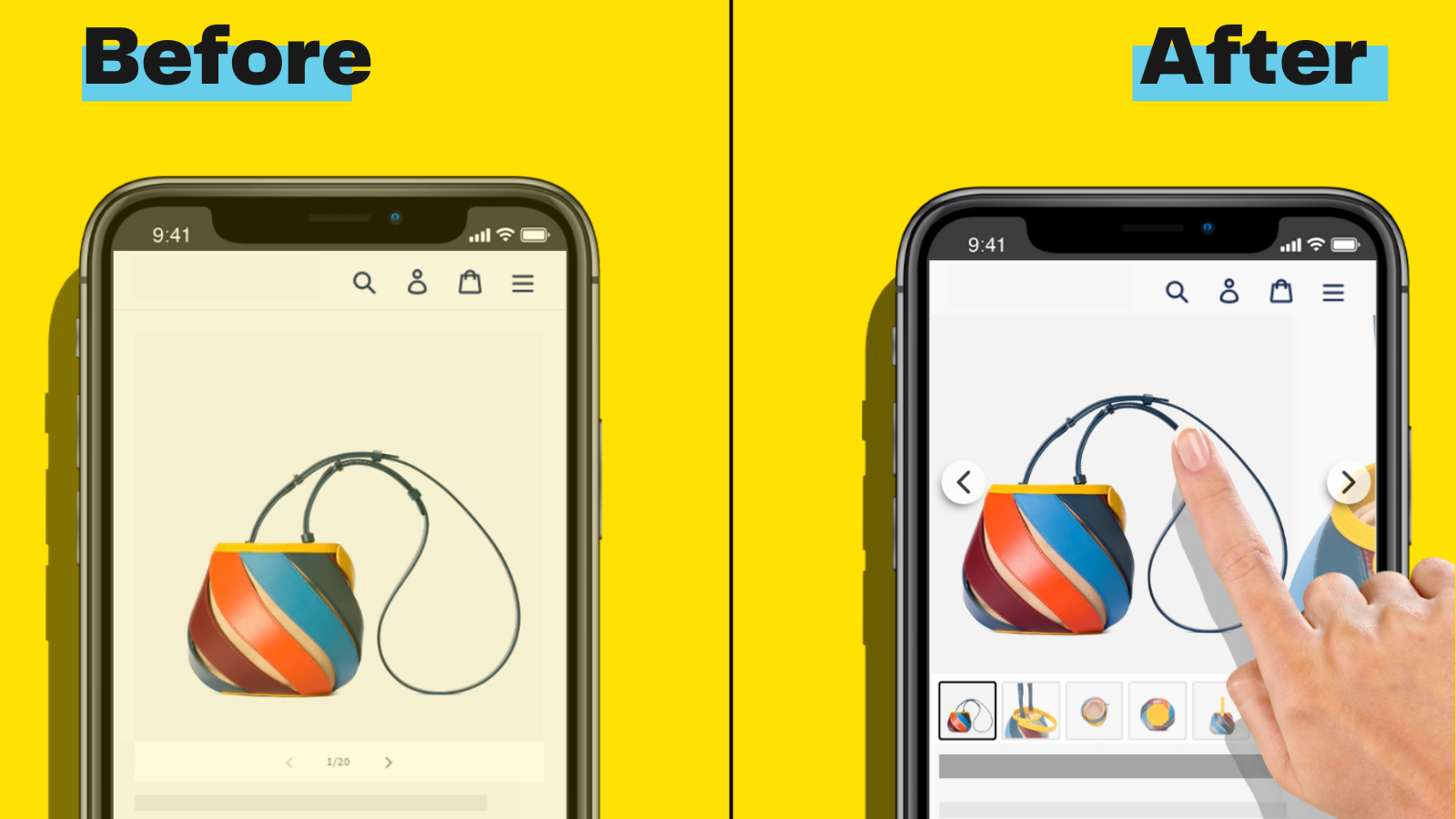
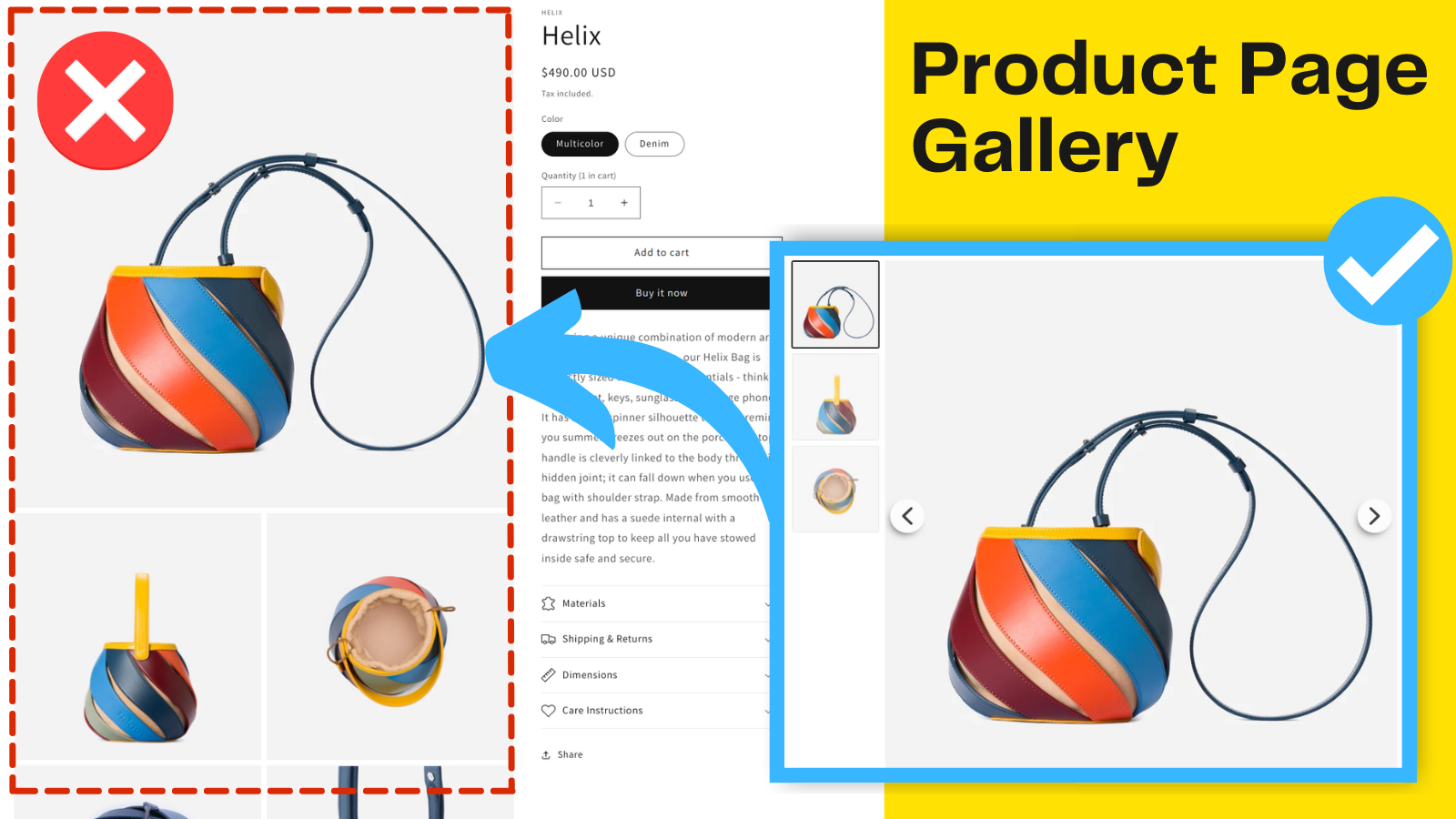
This app replaces your standard product page gallery with a professional image slider that helps customers browse your product images more easily. The product image carousel features navigation arrows, thumbnails, and multiple layout options including image grid and slideshow formats.
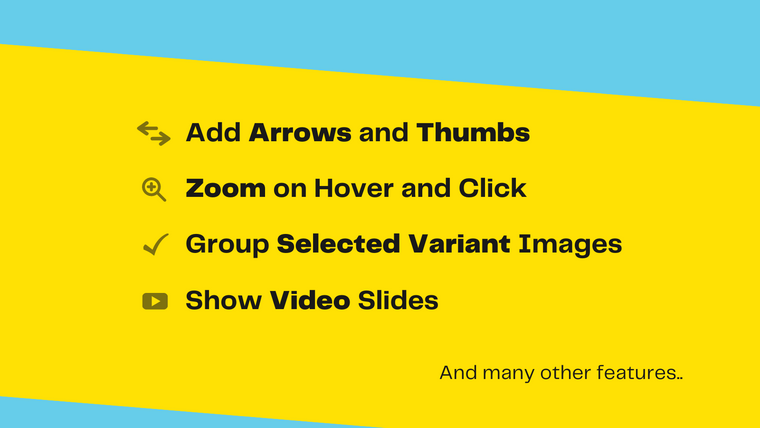
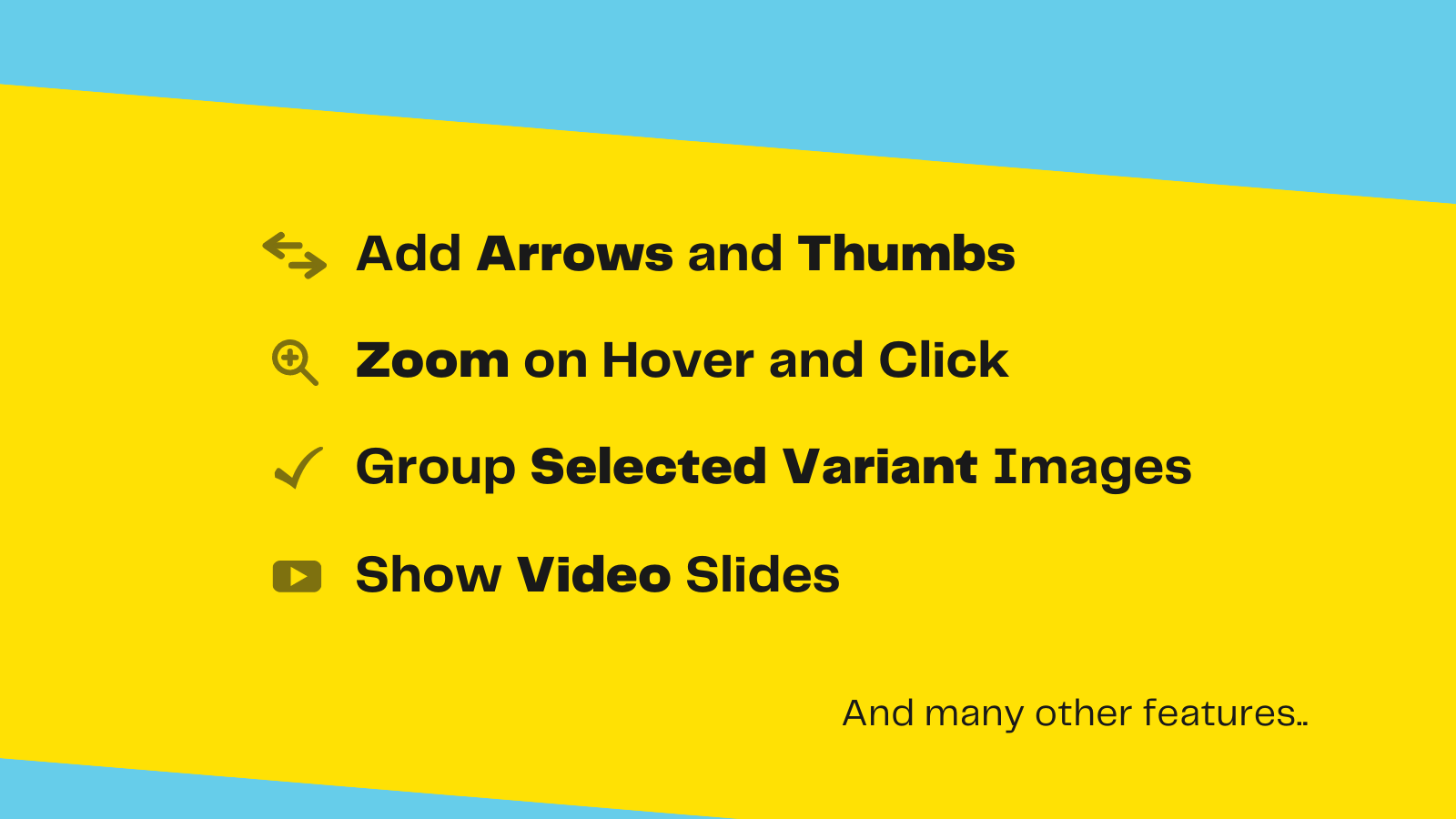
Key features include image zoom and magnify functionality, autoplay video player for product videos, and variant images that display only the photos relevant to the selected product variant. The gallery is optimized for mobile devices with Instagram-style swipe navigation.
Installation is simple - just choose your preferred images layout and customize the carousel type, arrows, colors, thumbnails, and zoom settings. The app supports rich media including product videos, 3D models, and AR viewing. The lightbox slideshow feature lets customers view your product photo gallery in full detail, making it easier to showcase your products and improve the shopping experience on your product pages.
Launched: April 21, 2021
Key features
- Easy install - choose the best images layout for your product page image gallery
- Select image carousel type, arrows, colors, thumbs, video player & image zoom
- Optimized for Mobile - swipe Product Images and Video just as in Instagram
- Variant Images - show images of the selected variant only in a slideshow
- Rich Media support - play product videos and show product 3D models in AR
Integrations with:
- Shopify Admin
Category:
Pricing of GG Product Page Image Slider
Free
Free
- Just the basic Slider
- No thumbnails (images below)
- No configuration options
- No zoom
- No video
PRO
$8.99 / month
- Unlock all configuration options
- Zoom & Magnify
- Play video slides
- Multiple images per variant
- Show thumbnails (images below)