News
News
 Shopify SEO
 Shopify development
Best Importing your WooCommerce Orders Shopify apps in 2027 [Updated]


PickYourApp Review Team
6 min read
•
Aug 22, 2026
The best Shopify apps for importing WooCommerce orders make migrating your store data seamless and reliable. These specialized tools help merchants transfer essential business information including products, customers, orders, and reviews from WooCommerce to Shopify. With automated migration features, bulk import capabilities, and dedicated support, these apps ensure your valuable store data moves accurately and securely to your new Shopify platform. Whether you need to transfer a complete store or specific data sets, these migration solutions simplify the process while maintaining data integrity.
| Name | Rate on Shopify | Price | Free trial | Key features |
|---|
-
#1. Matrixify app helps you to manage store data - bulk import, export, update and migrate.
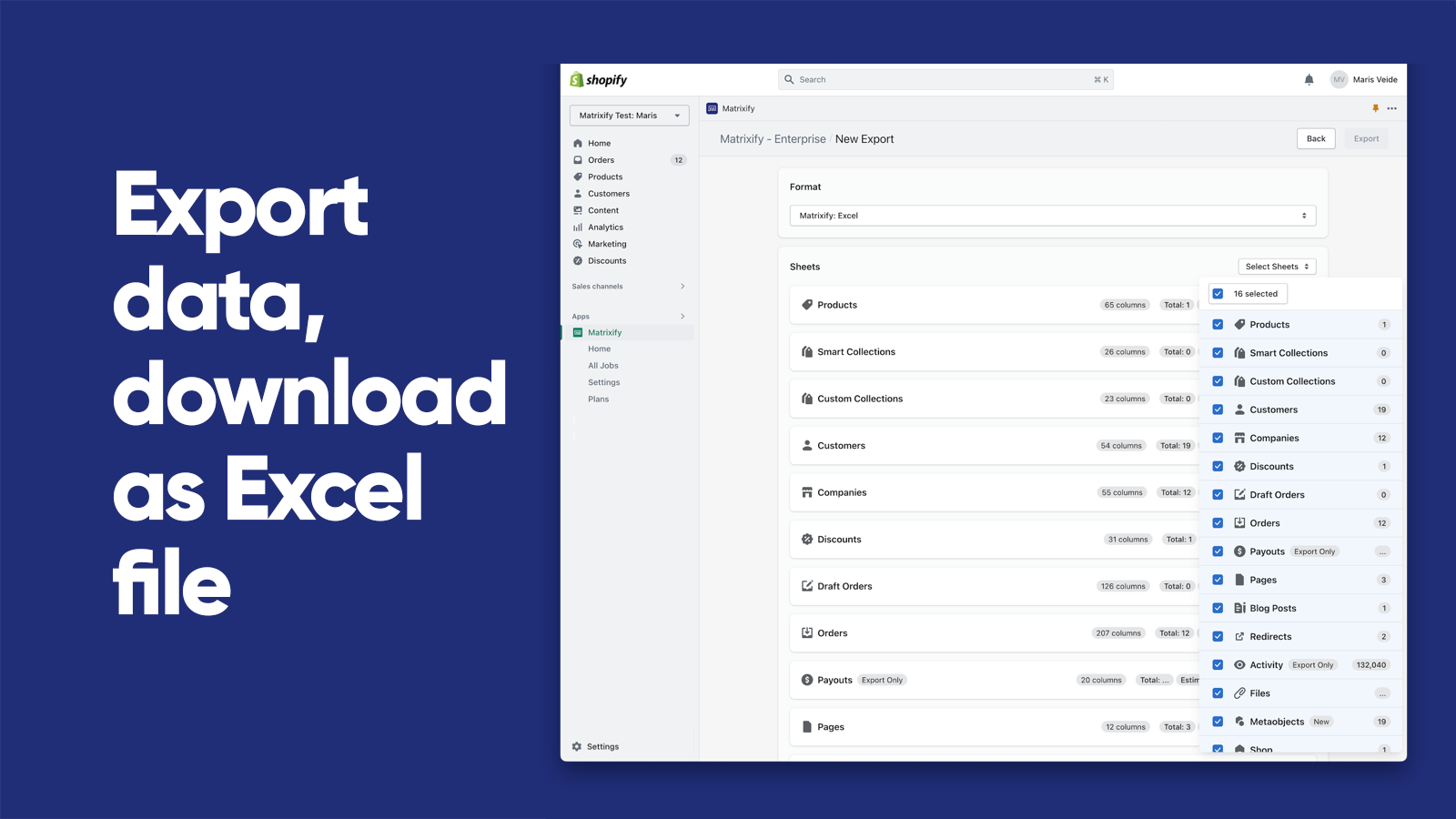
Matrixify helps you manage store data with bulk import, export, update and migration capabilities. Save time working with your Shopify data, whether you run a small store or large enterprise - this app handles files up to 20 GB. Import and export data using Excel, Google Sheets, CSV files, or automate through FTP servers. Migrate from WooCommerce, WordPress, Magento, BigCommerce, Lightspeed and other platforms. Backup and restore data, or copy data between stores. Schedule export and import jobs to auto-repeat, monitor them in real-time, and review job history. Works with Products, Collections, Customers, B2B Companies, Discounts, Draft Orders, Orders, Payouts, Pages, Blogs, Redirects, Activity, Files, Metaobjects, Metafields, and Navigation Menus. -
#2. Migrate or import data from WooCommerce, Magento, BigCommerce, Prestashop,.. easily with no downtime
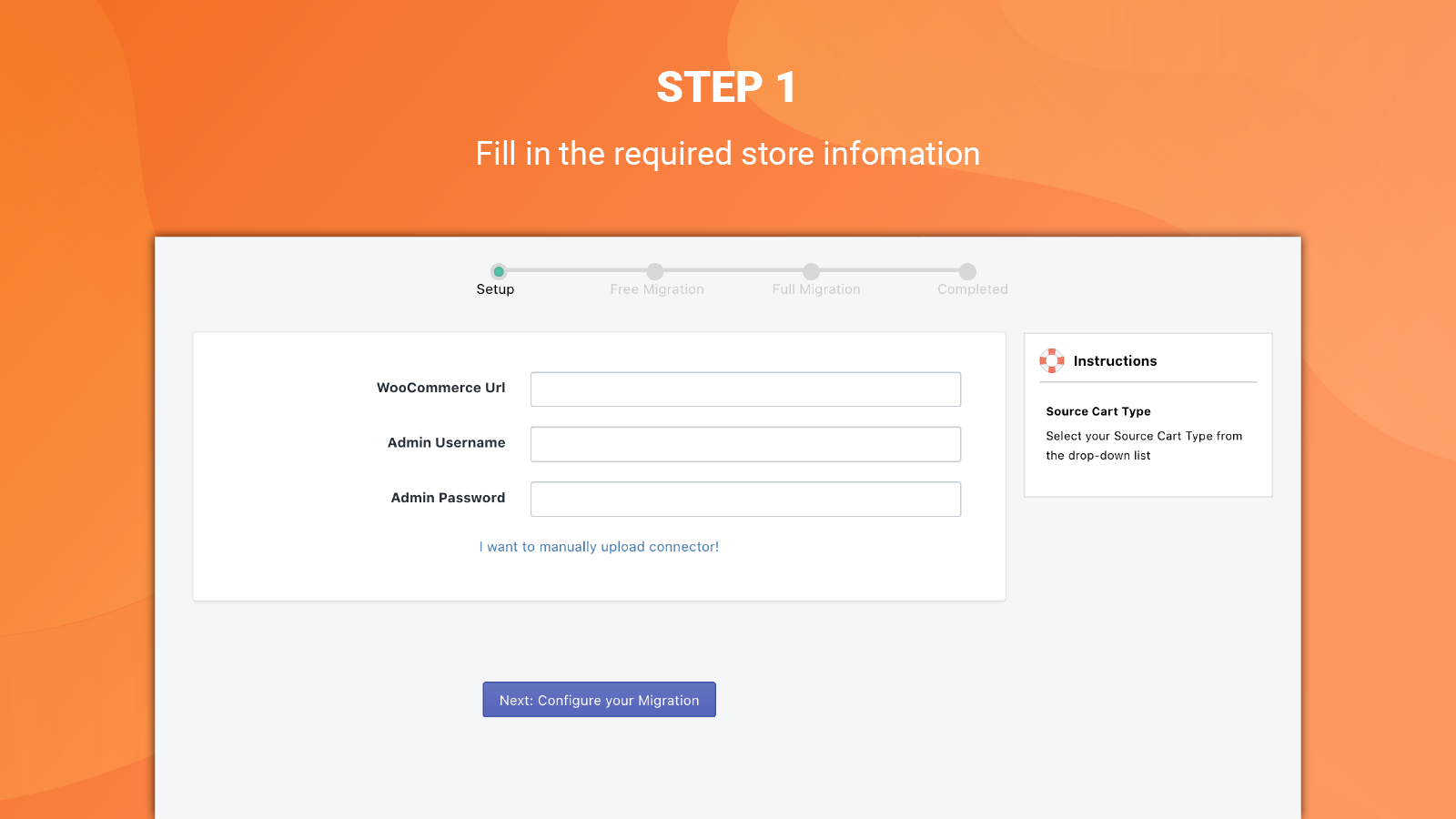
 LitExtension Store Migration App makes it easy to migrate your store to Shopify or Shopify Plus from platforms like WooCommerce, Magento, BigCommerce, Prestashop, and Shopware. Import your data automatically in just 3 simple steps with no technical skills needed. The app supports advanced data types including metafields, multi-language content, gift cards, and companies, with full Matrixify file compatibility. You can customize your migration to meet specific needs, add 301 redirects, and migrate smart collections while maintaining data integrity. Keep your store running during the migration process with no downtime or lost sales. The app handles Shopify's new limits of 2048 variants and 3+ options, and lets you import new or updated data after your initial migration. Expert guidance and 24/7 live support are available throughout the entire process.
 -
#3. Migrate Your Product, Order & Customer Data from WooCommerce Faster and Smoother Than Ever Before

 Make your WooCommerce to Shopify migration smooth and reliable with the Ablestar WooCommerce Importer. This specialized tool helps you move your products, orders, and customer data accurately without losing valuable information. Import your WooCommerce store data seamlessly, maintain product-customer relationships, and create proper URL redirects to avoid broken links after migration. The app provides detailed CSV reports to verify successful product mapping and lets you re-import data when needed. With dedicated customer support guiding you through the process, you can confidently transfer your online store while preserving customer reviews and generating activation links for your existing customers.