News
News
 Shopify SEO
 Shopify development
Best free Anti theft Shopify apps in 2027 [Updated]


| Name | Rate on Shopify | Price | Free trial | Key features |
|---|
-
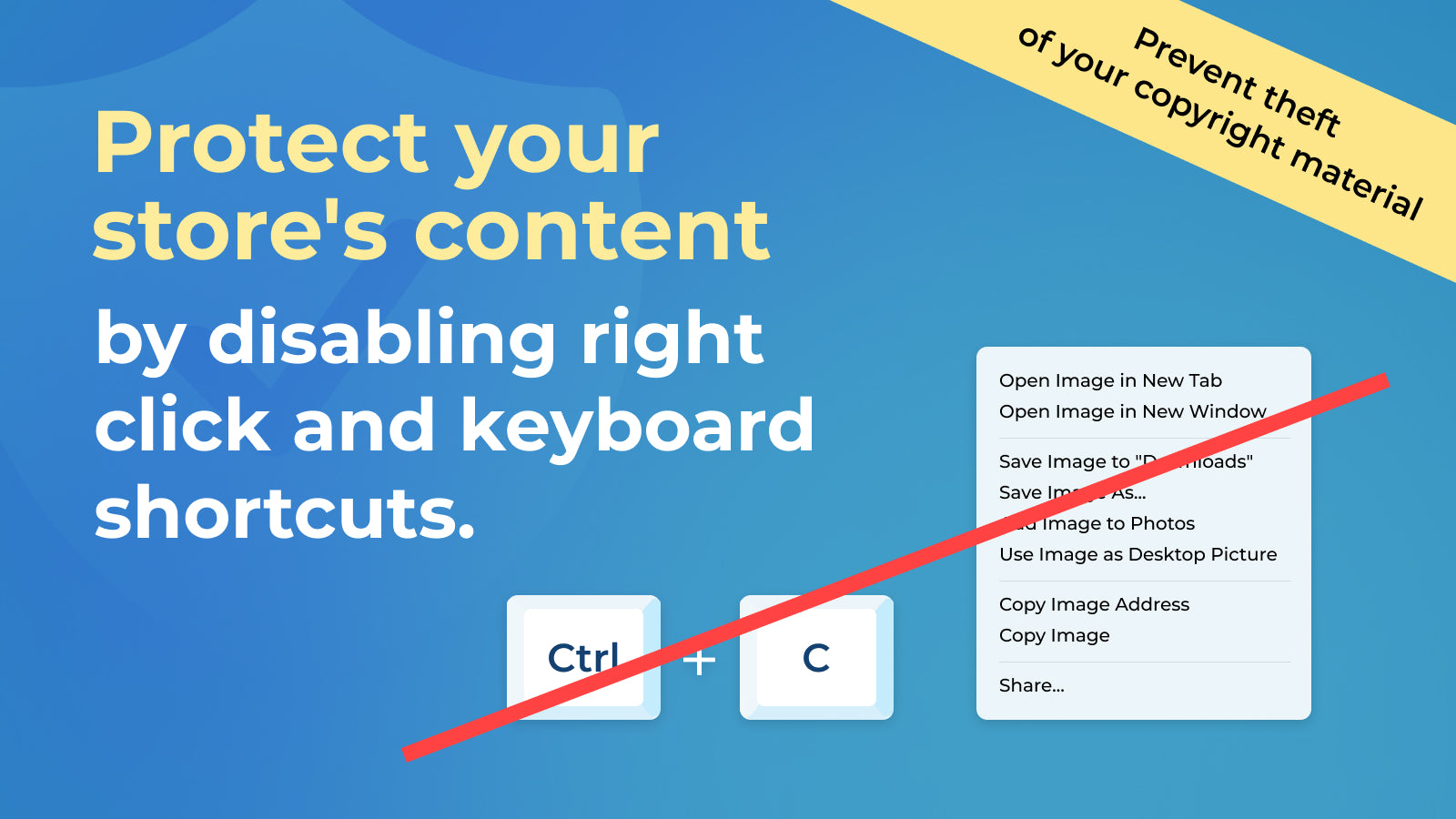
#1. Disables the right-click button. Prevents cutting, copying, saving images, or viewing page source.

 Protect your valuable store content from unauthorized copying with this essential security app. By disabling right-click functionality and browser features, you can prevent others from easily copying your images, text, and source code. The app blocks common methods thieves use to steal content, including copy-paste actions, keyboard shortcuts, and screen capture attempts. When someone tries to right-click, they'll receive an alert message instead. This helps maintain your original content status on search engines like Google, where duplicate content can harm your rankings. Keep your store's unique content safe with simple yet effective protection measures.
 -
#2. Protect your store content, images and texts from being stolen with a few simple clicks.
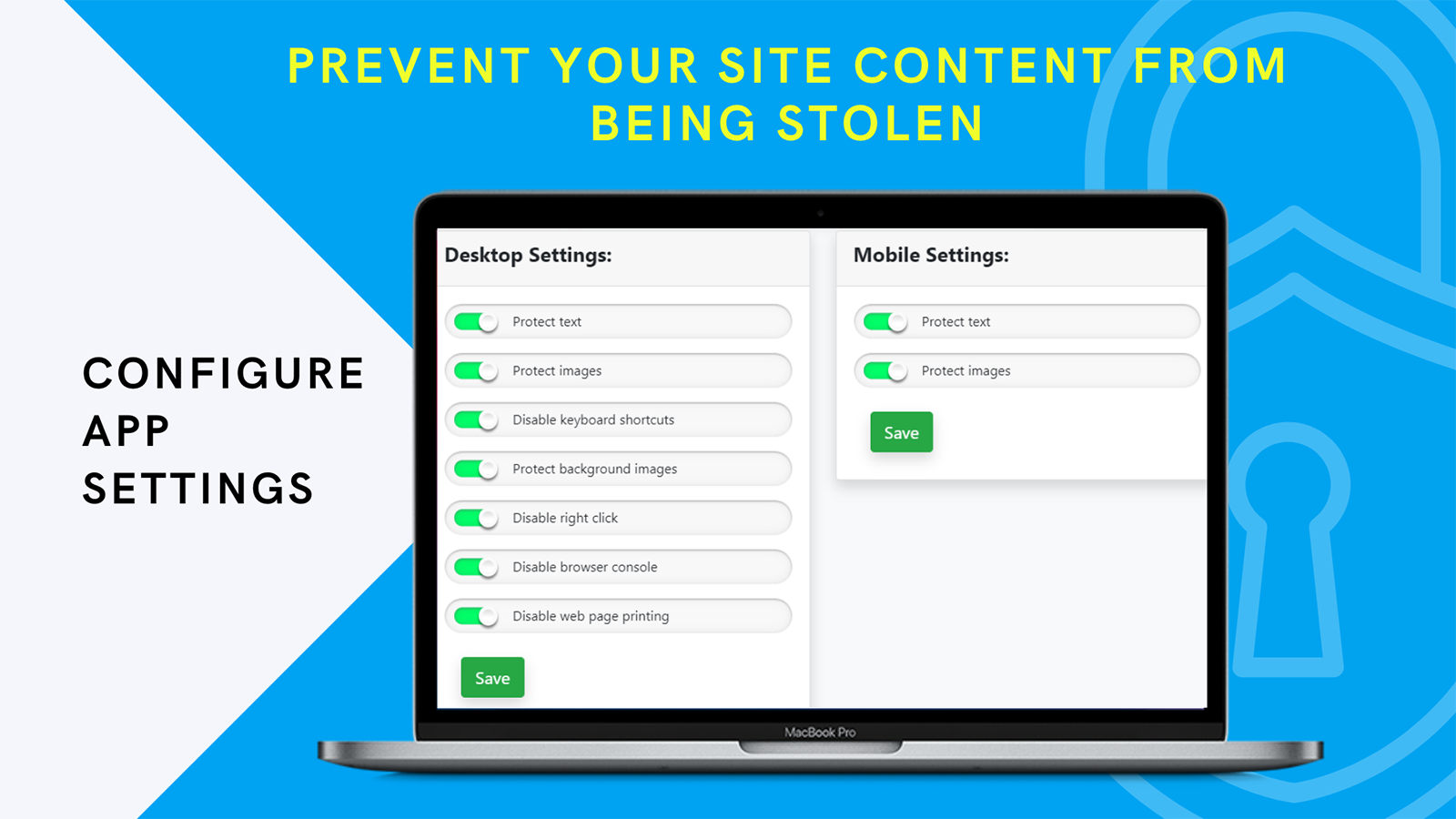
 Protect your store's original content from theft with Cozy AntiTheft. Creating unique images and text takes time and effort, but copying content has become too easy with modern browsers. This app helps prevent content theft by disabling common methods like right-clicking, keyboard shortcuts, and drag-and-drop functionality. It also blocks browser printing and developer tools access, making it difficult for others to copy your store's content. With just a few simple toggles, you can activate comprehensive protection for your store's assets. Keep your content exclusive and maintain better search engine rankings by preventing duplicate content across other websites.
 -
#3. Block unlimited fraud IPs, countries & protect your content from theft, false DMCA, and copycats.
Protect your Shopify store from fraud and content theft with Rocket IP & Country Blocker. This security app lets you block specific countries and unlimited IP addresses to maintain compliance and prevent unauthorized access. Keep your content safe by disabling right-clicks, text selection, and browser developer tools. The simple dashboard makes it easy to manage all security settings in one place. Block VPNs and proxy servers to ensure your location restrictions stay effective. With round-the-clock protection, your store stays secure against potential threats and copycats. -
#4. Protect content and stop content theft by blocking right-click, keyboard shortcuts, and image saving
Defendify helps protect your store's copyrighted content from theft by blocking common browser actions people use to copy text and images. The app disables right-click menus, keyboard shortcuts, image saving, text selection, and image dragging to add an extra layer of security against unauthorized content reuse. This copyright protection tool makes it harder for visitors to steal your intellectual property by restricting context menus like "Save as" and preventing typical copying methods. While determined users may find workarounds, Defendify provides effective deterrence against casual content theft, giving your online store's materials added protection from unauthorized copying and reuse. -
#5. Protect your store's content by disabling copy & paste shortcuts on all devices.
 Protect your store's content from unauthorized copying and maintain your competitive edge with Scala Anti Spy. This security app prevents content theft by disabling copy and paste shortcuts across all devices - desktop, mobile, and tablet. When competitors clone your products and content, it can severely impact your sales and harm your SEO rankings due to duplicate content flags on Google. Take control of your store's security by customizing protection levels and blocking access from specific countries. Keep your original content safe and preserve your store's unique value with robust copy protection that works seamlessly across all platforms.
 -
#6. Make your store harder to copy with right-click, drag & drop and keyboard shortcut protection.

 Uplinkly Shop Shield protects your store content from being copied. The app disables right-click menus on images and text, blocks drag and drop functionality, and prevents keyboard shortcuts like save page, view source, and print commands. When visitors attempt to copy your content, you can display a custom popup message with an optional alert sound. The app includes reverse engineering protection that removes scripts and theme details after page load. Nuclear Mode takes security further by clearing the page if developer tools are detected. All protection features work alongside your store's essential functions. The recommended settings ensure your cart, checkout process, and forms continue working normally while keeping your images, text, and form fields secure from unauthorized copying.
 -
#7. Shopmark finds clone stores and stolen product photos, verifies them, and files takedowns for you.
Shopmark protects your store by finding and removing clone stores and stolen product photos. The app monitors for stores that copy yours using a theme beacon that detects when your storefront loads on unauthorized domains. Reverse image search identifies your product photos on other sites, while domain monitoring catches look-alike domains as they're registered. Each potential clone is verified against your catalog and reviewed side by side with AI before you're alerted. Shopmark handles takedown notices automatically by sending DMCA and abuse reports with timestamped evidence to hosts, registrars, Shopify, and Google. The app continues monitoring each clone until it's removed. Setup takes just one click, and takedowns proceed automatically with your approval. -
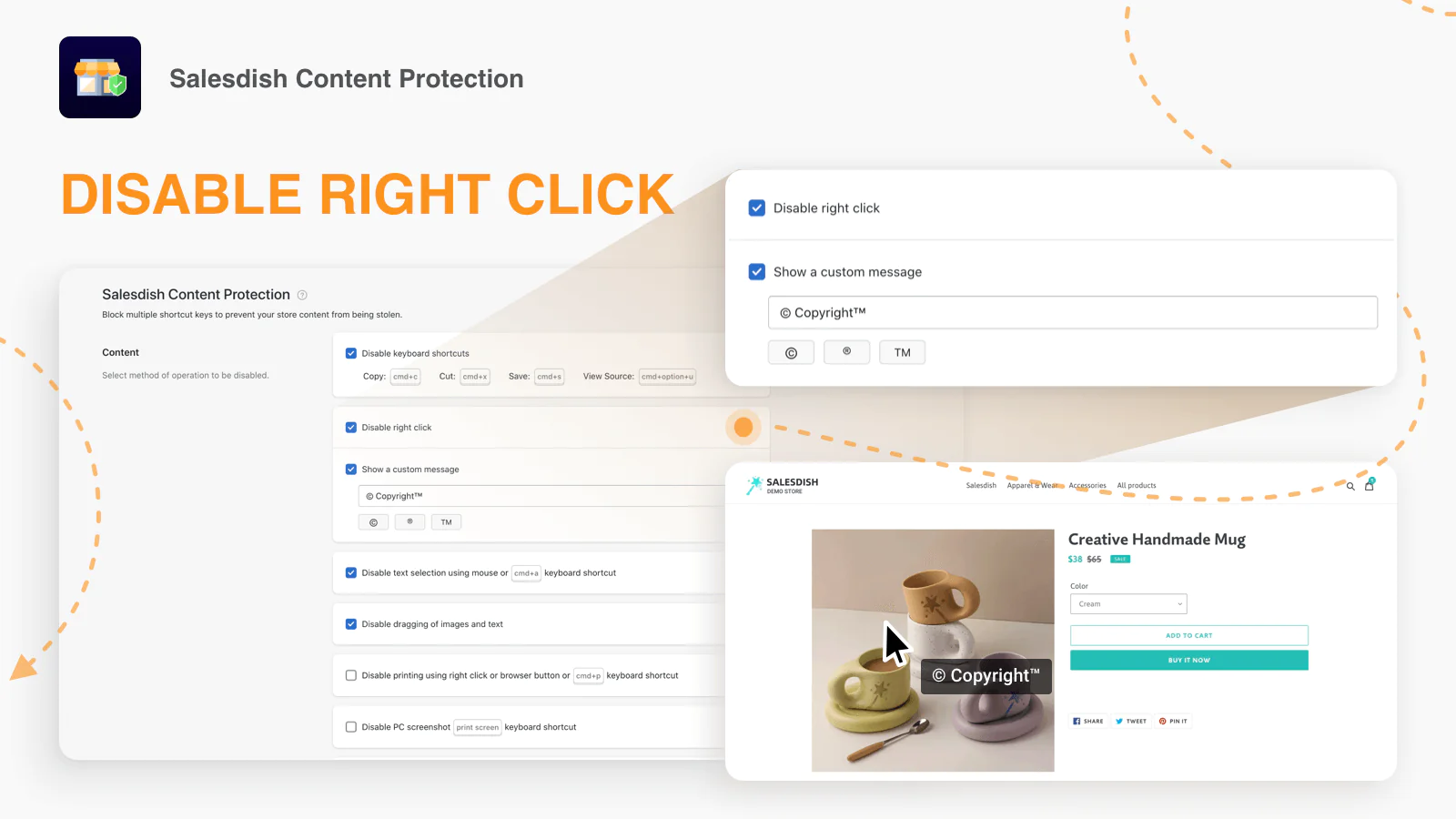
#8. Help merchants guard against plagiarism from their peers
Protect your store's valuable content from unauthorized copying with Salesdish Content Protection. This essential app helps prevent competitors and copycats from stealing your carefully crafted product descriptions, high-quality photos, and text details. Instead of dealing with the frustration of discovering stolen content after the fact, take proactive steps to secure your digital assets. The app provides comprehensive protection for both your product images and written content, giving you peace of mind while maintaining your store's unique identity. Don't wait until your content is copied - implement protection measures now to safeguard your creative work and business investments. -
#9. Disable right click, protect images, block copy paste, and lock store content from theft.
Protect your store content from theft with comprehensive right click protection and copy protection tools. This app blocks right click, disables inspect element, and prevents visitors from copying text or saving product images. Stop content theft by disabling keyboard shortcuts, drag and save actions, and screenshot attempts across your entire Shopify store. The anti theft protection covers products, pages, and collections while maintaining a smooth shopping experience. Prevent printing and PDF saving of digital content with one-click setup. Lightweight image protection keeps your product photos secure without slowing down your store. Simple customization lets you control which protection features to enable for complete store lock security. -
#10. Protect sales data with SpyBlocker, securing your store from spy extensions and prying eyes.
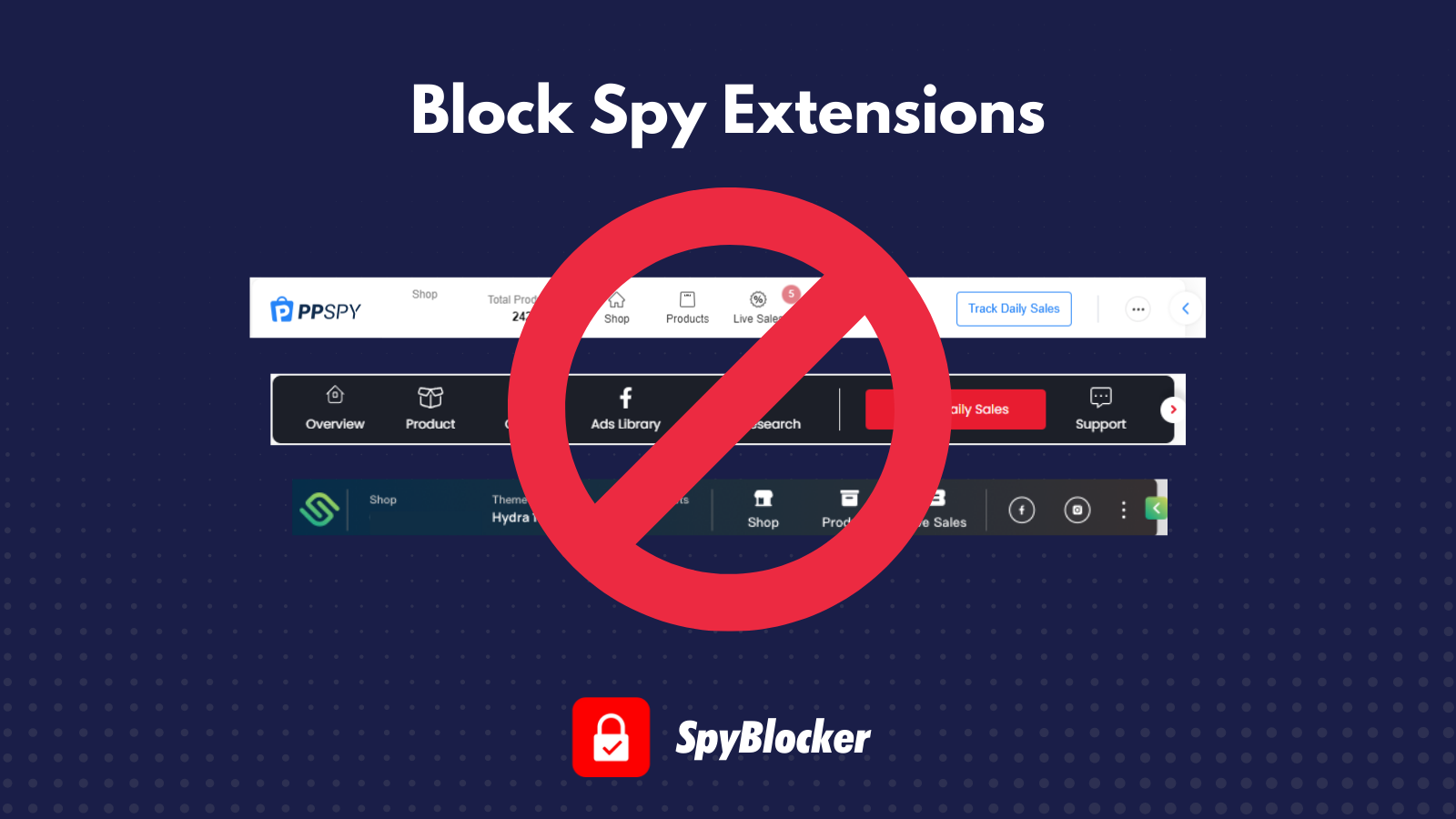
Secure your Shopify store's valuable data with SpyBlocker, the essential protection against spy extensions and competitor monitoring. This app effectively blocks popular spy tools like AliHunter, PPSpy, UUSpy, Shopify Raise, and Adminer from accessing your sensitive information. SpyBlocker safeguards your sales data, product details, live sales, and supplier information while preventing unauthorized copying through disabled right-click and inspect element functions. Keep your bestselling products hidden from competitors by blocking bestseller sorting URLs. Create a secure environment for your online store and maintain your competitive edge by installing SpyBlocker today.