News
News
 Shopify SEO
 Shopify development
Best free Search and navigation Shopify apps in 2027 [Updated]


| Name | Rate on Shopify | Price | Free trial | Key features |
|---|
-
#1. Add a scroll to top button in a minute.

 Navigate your long pages with ease using this simple scroll to top button. The button appears smoothly when visitors scroll down, letting them quickly return to the top of your page without frustrating scrolling. With advanced customization options, you can adjust the button's background color, size, position, and hover effects to match your website's design. Installation is quick and automatic - no coding needed. You can also control where the button appears by showing or hiding it on specific pages. This small but practical addition to your website helps create a better shopping experience for your customers.
 -
#2. A button allows the user to quickly return to the top of the page without making too much effort.

 Make your Shopify store more user-friendly with the Smooth Scroll To Top button. Perfect for stores with long product descriptions and content-rich pages, this button lets visitors instantly return to the top with a single click. The button appears only when scrolling is needed and includes a progress bar to help customers track their position on the page. You can easily customize the button's appearance - from colors and shapes to size and position - to match your store's design. Whether customers are browsing lengthy product catalogs or detailed blog posts, this scroll-to-top function improves navigation and helps create a better shopping experience. If your theme doesn't include this essential feature by default, Smooth Scroll To Top offers a simple solution to add professional scrolling functionality to your store.
 -
#3. Breadcrumb Star adds a clear trail across products, collections, pages etc for navigation
Breadcrumb Star adds clear navigation trails across your products, collections, and pages so customers always know where they are in your store. These multi-level breadcrumbs make it easy for shoppers to backtrack and browse without getting lost, reducing bounce rates and creating a smoother shopping experience. The SEO-friendly breadcrumb structure helps improve search visibility, indexing, and drives more organic traffic to your Shopify store. Fully customizable from the Shopify customizer, you can style the breadcrumbs to match your theme perfectly. Simple navigation that works for both your customers and search engines. -
#4. Help shoppers find products with search and filters. Add relevant recommendations.
This app helps shoppers find products faster with smart search suggestions, collection filters, and product recommendations. Add live search with synonyms, redirects, and pinned products to guide customers to what they need. Publish filters on collection and search result pages with swatches, price ranges, and flexible layouts. Place recommendation widgets on product, collection, home, and cart pages to show relevant items. Pro plan includes AI-powered search and a Year/Make/Model vehicle finder for auto parts stores. Preview all changes in the admin before going live. Track performance with search, filter, and recommendation analytics, including CSV exports. Set up is simple—activate the app embed and widget blocks in Shopify's theme editor to get started. -
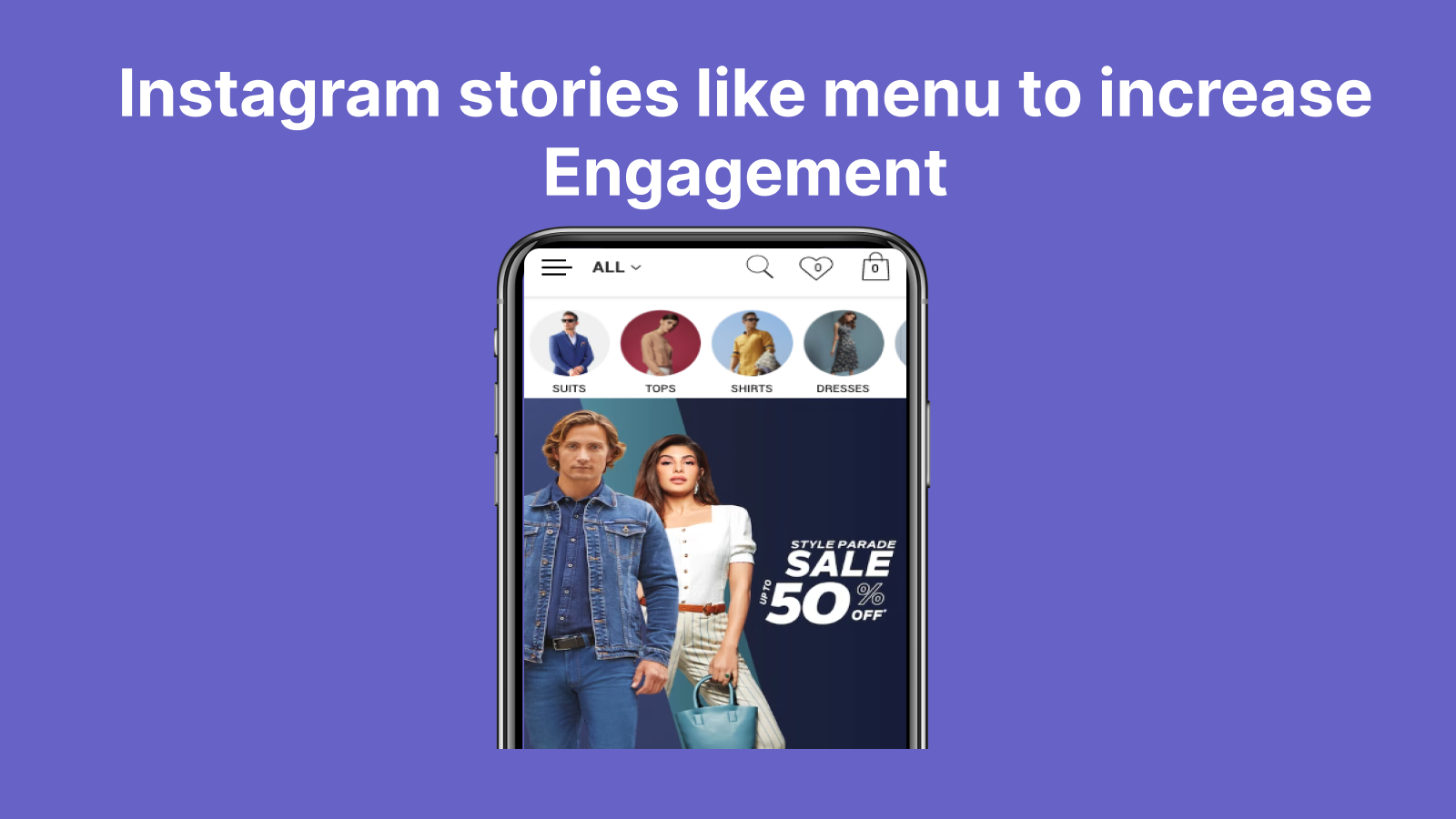
#5. Create Instagram like menu for your store and it helps in accessing different products in mobile
Create an Instagram-style Story menu for your mobile store that makes product navigation simple and engaging. This app displays circular menu icons, similar to Instagram Stories, allowing customers to quickly access your important product pages and catalogs. The Story menu appears only on mobile devices, keeping your desktop navigation clean and traditional. You can easily update and rearrange menu items with just a few clicks, giving you full control over your mobile navigation experience. Help your mobile customers find what they're looking for faster with this familiar, user-friendly menu format that mirrors the popular Instagram interface they already know and love. -
#6. Upgrade your store with a sleek, modern search interface in a snap!
Experience modern search functionality with Snap Search, a user-friendly search layer that shows instant results as customers type. The app displays matching products, collections, pages, and blog posts in real-time, making product discovery quick and intuitive. Choose from three contemporary design options - Modal, Fullscreen, or Drawer - to match your store's look. The search interface works perfectly with both Store 2.0 and classic Shopify themes, offering built-in translations in seven languages including English, German, French, and Spanish. Snap Search fully supports your existing Search & Discovery app settings, ensuring a consistent search experience across your store. -
#7. Create floating navigation buttons that stay visible and turn customer attention into action.

 Floating Buttons lets you add sticky navigation buttons to your Shopify store that stay visible as customers browse. Create floating buttons for contact, chat, call, email, social media, or quick navigation links that catch attention and drive action. Customize icons, labels, colors, placement, and hover states to match your brand perfectly. Add multiple floating buttons and manage them all from one simple dashboard. Assign custom actions and links to each button, choose from the icon library or upload your own, and adjust backgrounds, borders, and hover effects. No coding needed—set up in minutes and guide visitors to support, promotions, or any action that matters most. Perfect for mobile-friendly navigation and improving customer experience.
 -
#8. Scroll button for store: scroll to top, bottom or %. 1-click install, no code. Advanced controls.

 Boostra Scroll To adds a floating scroll button to your Shopify store, making navigation easier for shoppers. The app lets customers scroll to top, back to top, scroll to bottom, or jump to any page percentage with one click. Installation takes just one click with no coding required. Customize your scroll button completely with full design control over icons, images, or SVG files. Adjust the shape, size, padding, position, colors, text, and hover effects. The app supports Shopify Files and includes optional recolor features for custom graphics. Smart rules let you control when the button appears based on scroll threshold, device type (desktop or mobile), specific page types, and custom pages. Built-in analytics track button clicks, hourly activity, device usage, and top pages so you can monitor how shoppers interact with your scroll button. Set up is fast and easy with advanced controls available when you need them.
 -
#9. Build Hyper Personalized Audiences For Your Campaigns with Predictive Intelligence.
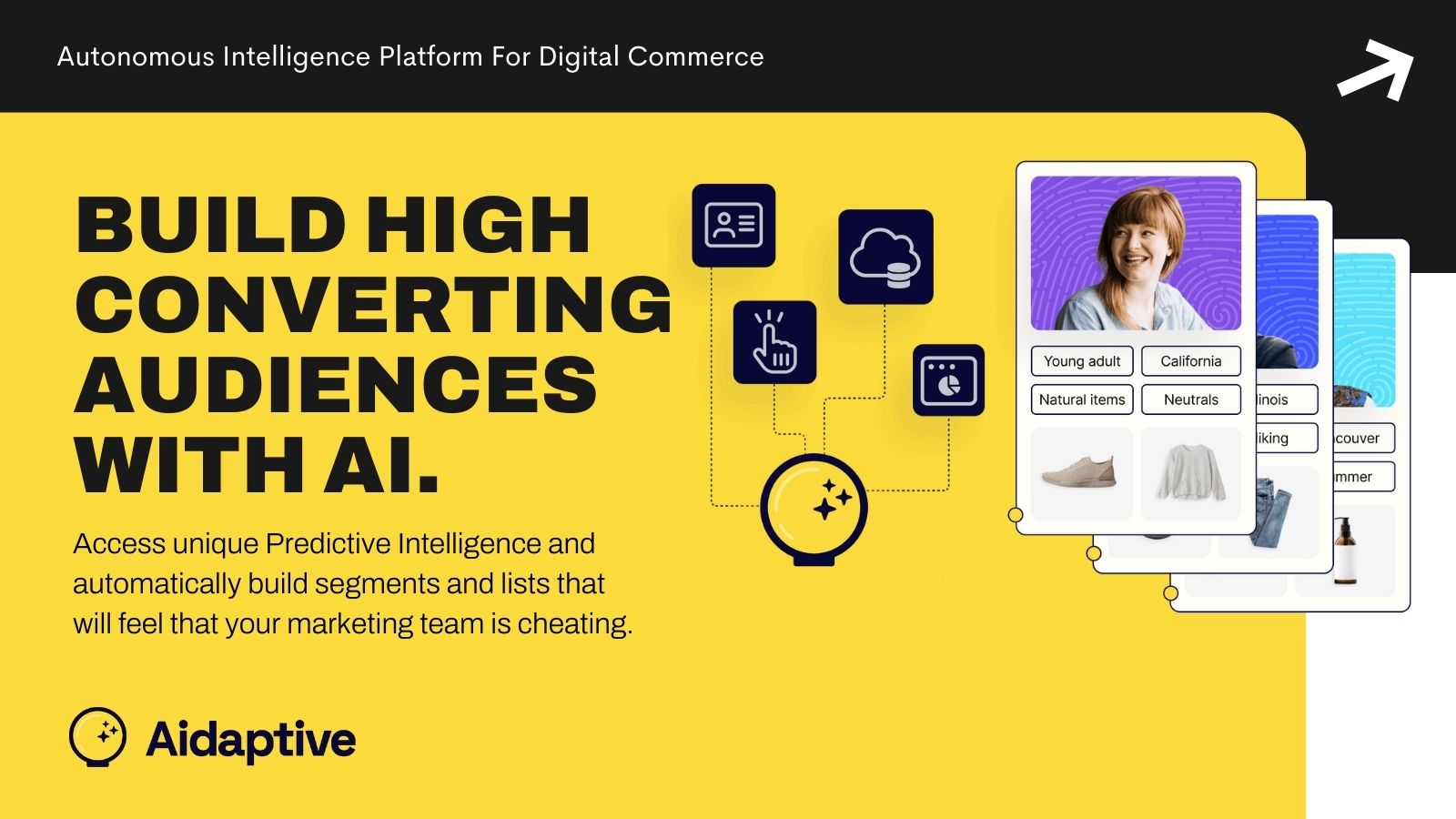
 Leverage predictive intelligence to create highly personalized customer audiences for your marketing campaigns. This AI-powered platform continuously analyzes your customer data, learning about shopping behaviors, product preferences, and spending patterns. Access detailed product and customer insights to build targeted audience lists based on unique criteria. Perfect for email, SMS, and ads campaigns, the self-learning system becomes more precise over time as it processes more data. The platform requires a minimum of 1000 existing orders to generate meaningful predictions and audience segments. Get actionable intelligence and customer insights directly through Aidaptive's enterprise-grade machine learning technology.
 -
#10. When a product is 404, this app finds the next closest product and redirects the customer to it.
Intelli404 automatically fixes 404 errors on your Shopify store with no setup needed. When customers hit a broken link, the app's smart scoring algorithm instantly analyzes the URL and matches it against your product catalog. It ranks results based on relevance, stock status, tags, and availability, then redirects shoppers to the most relevant product or close match in real time. The app works automatically after installation—no configuration required. Its real-time engine finds similar content almost instantly, whether it's a product, blog post, or collection page. You can enable "Always Match To A Product" to ensure every 404 visitor lands somewhere useful, or manually set permanent redirects through Shopify Navigation. Stop losing sales to dead links. Intelli404 keeps customers on track and helps them find what they need, turning potential exits into conversions.