News
News
 Shopify SEO
 Shopify development
Best free Product display Shopify apps in 2027 [Updated]


| Name | Rate on Shopify | Price | Free trial | Key features |
|---|
-
#1. Easily add downloadable PDFs (or other file formats) to product and any other pages on your store.
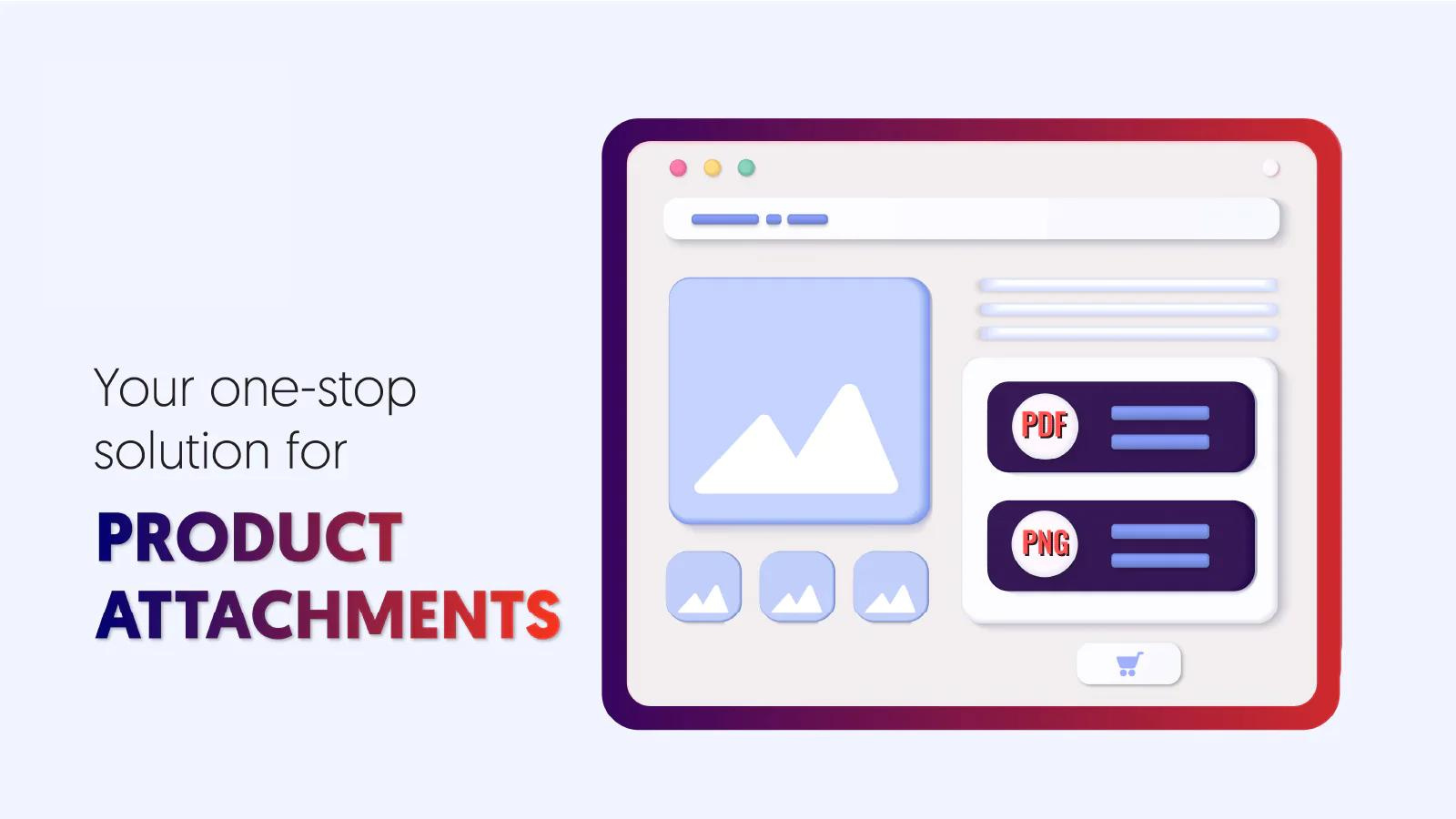
 Add downloadable files to your Shopify product pages with ease. Upload PDFs, manuals, warranties, certificates, and other important documents that customers need to make informed purchases. The app creates a dedicated attachment block that stands out on your pages, making files more visible than when buried in product descriptions. You can attach files to specific products, entire collections, or store-wide, with no limits on the number of attachments. Choose custom icons to make your attachment display visually appealing and professional. Keep your customers well-informed and reduce support inquiries by making important product documentation easily accessible.
 -
#2. Create professional size charts, boosting customer confidence and reducing returns for your store
Create professional size charts that help customers choose the right fit for all types of clothing. Pify Size Charts displays detailed measurements with visual guides for men's, women's, and children's apparel - from tops and bottoms to shoes. The app includes pre-built templates and real-time size information that appears when customers hover over size options. With automatic unit conversion between metric and imperial measurements, your customers can easily understand sizing details. The mobile-friendly, SEO-optimized charts integrate seamlessly into your store without coding. By providing clear size information, you'll reduce returns and help shoppers make confident purchase decisions. -
#3. Smart collection management w/ advanced sorting, segments & analytics for higher sales & improve ROI
Collection & Product Sort SMRT offers advanced merchandising tools for managing your Shopify collections with smart sorting rules and visual organization. The app combines drag & drop interface with automated collection updates to help you organize products efficiently across multiple segments. Sort products using 40+ attributes and create custom segments with advanced filters. Pin featured items to highlight key products, hide out-of-stock inventory, and schedule automated updates to keep collections fresh. The app sends alerts for inventory changes via email, Slack, or WhatsApp so you stay informed. Get detailed analytics on collection performance and product metrics. Export reports to track results and make data-driven merchandising decisions. Save time with templated collections and smart filters that work across all your product attributes. Multi-level sorting rules let you apply complex organization logic while the visual interface makes managing large catalogs simple. -
#4. Transform your product previews into Insta-like story experiences with stunning hover effects and animations.
Create engaging product previews with Instagram-style hover effects and animations. This app lets you display second images on hover, add zoom functionality, and show product back views seamlessly. Choose from multiple hover options including image sliders, carousels, and smooth animations that keep shoppers interested without impacting site performance. The app features story-like hover effects, background image flips, and adjustable animation speeds for both product listings and detail pages. Simple controls make it easy to customize hover effects across your Shopify store, giving customers a more interactive shopping experience. -
#5. Combine separate products into one listing with swatches. Fewer duplicate listings can improve SEO.

 OPTIS Combined Listings groups separate products like different colors or styles into a single storefront listing with clickable swatches. This reduces duplicate listings and can improve your store's SEO. Build product groups manually or set up automatic grouping by tag, collection, vendor, product type, title, or metafield. Changes sync in real time, so there's no manual upkeep needed. You can also split multi-variant products into individual products, then group them back together. Each product maintains its own URL and SEO value. The app includes bulk CSV import and export for managing groups, sync logs for tracking changes, and support for native Shopify Combined Listings. Color swatches and image swatches help customers browse variations easily within one listing.
 -
#6. Simplify page layouts with organized, customizable tabs for every need.

 Organize your store content with smart product tabs and customizable layouts. Create product page tabs, FAQ sections, accordion tabs, and collapsible designs for clean product display. Build product description tabs, comparison tables, and custom tabs for any product page without coding knowledge. Design tabs with horizontal or vertical styles, adjust width, and manage layouts faster with intuitive designer tools. Perfect for product pages, collection tabs, informational content, and more to improve navigation and engagement.
 -
#7. Combined Listing | Collection Swatches | Product Variant Groups | Smart Automation

 VariantX helps you combine separate product listings into unified pages where customers can switch between colors, sizes, and materials without leaving the product page. Instead of splitting your catalog across multiple listings for the same item, this app links related products into variant groups that shoppers can browse from one location. The app displays product variants as color swatches, image buttons, or text labels directly on your product pages. You can style these swatches using ready-made templates that match your theme, with options to adjust colors, sizes, and spacing to fit your store's design. VariantX includes smart automation that scans your catalog and suggests variant groups based on product titles, tags, and metafields. This saves time when organizing large inventories. All swatches integrate through the theme editor, so no coding is required to add combined listings to your store.
 -
#8. Reduce returns with customizable size charts & size guide. Help shoppers buy with confidence.

 This app helps shoppers find the right size and reduces returns with fully customizable size charts and size guides. Get started quickly using 20+ ready-made templates for clothing, shoes, jewelry, lingerie, bras, underwear, and pet products, or create your own custom charts that match your brand's colors and style. Import your sizing data easily from CSV files or existing chart images to keep everything consistent across your product catalog. Sell to customers worldwide with automatic cm/inch conversion and display multiple sizing standards like US, EU, UK, and Asia on a single chart. Choose flexible placement options including inline charts, floating buttons, or popups that work seamlessly on any theme. The responsive design ensures size guides look great on every screen, helping customers buy with confidence.
 -
#9. AI fashion models for brands, dropshippers & catalog teams. Build complete on-model collections.
MODA uses AI to create on-model fashion photos and videos for your product catalog. Upload one flat-lay, mannequin, or supplier photo and get 10 multi-angle images with realistic AI fashion models—men, women, kids, plus-size, all ethnicities and body types. The app generates short product videos perfect for ads and social media. Choose studio, lifestyle, or custom backgrounds that match your brand references. Keep the same model consistent across your entire collection. Ideal for brands, dropshippers, and catalog teams building lookbooks, line sheets, and marketplace-ready content. Fashion-tuned AI delivers realistic skin tones, garment fit, and texture detail. No subscription required—pay as you go. -
#10. Reduce returns & increase sales with smart, customizable size charts & size recommenders

 Devnzo Size Chart & Size Guide helps clothing, fashion, footwear, jewelry, and accessories stores reduce returns and increase sales with customizable size charts and smart size recommendations. This size chart app offers 25+ templates featuring images, videos, tabs, and tables for quick setup. The smart size recommender and fit finder guide shoppers to choose the right size confidently. Create unlimited size guides with collection-based auto-apply that syncs to new products automatically. Bulk import size charts via Excel or CSV to save time on manual data entry. Display options include inline, popup, dropdown, or floating button formats. Features include auto unit conversion, multi-language support, and a dedicated size guide page. Switching from another app? Free migration of your existing size charts is included.