News
News
 Shopify SEO
 Shopify development
Best free Images and media - Other Shopify apps in 2027 [Updated]


| Name | Rate on Shopify | Price | Free trial | Key features |
|---|
-
#1. Make it easy for visitors to share your content via Pinterest. Gain new followers and customers.
Enable your website visitors to share content directly to Pinterest with the simple Pin it button. This user-friendly tool lets people save your products, images, and content to their Pinterest boards in just one click. As more Pinners discover and share your content, you'll grow your Pinterest following and reach new potential customers. The button integrates smoothly with your website, featuring attractive skins and requiring no coding knowledge. When users Pin your content, they can add photos, notes, and helpful tips to their Pins, creating engaging interactions that help your products and content spread naturally across Pinterest's visual discovery platform. -
#2. Manage & organize files into folders, clean, compress & optimize image, fix missing alt text for SEO
Organize and optimize your media library with folders, tags, and bulk actions for images, videos, and PDFs. This image optimizer compresses and resizes images in lossless quality to speed up your pages while letting you restore originals with one click. Manage alt texts with AI generation to improve SEO and fix missing alt text across your store. Find unused images that aren't linked to any product, page, or collection, then move them to trash to free up storage. Replace media files without breaking existing product references. Sort and filter folders by category, bulk upload and export files, and optimize theme images section by section with preview and rollback options. -
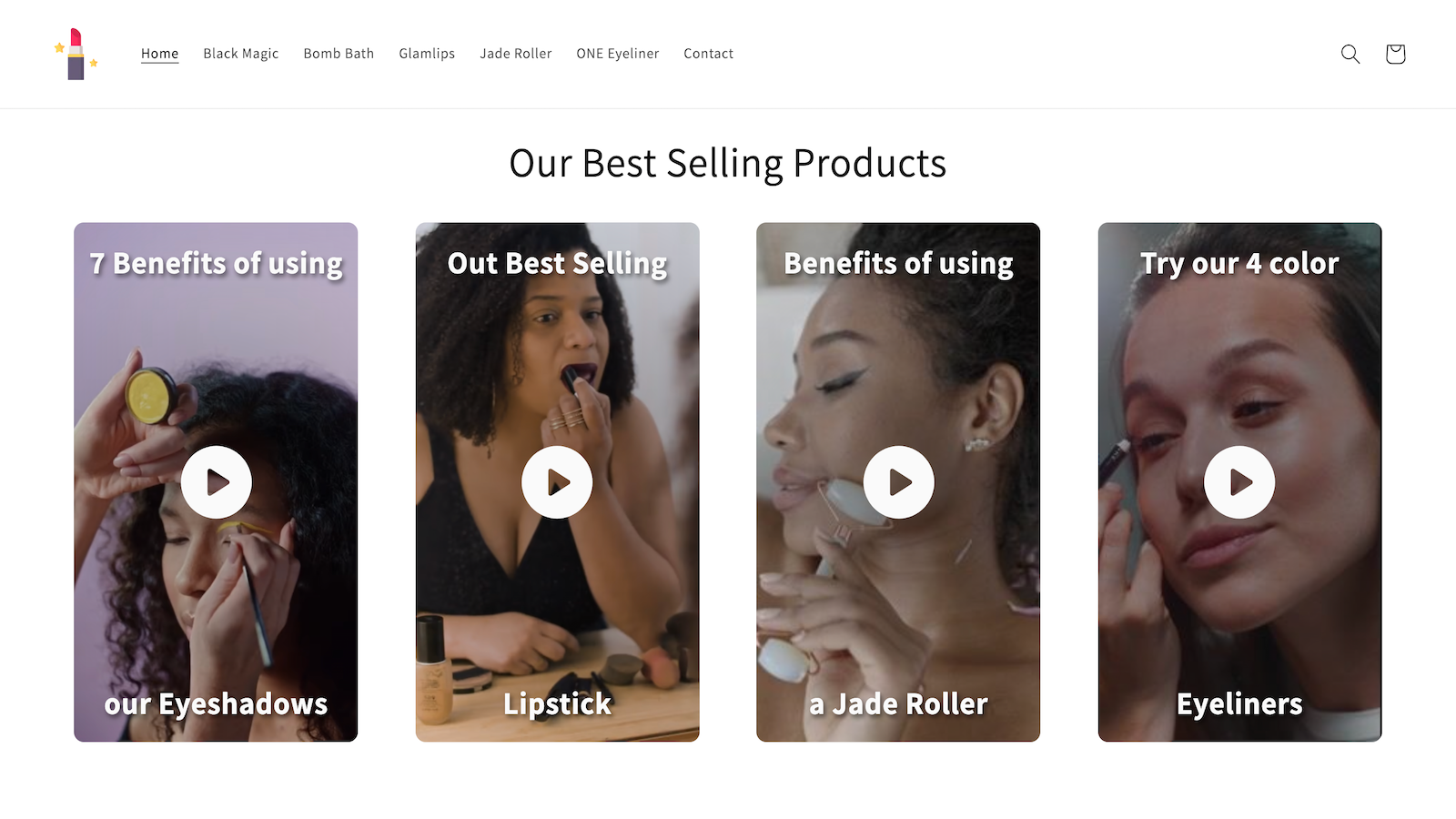
#3. Add Video Carousels or Floating Videos to make them shoppable to increase your Sales Conversions
Turn your store's videos into interactive shopping experiences with HelloBrand's shoppable video solution. Add engaging video carousels or floating videos that let customers purchase products directly while watching. Simply upload your marketing or product videos, and the app automatically makes them interactive with clickable product tags. Create shoppable video content in under a minute without any technical expertise. The seamless integration maintains your store's user experience while providing valuable analytics to track video performance and sales impact. Make your video content work harder by connecting viewers directly to your products, reducing the steps between discovery and purchase. -
#4. Build your social proof and convert visitors into customers with Instagram feed help.

 Create beautiful Instagram feed displays for your Shopify store in minutes. OSOM Instagram feed lets you integrate your latest Instagram posts directly into your shop with a customizable grid layout. Show off your social content anywhere - from product pages to landing pages and footers - while maintaining a mobile-friendly display. The app's simple one-click installation makes it easy to add Instagram feeds that build social proof and help convert store visitors into customers. Control the look of your feed by adjusting rows and columns to match your store's design, creating an engaging visual experience that connects your Instagram followers with your shop.
 -
#5. Turn product images into captivating videos for PDPs and across your store with the power of AI
Piqxel.ai uses AI to turn your product images into captivating videos for product pages and across your store. The app connects to your catalog, pulls existing product photos, and applies your brand styling automatically. It adds motion effects like 360-degree spins, pans, and detail zooms that showcase your products beautifully. Create animated PDP videos instantly for better merchandising. Publish videos directly to Shopify product listings with one click, or export different aspect ratios for A/B testing in ads and social media campaigns. Choose from generated motion templates or modify videos with prompts while the AI handles creative direction. Compare multiple video styles across your storefront to see what performs best. No video production skills needed—just flawless product videos powered by AI. -
#6. This module adds a floating, interactive zoom lens that appears over the image when hovering.

 This module adds a floating, interactive zoom lens that appears over product images when customers hover with their cursor. The magnification lens overlay lets shoppers inspect product details up close by enlarging the area directly under the cursor. You can fully customize the zoom level, lens size, and choose between circle or square lens shapes. The lens borders are adjustable, and you have the option to enable smooth movement for a better user experience. Mobile device zoom can be disabled if needed, giving you complete control over how customers view your product images.
 -
#7. Add a clickable video banner to your store to boost engagement and drive more sales
Video Banner Video Section CB lets you turn videos into clickable, interactive banners that drive customer engagement and sales. Link any video banner directly to products, collections, blog posts, or external pages to guide shoppers exactly where you want them to go. The app makes it simple to create responsive video banners with flexible settings that work seamlessly across desktop and mobile devices. Use separate hero videos for different screen sizes, choose from multiple banner size options, and add optional text and button overlays to highlight promotions or key content. Perfect for merchants looking to improve store navigation and make their video content work harder, this app helps you create clickable video banners that fit naturally into any storefront layout. -
#8. Add a clickable image banner slider to your store to boost engagement and drive more sales
Create engaging image slider banners that drive customer interaction with Clickable Banner Slider - CB. This user-friendly app lets you turn regular images into interactive banners by linking them directly to your products, collections, blog posts, or any external pages. Set up different images for desktop and mobile displays while choosing from multiple banner size options to match your store's design. The responsive slider fits naturally into your storefront layout, making it simple to guide visitors to important content and promotional offers. Perfect for merchants who want to improve store navigation and create a more dynamic shopping experience through visual storytelling. -
#9. Painlessly manage, display, and retain ownership of user generated content

 Turn your customers into brand advocates with Action Shots, the complete user-generated content (UGC) management solution. Create custom galleries to showcase authentic customer photos and content across your store, building trust and social proof that drives sales. Easily moderate and curate submissions through a simple dashboard, keeping full control of your brand image. Connect with customers in real-time when they share content, strengthening relationships and encouraging more engagement. Display UGC directly on your site to improve SEO and conversion rates while maintaining ownership of valuable customer content. Perfect for brands looking to build genuine connections with their audience through customer-created content.
 -
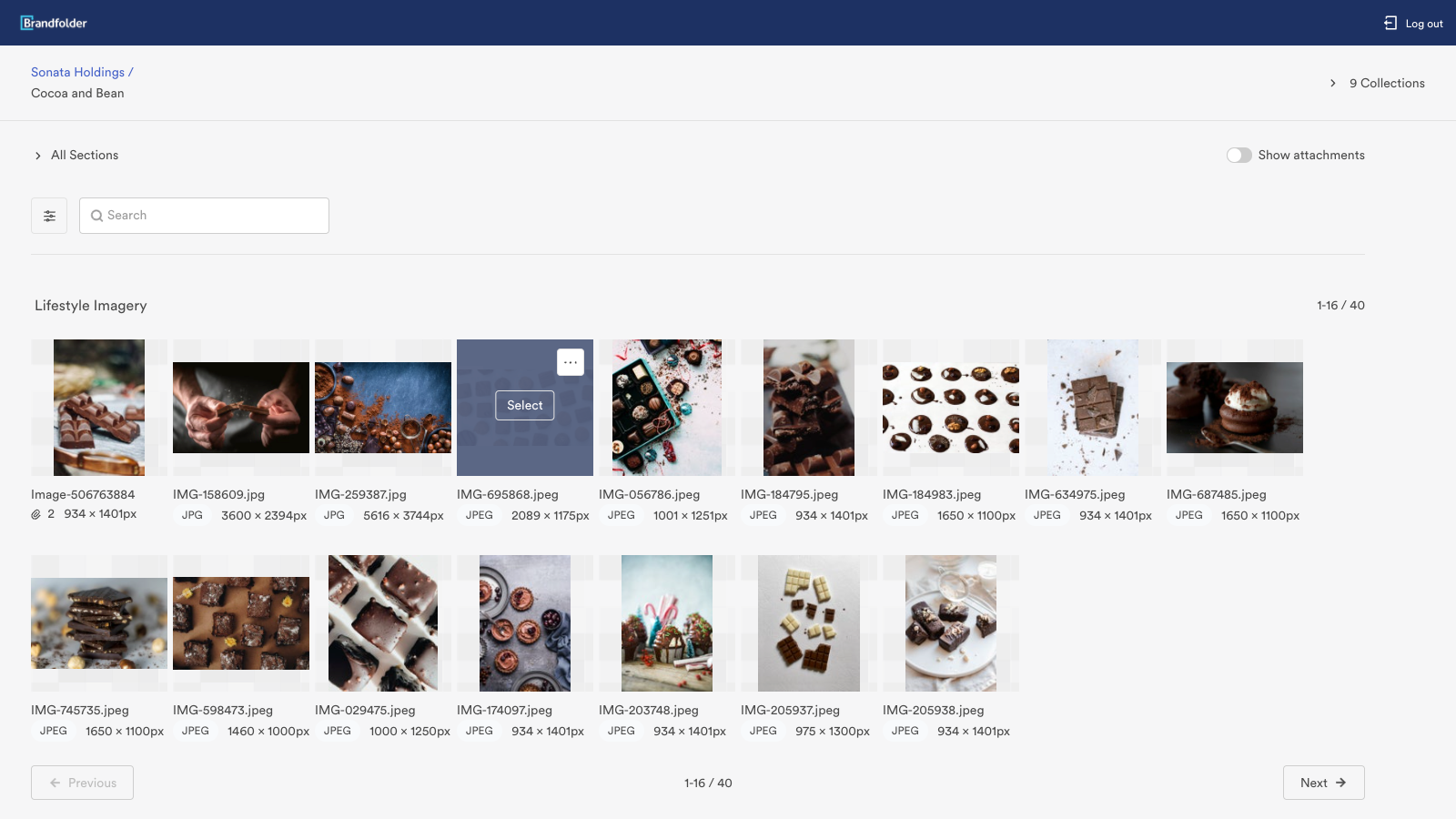
#10. E-commerce and Marketing made easy
Brandfolder's digital asset management solution makes managing your Shopify store's content simple and efficient. Access your product images, marketing materials, and brand assets directly within your Shopify interface, eliminating the need for manual uploads and downloads. Search and find the right assets quickly, modify image sizes as needed, and seamlessly integrate them into your e-commerce website. This integration helps you maintain brand consistency while saving time on content management, making it easier to create engaging product pages and marketing campaigns for your online store.