News
News
 Shopify SEO
 Shopify development
Best free Badges and icons Shopify apps in 2027 [Updated]


| Name | Rate on Shopify | Price | Free trial | Key features |
|---|
-
#1. Promote sales by adding payment icons, security icons, shipping icons, product badges.

 Promote sales by adding trust badges, payment icons, security icons, and product badges to your Shopify store. This app lets you customize discount badges and icons for your cart page, cart drawer, product pages, checkout page, footer, or any custom location. Choose from a huge library of 10,000+ trust badges, payment badges, shipping icons, security seals, and product labels to build social proof. Showcase your store's security and policies with footer icons, country flag icons, social icons, and guarantees. Adjust size, font, and color to match your brand identity. Add banners to product pages or custom locations. Preview and optimize trust badges across all devices for a professional look.
 -
#2. One-click creation of trust badges and payment badges to reduce bounce rates and boost your sales
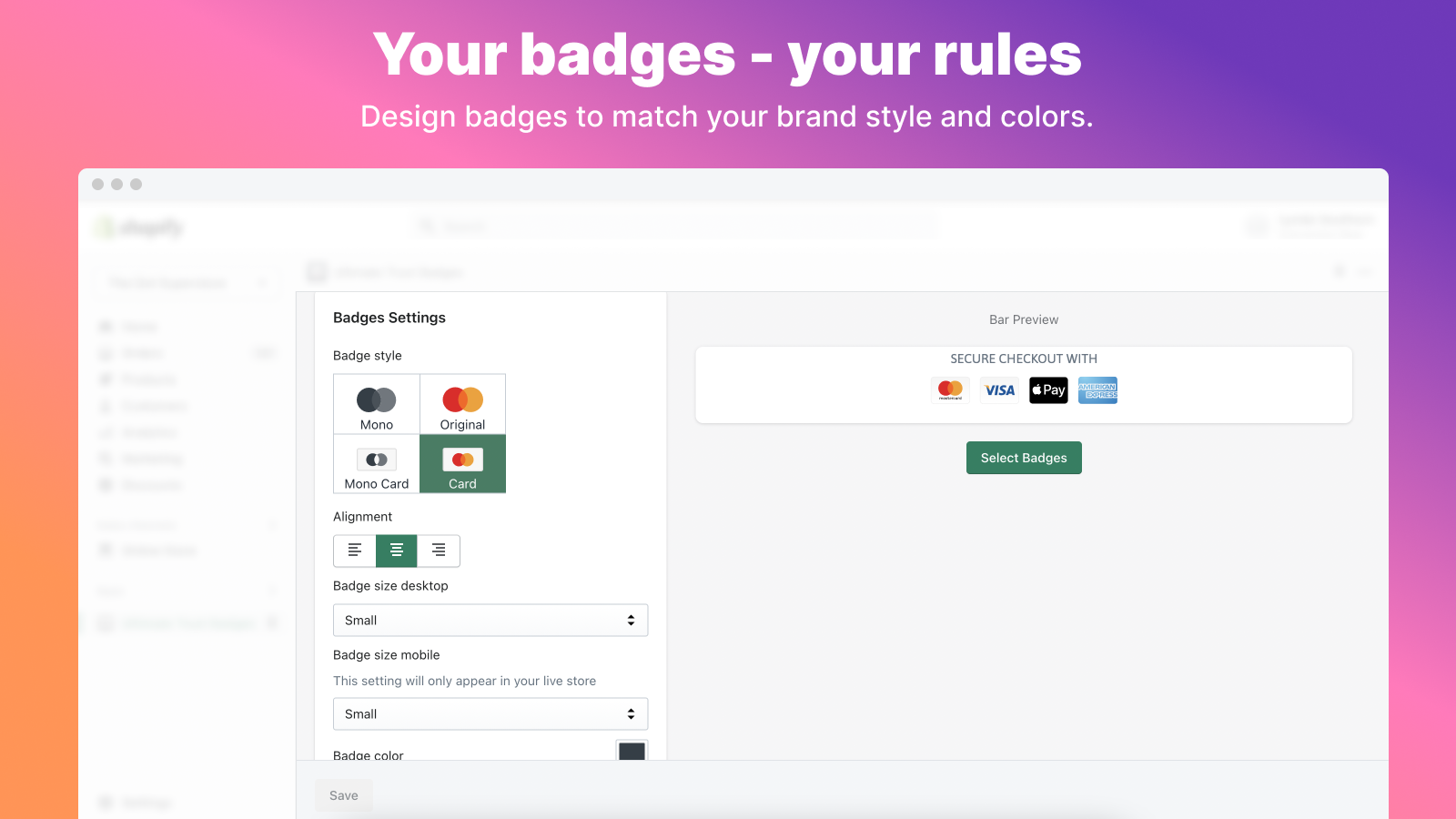
 SEOWILL Trust Badges & Icon helps you add trust badges and payment badges to your Shopify store with just one click. This app makes it easy to display security badges that reduce bounce rates and increase sales by building customer confidence. Choose from a variety of trust badges and payment icons that fit your store's needs. The app supports mobile customization, letting you adjust icon sizes to work perfectly on any device resolution. Preview how badges look on both desktop and mobile before going live. You can customize badge placement anywhere in your store and modify styles anytime to match your brand. The app includes diverse shipping badges to further build trust with shoppers. No complicated setup or extra function pages needed - just select your favorite badges and display them instantly. Trust badges give customers a sense of security when shopping, helping you create a foundation of trust that converts visitors into buyers. Powered by CWILL, this straightforward tool focuses on what matters: showing customers your store is safe and reliable.
 -
#3. Easily add trust badges and seals to increase customer trust and increase your conversion rates.
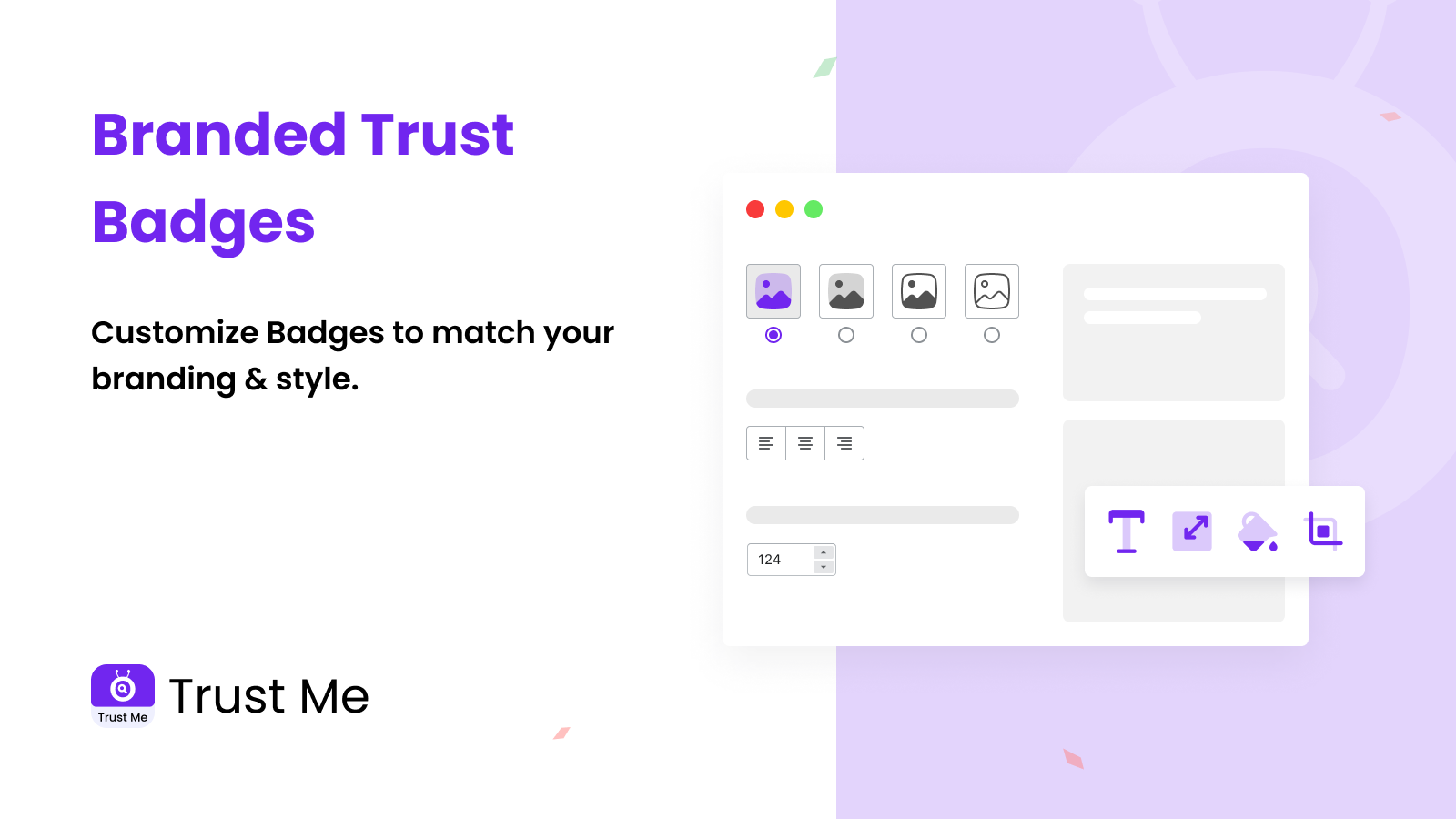
Build customer confidence with trust badges and payment icons that show your store is secure and reliable. Choose from 300+ badge options and customize them to match your store's design. Adjust colors, size, alignment, and messaging to create the perfect look. Add trust badges anywhere - product pages, cart, footer, or hero sections with simple copy-paste installation. The app loads quickly at under 30kb and offers different sizing for desktop and mobile displays. All badges maintain their crisp appearance while helping increase conversion rates. New payment icons and trust seals are regularly added based on merchant requests. Make your store more trustworthy today with professionally designed badges that give shoppers peace of mind. -
#4. Build trust and boost conversions with flexible trust badges and icon banners across your store.

 XB Trust Badges & Icons helps you build customer trust and increase conversions with flexible trust badges and icon banners throughout your store. Select from an extensive library of feature and guarantee icons, or upload custom icons that match your brand style. Display trust badges on product pages, header, footer, cart, and custom pages to reassure shoppers at every touchpoint. The app includes geolocation-based targeting so you can show different badges based on visitor location. All trust badges are fully responsive with separate desktop and mobile versions, ensuring compatibility with all themes.
 -
#5. Product labels, trust badges, product badges, payment icons (secure checkout), buttons, coupon boxes
Add product labels to highlight sales, low stock, new arrivals, best sellers, and free shipping offers. Display trust badges for guarantees, security, and shipping to build customer confidence. Show payment icons for secure checkout with trusted payment badges. Include chat buttons for WhatsApp, Telegram, and Messenger so customers can easily contact your team. Add shop buttons like "Buy on Amazon" to let shoppers purchase through Amazon, eBay, or Etsy. Combine product badges, trust badges, payment icons, coupon boxes, and buttons in one widget to create a complete shopping experience. -
#6. Boost Your Online Presence with Easy-to-Use Social Media Links and Social Media Bar
The Social Media Icons & Social Share Buttons app helps you expand your reach across popular social media platforms and grow your online presence. This comprehensive solution makes it easy for visitors to share your content with just one click, increasing engagement and helping you gain more followers. Display social media icons in your footer, header, or any section of your site. The app offers multiple layout options and fully responsive social buttons that work perfectly on mobile devices. You can style the social media icons and share buttons to match your brand, creating a polished look that enhances your website's visual appeal while making content sharing effortless for your visitors. -
#7. From “Hi” to “Buy” – faster. Turn chats into checkouts with a customer chat button.

 FAST turns clicks into conversations and conversations into conversions. This WhatsApp chat widget lets shoppers contact you instantly through their favorite messaging apps right from your store. The fully responsive chat button delivers a flawless experience on all devices, making it easy for customers to reach you anytime. Smart prefilled messages include product links to help close sales faster. Set custom business hours so customers know when you're available. The chat widget styling matches your brand perfectly, and you can drop a 'Chat with us' button anywhere on your site. FAST helps you boost engagement, build customer loyalty, and increase sales through seamless messaging—turning every "Hi" into a "Buy" with less effort.
 -
#8. Call back customers that left your store's tab to another one with a blinking favicon tab animation.
Favi helps you recover abandoned carts and bring back customers who've switched to other browser tabs. This app uses a blinking favicon animation and custom tab title to grab attention and convert inactive visitors into sales. When shoppers leave your store's tab open but browse elsewhere, Favi automatically triggers a favicon animation with your custom message. You control exactly when the animation activates—whether it's when tabs become inactive, when items sit in the cart, or continuously. The app offers two animation types: typewriter and blinking text effects. Customize the animation text and favicon image to match your brand. Built-in metrics let you track how many customers and sales Favi has recovered, so you can measure the impact on your abandoned cart recovery efforts. Perfect for stores looking to recapture lost attention and turn browsing sessions into completed purchases through simple browser tab notifications. -
#9. Build trust with trust badges, payment icons, product badges and product labels across your store.

 Build shopper confidence with trust badges and payment icons throughout your store. Display trust badges on product pages and cart pages to reassure customers before they buy. Show accepted payment icons where shoppers review their options, helping them feel secure about checkout. Create product badges and product labels to highlight special items and guide buying decisions. Customize trust badge styles, payment badge layouts, and payment icon designs to match your storefront branding perfectly. Use cart trust badges, product page badges, and trusted badge elements to strengthen customer confidence at every step of their shopping journey.
 -
#10. Add a scroll to top button and back to top button for smooth store navigation.
Add a scroll to top button to help customers navigate long product pages, collection pages, and landing pages with ease. This back to top button is fully customizable—adjust the button position, icon, color, size, and animation to match your store theme. Choose from various scroll animations and floating button styles without touching any code. Control button visibility on desktop, mobile, or tablet devices, and show or hide it on specific pages. You can even scroll to a specific element using a selector with adjustable offset support for precise navigation control.