News
 Shopify SEO
 Shopify development
Best free Pricing Shopify apps in 2027 [Updated]


| Name | Rate on Shopify | Price | Free trial | Key features |
|---|
-
#1. Hide prices, lock pages & password protect content – wholesale lock rules for B2B & VIP stores.
SP Hide Price & Access Control helps you hide prices, lock pages, and password protect content on your store. Perfect for B2B lock rules, wholesale catalogs, and VIP-only collections. Control who sees what by login status, password, customer tag, IP address, location, or age. Hide prices from Google Search results and replace them with Login to see price, Call for price, Contact for price, or WhatsApp buttons. Lock any product, collection, or page with wholesale lock rules. Show prices only to approved or logged-in customers. Features real-time rule preview, bulk management, conflict detection, and API support. No coding needed. -
#2. Add a request a quote button, negotiate prices & convert quotes to orders – one B2B quote workflow
SP Request a Quote helps B2B and wholesale merchants close more deals by letting buyers request custom prices. The app adds a quote button and quote request form to your store where customers can build a quote list, propose their own prices, and attach files. Manage all quote requests from one dashboard where you can review, negotiate prices through built-in chat, and convert accepted quotes into Shopify draft orders with one click. Buyers get their own portal to track quote status in real time. Send branded PDF quotations and automated quote emails at every stage. Works seamlessly with SP Hide Price to hide prices and show the request a quote button instead. No coding required. -
#3. Encourage larger purchases and enhance customer satisfaction with discount options and flash sales.
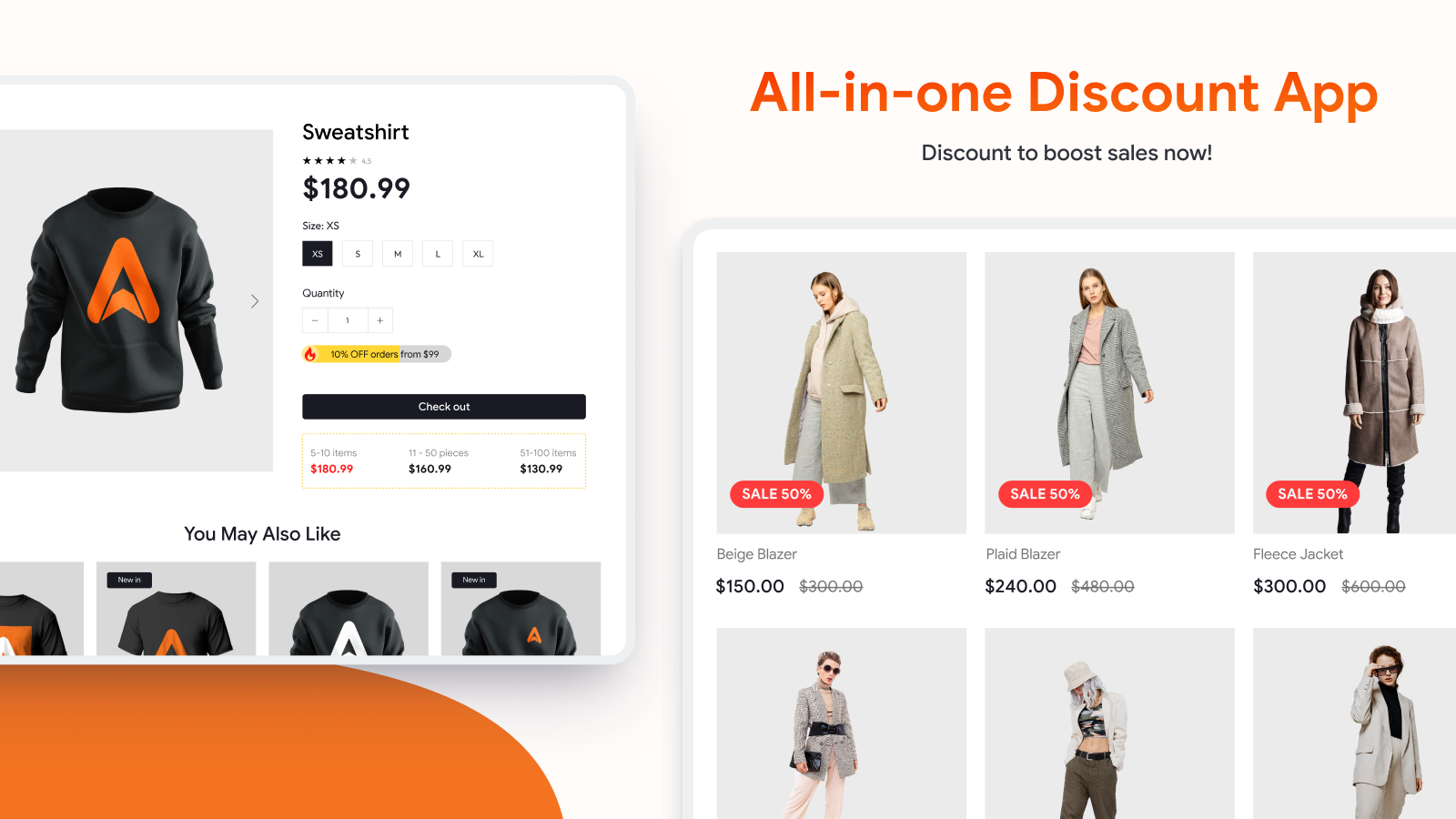
Yanet Volume Discount Manager helps you create smart discount rules for your online store based on order quantity, total value, or specific products. Set up tiered discounts that automatically apply when customers buy more items, encouraging larger purchases. The app lets you customize promotion tables, translate discount messages into multiple languages, and combine various discount types including shipping and product-specific offers. Whether you want to run flash sales or establish long-term volume pricing, this discount tool fits seamlessly into any Shopify theme while helping you attract repeat customers and increase average order value. Use custom discount codes or let the rules apply automatically to make bulk buying more appealing to your shoppers. -
#4. Paste one link to track any store, Amazon product or a collection. Email on price move.

 Snoopie tracks competitor prices on Shopify stores and Amazon products automatically. Paste a store link, collection, or Amazon product URL to start monitoring. Set a price change threshold and choose who gets notified by email, Slack, or Discord when prices move. Get instant price alerts showing the product, variant, earlier price, and new price. Track when competitors add, remove, or update products. View complete price history for any date range and export data as CSV files. Manual competitor tracking misses important price cuts before sales end. Snoopie watches rival stores continuously so you catch every significant price move. Your tracked competitors won't know they're being monitored. Perfect for staying on top of competitor pricing strategies without the manual work.
-
#5. Set up automatically applied quantity breaks. Use tiered pricing discounts for bulk savings on cart.
Increase sales with automatic volume discounts and bulk pricing tiers that reward customers for buying more. This app lets you create quantity-based discounts that apply automatically at checkout - no draft orders needed. Set percentage or fixed amount discounts that scale up with order size, like 5% off 2+ items or 10% off 5+ items. Choose to apply tiered pricing across your entire catalog or select specific products, variants, and collections. Schedule your bulk discount promotions in advance with start and end dates. The app works seamlessly with your existing product, order, and shipping discounts, giving you complete control over your pricing strategy. Set up as many discount tiers as you need to encourage larger purchases and boost average order value. -
#6. Launch store-wide sales in seconds. Bulk-edit prices and compare-at values with ease.
Run store-wide sales without editing products one by one. This app bulk-sets compare-at prices across your entire catalog in seconds, enabling strikethrough pricing on your storefront. Apply percentage or fixed discounts to unlimited products and variants with ease. Schedule sales to start and end automatically, with optional email reminders to keep you informed. When your sale ends, revert all prices back to original values with one click. The app includes automatic price rounding to .99 or .00 for professional-looking pricing. Create sale-aware discount codes that automatically skip products already on sale, preventing codes from stacking on discounted prices. Add sale badges to product pages to highlight your promotions and drive conversions. -
#7. Create discount product, bundles discount, volume or bulk discount, discount code and voucher.
This comprehensive discount app helps you create multiple types of promotional offers for your Shopify store. Set up volume discounts where customers save more by buying in larger quantities, or create bundle discounts that offer savings when specific products are purchased together. The app lets you generate custom discount codes and vouchers that can be applied store-wide or to selected products only. You can also establish cart-based discounts triggered by order totals, like offering 10% off purchases over $300. Whether you want to encourage bulk buying, promote product combinations, or reward bigger spenders, this app provides the essential tools to create targeted discount campaigns that drive sales and attract customers. -
#8. Automate quote requests and offers for B2B pricing, negotiations, and faster conversions.
This app automates B2B quote requests and wholesale pricing with custom pricing by quantity, draft orders, and invoice management. Merchants can set flexible price ranges for buyers and enable B2C Make an Offer functionality with automated accept, decline, and counteroffer rules. Features include branded invoice emails via custom SMTP, Shopify payment links, a customizable form builder with multilingual support, and real-time Telegram/Slack notifications for faster conversions and negotiations. -
#9. Empower customers with real-time cost estimates using a custom calculator.
This app lets you add custom calculators to your Shopify store without any coding. Create price calculators, measurement calculators, savings calculators, delivery cost calculators, and service fee calculators that help customers get real-time estimates. The flexible calculator tool supports various input types including number fields, sliders, dropdowns, and checkboxes. Build calculators using custom formulas, size calculator logic, and area calculator features. The user-friendly interface makes it easy to design and update your product calculator quickly. All calculators work seamlessly across different devices and screen sizes, helping customers understand your pricing faster and improving conversions through an interactive shopping experience. -
#10. Add customizable fees to your store for enhanced customer options and increased revenue.

 Chargeup Extra Fee lets you add custom fees to your store's checkout process with ease. Set up various fee options including surcharges, shipping protection, carbon neutral shipping, gift wrapping, and shipping insurance. Choose between fixed amounts or percentage-based fees to match your business needs. The straightforward dashboard makes it simple to manage and adjust your fees anytime. Give your customers more service options while creating additional revenue streams. The app integrates smoothly with your existing checkout flow, ensuring a seamless shopping experience for your customers. Whether you need basic surcharges or comprehensive shipping protection, this app helps you implement the right fee structure for your store.