News
News
 Shopify SEO
 Shopify development
Best free Product variants Shopify apps in 2027 [Updated]


| Name | Rate on Shopify | Price | Free trial | Key features |
|---|
-
#1. Create unlimited app options to help merchants increase sales.

 Create unlimited product options and variants to help grow your sales with King Product Options & Variant. This app lets customers design their own custom products by selecting from flexible option choices you set up. Manage your product options efficiently using the option template feature, which gives you complete control over how variants are presented. The app works seamlessly with drawer cart functionality and "buy it now" buttons, making it compatible with modern Shopify themes including Online Store 2.0. Whether you need simple variants or complex product customization options, this app adapts to your store's requirements while maintaining a smooth shopping experience for your customers.
 -
#2. Add Variant Options Info, Color Swatch Name, & SKU in Product Title to improve shopping experience
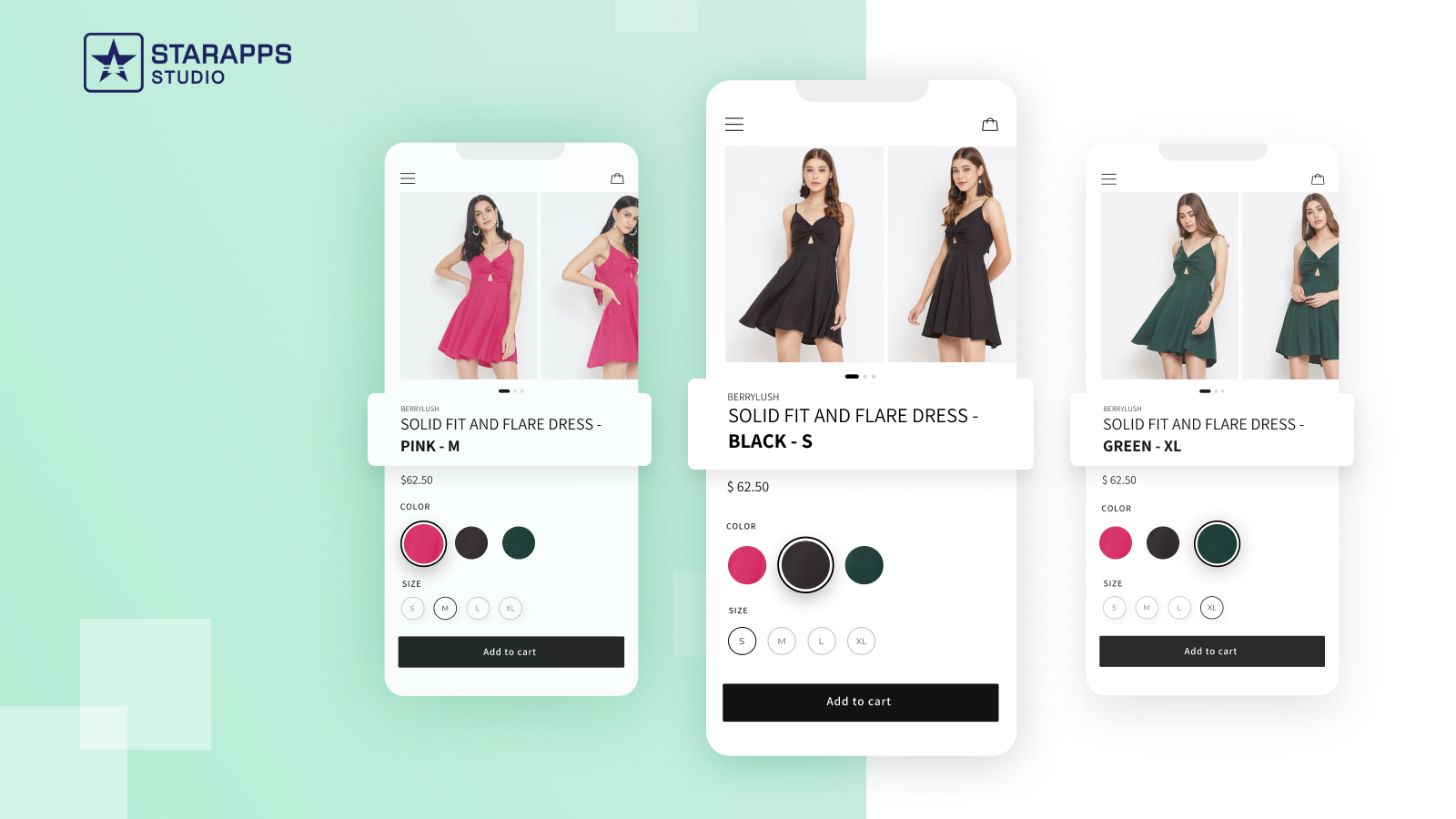
Customize your product titles dynamically based on selected variant options to help customers make informed purchase decisions. This app lets you create product title templates that automatically display color swatch names, SKU numbers, variant details, product vendor information, and more. Simply set up your preferred title format using variables in the dashboard, choosing which variant information to include. The app seamlessly integrates with all Shopify themes and works alongside popular variant management apps like Swatch King and Variant Image Automator. When customers switch between different product options, the title updates instantly to reflect their selection, making the shopping experience clearer and more user-friendly. -
#3. Rubik Variant Images keeps your product gallery clean and variant-focused

 FB Variant Image, Color Swatch helps you create cleaner, conversion-focused product galleries by displaying only images related to the selected variant. This app lets you organize multiple images per variant, upload custom image swatches, and create single or dual-color swatches for a better shopping experience. Group separate products as variants to give customers a seamless way to browse options. The visually rich variant selectors help shoppers discover the right product faster while keeping your gallery organized and variant-focused. Fully compatible with all Shopify themes and page builders, this app delivers SEO-friendly variant experiences with zero speed impact on your store.
 -
#4. Mimeeq: 2D/3D configurator for complex options and rules including modular products.
Transform your Shopify store with Mimeeq's advanced 2D/3D product configurator, designed specifically for complex products with multiple variants. Let customers visualize and customize products through interactive AR displays, detailed hotspots, and engaging animations. The unique modular configurator handles sophisticated rule-based configurations, making it perfect for products with numerous options and sub-parameters. The configurator seamlessly integrates with your store's theme and brand identity, while supporting multiple languages through our translation library. Experience a new level of product customization that helps customers make confident purchase decisions with real-time 3D visualization and WebAR room view capabilities. -
#5. Set unique descriptions for each product variant to enhance clarity and improve shopping.
SMART Variant Descriptions lets you create unique descriptions for each product variant in your store, making shopping clearer and more informative for your customers. When your products have different features, materials, or uses across variants, this app ensures shoppers see specific details that match their selected option. By displaying tailored variant information, customers can better understand product differences and make confident purchase decisions. The app helps reduce confusion about variant options while improving the overall shopping experience with relevant, variant-specific content that guides customers to the right choice. -
#6. Custom product options, variant options, file upload, swatches, conditional logic and price add-ons

 This app lets customers personalize products with unlimited custom product options and flexible variant options. Add text fields, image swatches, file upload, and conditional logic to create advanced option sets for engraving, gift wrap, custom text, fonts, and premium upgrades. The product personalizer includes price add-ons, dynamic pricing, and live preview functionality. Create option groups with variant-specific settings to go beyond standard variant limits. Features include product add-ons, bundles, cart page editing, and a font picker for complete product customization. Perfect for stores needing advanced product options and a seamless personalization experience that helps increase sales.
 -
#7. Combine separate products into one listing with swatches. Fewer duplicate listings can improve SEO.

 OPTIS Combined Listings groups separate products like different colors or styles into a single storefront listing with clickable swatches. This reduces duplicate listings and can improve your store's SEO. Build product groups manually or set up automatic grouping by tag, collection, vendor, product type, title, or metafield. Changes sync in real time, so there's no manual upkeep needed. You can also split multi-variant products into individual products, then group them back together. Each product maintains its own URL and SEO value. The app includes bulk CSV import and export for managing groups, sync logs for tracking changes, and support for native Shopify Combined Listings. Color swatches and image swatches help customers browse variations easily within one listing.
 -
#8. Group products into one listing with switchable options. Less searching can lift conversion.

 Globo Combined Listings links product variations into one listing with switchable options, helping shoppers see all choices without extra searching. This can lift conversion rates by reducing friction. The app groups products by a single attribute, several combined options, or fixed bundles while keeping titles, prices, variants, and SEO rankings exactly as they are. It works on any Shopify theme. Stores that publish product variations as separate products for individual SEO pages and inventory can now connect them with option pickers on product pages, collection cards, and quick view. Auto-detect groups from product titles or bulk-create them from a CSV file. Choose ready-made style templates or customize colors and layout. Track impressions, option clicks, and click-through rates with built-in analytics. Translations included.
 -
#9. Product personalizer to customize product options, variants & custom fields with conditional logic
Create advanced product options and custom fields to personalize products for your customers. Add text inputs, dropdowns, checkboxes, radio buttons, color and image swatches, file uploads, date pickers, and more. Apply conditional logic to show or hide options based on customer selections. Add custom pricing to option values and charge additional fees when needed. Assign product options to individual products or entire collections. Display size charts and helpful information using popup modals. No theme code editing required to manage your product variants and customization fields. -
#10. Add unlimited custom product options, swatches & add-ons with a live personalizer, no code.
Oxify helps you add unlimited product options and custom variants to your Shopify store without any coding. Create text fields, dropdowns, checkboxes, color swatches, file uploads, and date pickers that go beyond Shopify's standard limits. The live product personalizer shows customers a preview of their custom choices right on the product page. Use conditional logic to display or hide options based on what shoppers select. Add price upcharges for extras like gift wrap, engraving, or monograms to increase your average order value. Assign option sets to multiple products at once, support multilingual labels, and let customers edit their personalized options directly in the cart. Works on any Shopify 2.0 theme and is fully mobile-friendly.