
 News
News
 Shopify SEO
 Shopify development
Best Badges and Labels Shopify apps in 2027 [Updated]


PickYourApp Review Team
6 min read
•
Oct 05, 2026
The best Shopify badges and labels apps help merchants highlight products, build trust, and increase conversions through visual elements. From stock level indicators and promotional stickers to trust badges and countdown timers, these tools let you add eye-catching visual cues to your store. Whether you need to showcase sales, limited-time offers, or product features, these top-rated apps provide customizable labels and badges that naturally draw attention to key items and boost customer confidence during shopping.
| Name | Rate on Shopify | Price | Free trial | Key features |
|---|
-
#1. Stock level badges, stock labels & bars. Add urgency & scarcity by showing a stock level.
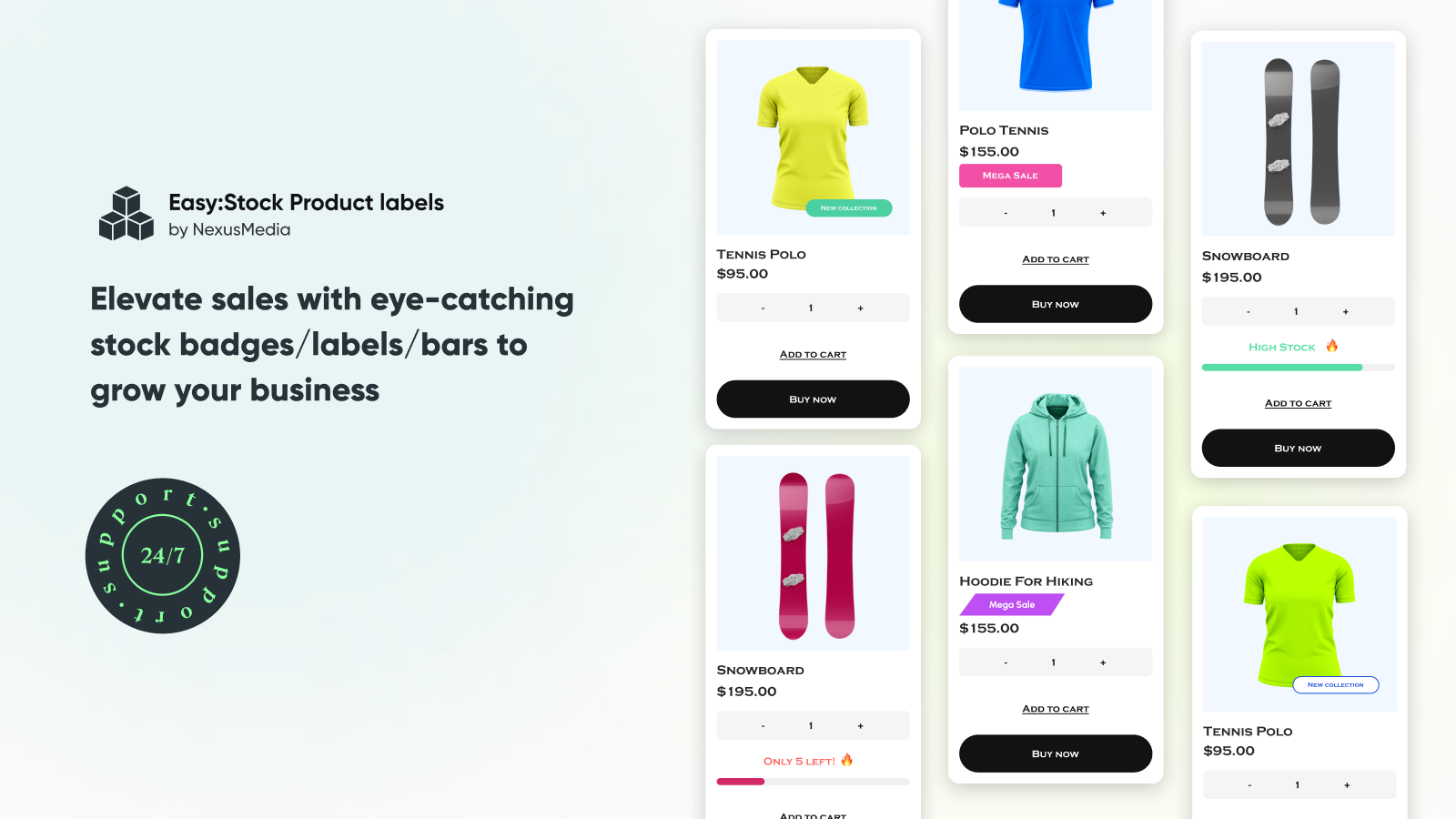
 Display real-time stock levels with attractive badges and labels that create urgency for your products. This app lets you show inventory counters using customizable stock badges, product page bars, and eye-catching emojis. Add clear alerts like 'X left in stock,' 'Only 1 left,' or 'Low stock' with flexible display options for both collection and product pages. Choose from various colors, positions, and shapes to match your store's style. The stock labels work effectively to show product demand and scarcity, encouraging customers to make faster purchase decisions. Whether you need custom badges for specific collections or dynamic inventory counters, Easy:Stock helps create natural FOMO effects that drive sales.
 -
#2. Notify Customers with Restock Alert when items are back in stock & make out-of-stock waitlist
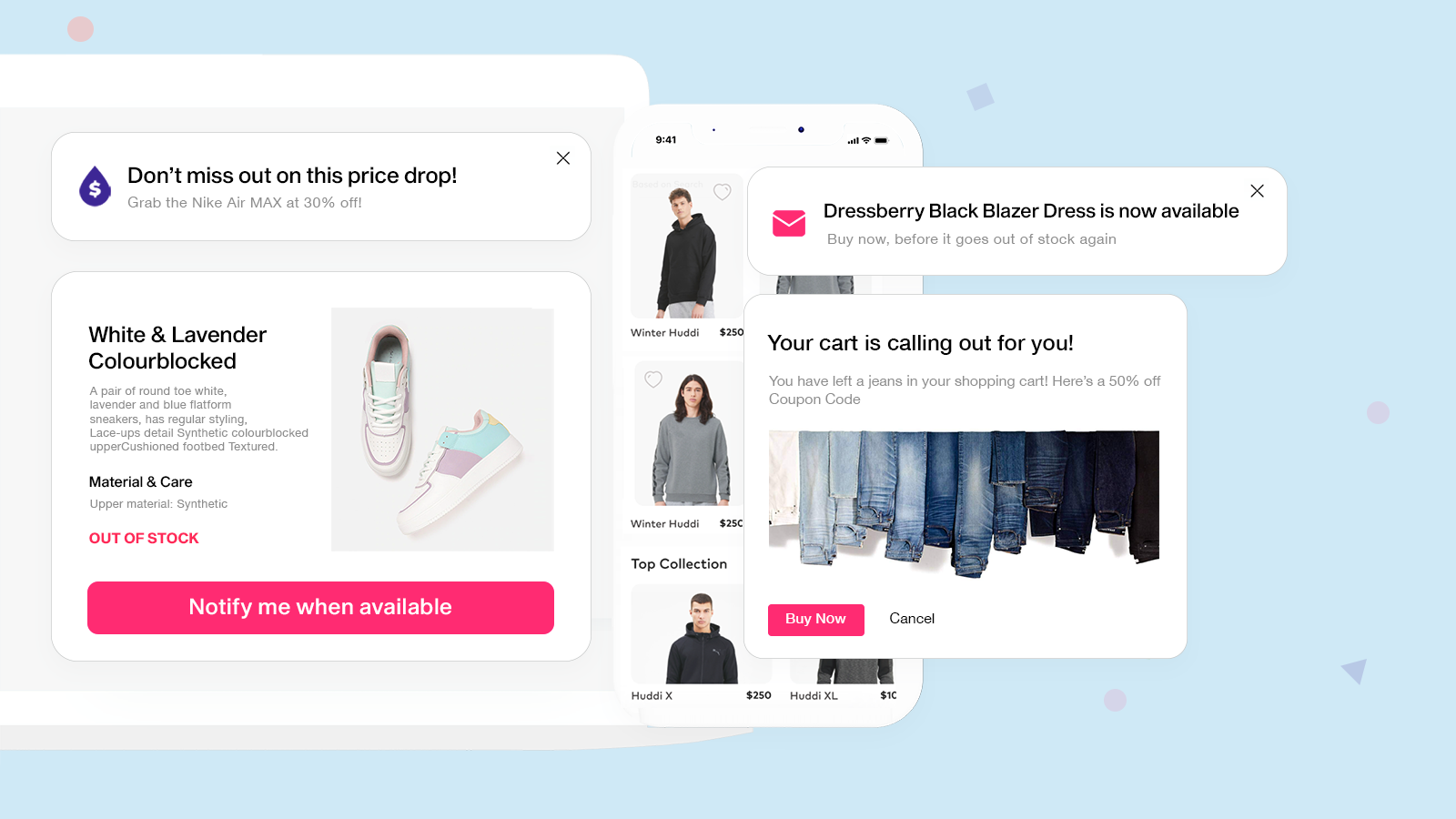
 Never miss a sale with Kbite's comprehensive back in stock notification system. When items are out of stock, customers can click the "Notify Me" button to join the waitlist and receive automatic restock alerts via email or SMS. Track product demand through detailed waitlist analytics and grow your marketing list simultaneously. The app also sends price drop notifications to alert customers about sales. Customize notification templates, button appearance, and automated messages to match your brand. Perfect for managing out-of-stock products, recovering potential sales, and keeping customers informed when items become available again. Seamlessly integrate customer data with your email marketing for better engagement and increased sales conversion.
 -
#3. Notify Me! for back in stock alert, backorder, out of stock waiting list, low stock alert & wishlist

 This app adds "Notify Me," "PreOrder," and "Wishlist" buttons to out of stock products across your store. Send automatic back in stock alerts through email, SMS, or push notifications to recover lost sales. Accept pre-orders with flexible options like discounts, custom notes, and partial payments for both D2C and B2B customers. Create urgency with low stock alerts and "only X left" counters that drive FOMO. The wishlist feature lets shoppers save items and return later, improving customer engagement. Includes guest wishlist on home, collection, and product pages, plus multilingual support, inventory forecasting, and resend options. Works seamlessly with your existing apps through API integration and supports backorder workflows. GDPR compliant with customer account extensions built in.
 -
#4. Boost sales with customizable product labels, badges, and AI-powered label generation.
TA AI Product Labels & Badges helps you create eye-catching product labels and badges to highlight sales, new arrivals, low stock, and build trust with shoppers. Generate custom labels in seconds using the AI Generator, or choose from over 12,000 templates including sale badges, discount labels, sold-out indicators, and trust badges. No coding required. Display labels by product, variant, collection, tag, or stock level. Translate every label automatically based on visitor IP to reach international customers. Customize text, colors, backgrounds, animations, and tooltips to match your brand perfectly. Combine multiple labels into Label & Badge Groups for organized displays. The app includes 24/7 support to help with any questions. -
#5. AI‑Generated Stickers, Product Labels, Badges & Countdown Timers to Boost Conversions and Sales.
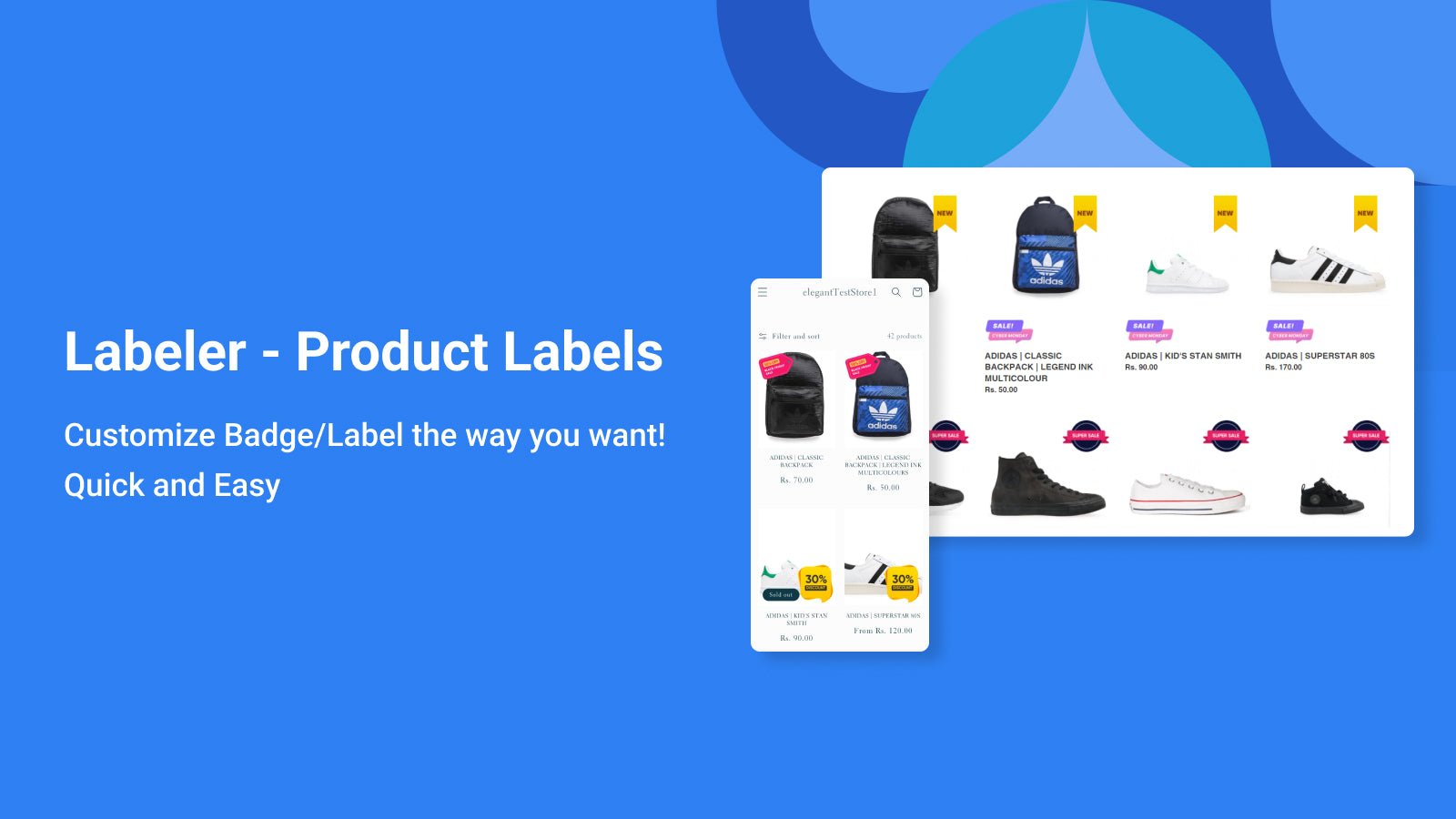
 Labeler helps increase sales with smart product labels, custom badges, AI-generated stickers, and countdown timers. Highlight special offers, discounts, bestsellers, and low-stock items across your store or specific collections with one click. Choose from a rich library of trending sale badges or design your own to create urgency and FOMO. Display trust badges and announcement badges on product pages to grab attention, increase click-through rates, and drive more revenue. Set rules by tags, collection, variants, inventory, vendors, type, and price. Schedule badges for sales campaigns and add countdown timers to create urgency. Works seamlessly on all themes—display badges on any page, browser, or device. Upload pre-designed badges or customize styles easily with the built-in CSS editor. Perfect for showcasing discount badges and highlighting key products to convert more visitors into customers.
 -
#6. Drive more Sales fast and easy with attractive product Labels & Badges : Sale, Hot, New, Trust

 Increase your store's sales with attractive product badges and labels that grab customer attention. Add eye-catching badges for seasonal promotions like Black Friday, Christmas, and Valentine's Day, with both static and animated options. Display dynamic text and control badge visibility with scheduled start/end dates. Create custom badges based on price, discount levels, or inventory status. Target specific products and collections to highlight special offers. These attention-grabbing badges help build customer trust and encourage more purchases by making important product information instantly visible. Perfect for showcasing sales, new arrivals, limited stock alerts, and special promotions across your store.
 -
#7. Automatically show low stock badges based on inventory. Help customers decide faster and buy sooner.

 This app automatically displays low stock badges on your product pages based on real inventory levels. Set a custom stock threshold to control when the badge appears, helping create urgency and guide customer decisions when availability is limited. The setup takes just one click to enable low stock badges across all product pages. You can customize the badge text and colors to match your store design. Everything runs automatically with no manual updates or theme editing required. The app uses your actual inventory data to show badges when stock runs low, making it easy to highlight limited availability and encourage customers to buy sooner without any complex configuration.

