
 News
News
 Shopify SEO
 Shopify development
Best alternatives for EasySlide Accordion tabs & FAQ Shopify app in 2027 [Updated]
EasySlide Accordion tabs & FAQ
$5/month. Free trial available.
Accordion tabs for your Product Description - Product tabs. FAQ pages.
Compare with % app %| Name | Rate on Shopify | Price | Free trial | Key features |
|---|
-
#1. Skip the plain dropdown. Show variants options as a Product Variant color swatch or Product Swatch.

 Color Swatch King turns your basic variant picker into an attractive display of color swatches and variant swatches. Show product variants as image swatches, buttons, or dropdowns on both product and collection pages instead of plain dropdowns. Display every variation of your product variants with clean variant selectors that include prices, labels, and badges. Add New, Sale, and Sold-out badges to highlight product status. The app automatically greys out out-of-stock combinations and lets you hide unavailable variants completely. Save time with bulk CSV upload for color swatches across multiple product variants. Link size charts directly to your variant options. Show variant swatches on collection pages so customers see all available options before clicking through. Works seamlessly with Shopify Markets and B2B stores. Free setup assistance included from product variant experts. Track performance with built-in live analytics to see how customers interact with your variant swatches.
 -
#2. Simple product page tabs & powerful product description tabs. Organized tabs can help increase sales

 Create organized product tabs that improve your store's product pages in minutes. Easy Tabs lets you split product descriptions, FAQs, shipping information, and size charts into clean, well-structured tabs. The app works seamlessly across all themes and mobile devices, making product information easy to navigate for your customers. Manage tabs individually per product or assign them to specific collections. The app integrates smoothly with popular review and size chart apps while maintaining SEO-friendly content. All tabs are fully accessible, meeting WCAG 2.0 and Section 508 compliance standards. With a simple, intuitive interface and 24/7 customer support, Easy Tabs helps you present product information in a clear, appealing way that can lead to better conversion rates. The app maintains your store's performance while improving how customers interact with your product pages.
 -
#3. Automate merchandising decisions on collection pages to increase revenue and reduce manual work


ST: Product & Collection Sort
Free plan available | Free trial availableThis intelligent collection merchandising app helps you organize and sort your Shopify collections automatically using data-driven insights. Create smart sorting rules based on key metrics like revenue, profit, product views, add-to-cart rates, and inventory levels. The visual drag-and-drop manager lets you pin featured items at the top while automatically handling sold-out products. Set up dynamic collections sorted by multiple factors including new arrivals, trending items, specific sizes, sale products, and custom metafields. The app analyzes your store's order history and GA4 data to optimize product placement, reducing manual work while improving collection performance. Advanced features include product demotion, shuffle sorting, and multi-segment organization for better merchandising results. -
#4. AI collection sort, collection page merchandising & personalisation for all-in-one product discovery

 KX AI Collection Sort is a no-code merchandising platform that helps you sort and organize products using AI-powered collection sorting. The app uses over 100 data parameters including revenue, conversion rates, margin, inventory levels, size availability, returns, and customer reviews to automatically arrange your products while maintaining your brand's visual identity. Sort collections with manual control through drag-and-drop, product pinning, and grouping features. Create segmented sorting strategies that balance new arrivals with best sellers by type, color, and other attributes. The platform offers 1:1 personalization for product recommendations, collections, and email campaigns. Run A/B testing to compare different merchandising approaches in real time. Markets integration allows you to sort each collection based on local data and inventory for different regions. Quick installation with no heavy implementation required.
 -
#5. Smart tabs & accordions for product description, shipping info. Enhance product page layout & UX

 The FOLDER app helps you organize product descriptions on your product page using tabs and accordions. Create shared tabs that work across multiple products, collections, or vendors to save time. You can also add them using Liquid code for more flexibility. The app automatically generates tabs from headings in your product descriptions. Add specialized tabs like reviews, size charts, FAQs, and shipping information through integrations with third-party apps. This includes cross-sell and upsell tabs to showcase related products. All tabs and accordions are fully responsive, ensuring a smooth shopping experience on any device. Choose from ready-made design templates or use the Visual Editor to customize the look and feel to match your store perfectly. The app supports Liquid code in shared tabs for dynamic, store-specific content that adapts to your needs.
 -
#6. Go beyond the limits of your theme and easily add smart, professional tabs to your product pages

 Tabs Studio helps you organize product descriptions into professional tabs and accordions without any coding. Automatically generate tabs from existing headings in your descriptions, or create shared tabs that apply to multiple products based on collections, tags, product type, and vendor. Edit a shared tab once and it updates across all products instantly. Display metafields in tabs easily, add custom icons, and choose from design presets that match your store's style. The tabs are fully responsive and work seamlessly on any device while staying WCAG 2.1 compliant for accessibility. Keep your product pages clean and organized, making it easier for customers to find information and reducing support questions and returns.
 -
#7. Give buyers a quick order form for wholesale orders, bulk orders, and fast reorders.
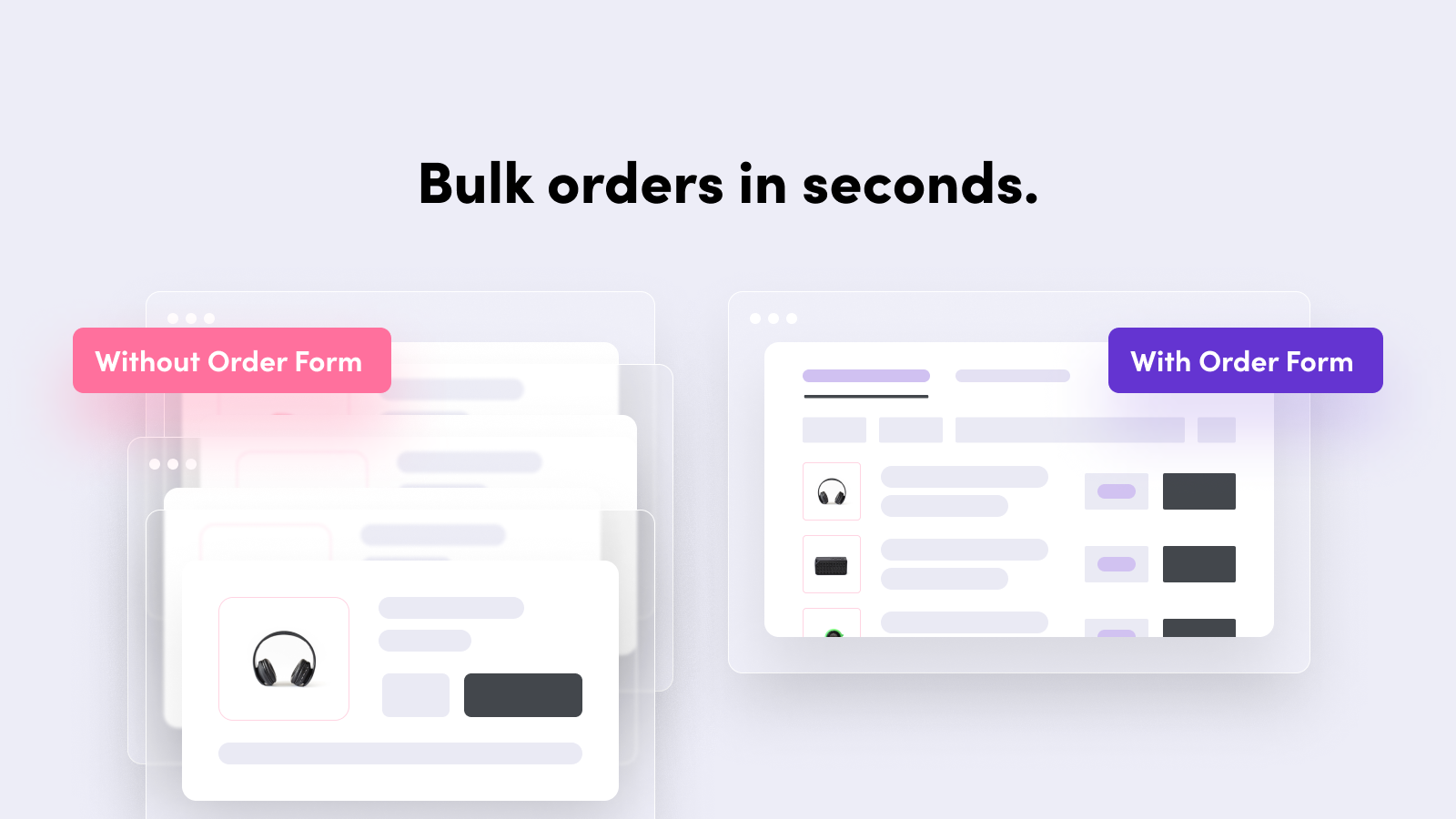
 This wholesale order form helps B2B and retail stores speed up bulk ordering with a fast, single-page solution. Buyers can quickly add multiple products, adjust quantities, and complete reorders in seconds without endless page loads or clicking back and forth. Customers can order by SKU through CSV/Excel file upload or by pasting a SKU list. Add a quick order form or product matrix to any product page using Shopify App Blocks. Control which customers or visitors can view and purchase products, and customize the bulk order form to match your store's theme and branding for a seamless experience on desktop and mobile.
 -
#8. Help shoppers find products they love with beautiful dropdown menus for mobile and desktop.
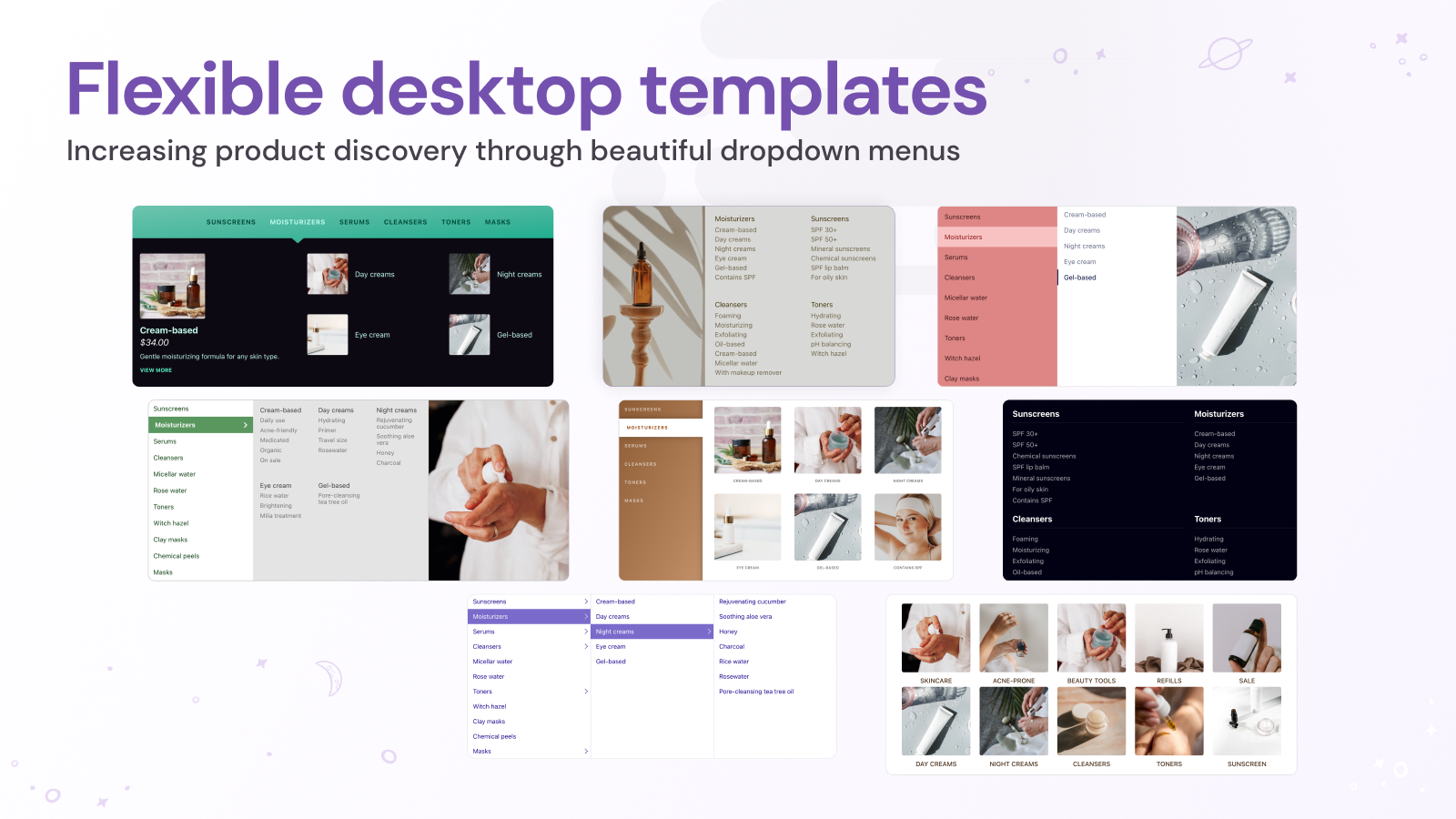
 Create professional dropdown menus that make shopping easier on both mobile and desktop. This mega menu app works with your existing Shopify navigation, making setup quick and simple. Choose from beautiful menu templates and customize them to match your store's style. Showcase product images directly in your navigation menus, helping customers discover items without leaving the current page. Link to any Shopify content - from products and collections to blogs and pages. The app supports multiple regions, displaying translated menu items and local currencies for international stores. Preview your menus before publishing to ensure a smooth shopping experience. With clear menu tiers and user-friendly navigation, customers can easily find what they're looking for across your entire store.
 -
#9. Low stock counter & scarcity widget: stock level, low stock alert, in stock & urgency countdown.

 Create urgency and scarcity on your product pages with a low stock counter and stock alert system. This app displays remaining inventory, stock levels, and limited stock notifications to encourage faster purchasing decisions. Show customers exactly how many items are left in stock with customizable stock indicators and countdown displays. Set up low stock alerts and inventory counters that appear based on your chosen threshold. Display stock status labels like "only one left in stock," "high in stock," or "sold out" to inform shoppers about product availability. The stock counter features pulse animation to grab attention and drive conversions. Apply the widget across all products, specific items, or entire collections. Configure inventory level displays to show stock countdown timers and available stock counts. The low stock badge and stock indicator help create a sense of urgency that motivates visitors to complete their purchase before items run out.
 -
#10. Easily add downloadable PDFs (or other file formats) to product and any other pages on your store.
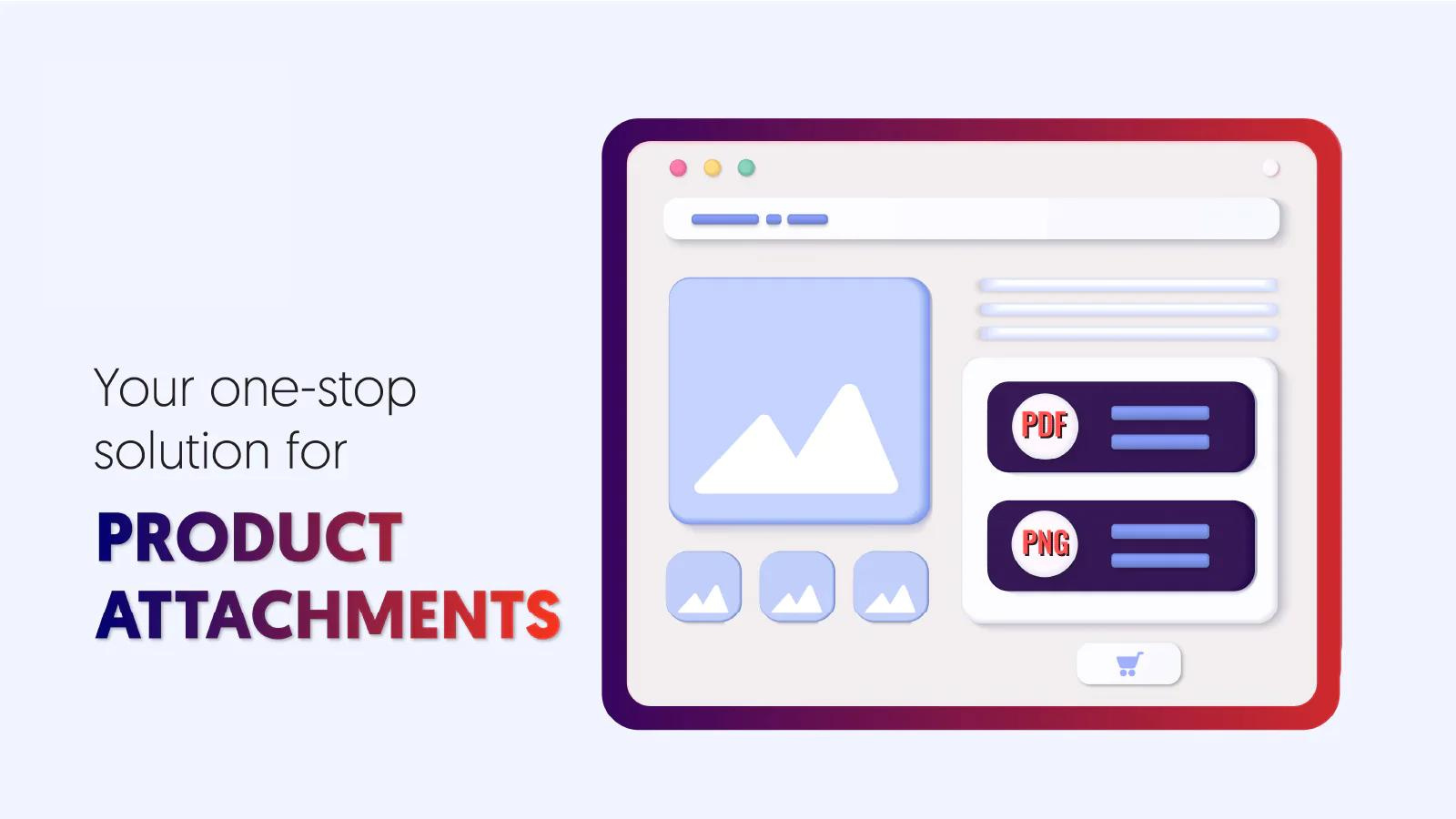
 Add downloadable files to your Shopify product pages with ease. Upload PDFs, manuals, warranties, certificates, and other important documents that customers need to make informed purchases. The app creates a dedicated attachment block that stands out on your pages, making files more visible than when buried in product descriptions. You can attach files to specific products, entire collections, or store-wide, with no limits on the number of attachments. Choose custom icons to make your attachment display visually appealing and professional. Keep your customers well-informed and reduce support inquiries by making important product documentation easily accessible.