
 News
News
 Shopify SEO
 Shopify development
Best alternatives for Madgic Order Limits Quantity Shopify app in 2027 [Updated]

Madgic Order Limits Quantity
Free plan available. Free trial available.
Control order limits to protect stock, prevent bulk buying, and guide customers before checkout
Compare with % app %| Name | Rate on Shopify | Price | Free trial | Key features |
|---|
-
#1. Set Minimum Order Quantity (MOQ), Minimum Order Value, Order Limits for Wholesale, Retail stores.

 Set minimum order quantity (MOQ), minimum order value (MOV), and order limits for your wholesale, retail, or B2B store. Control order quantities by product, variant, collection, product tags, or vendor to prevent promotion abuse and costly order mistakes. Sell products in multiples or packs with flexible rules. Apply order limits for limited-drop releases and control re-purchase limits per customer. Target specific wholesale customers, customer tags, or groups with custom MOQ and MOV rules. Fully compatible with Shopify Checkout Rules for seamless order management without coding.
 -
#2. Bulk order any variant combo - mix & match, min/max limits, minimum order and B2B catalog pricing.

 MultiVariants adds a bulk order variant table to your product pages so wholesale and B2B buyers can select multiple variants at once. Customers pick quantities across sizes, colors, and flavors in a single view using table, grid, list, or matrix layouts — no more clicking through dropdowns one by one. Set minimum and maximum quantities per variant to enforce MOQs and case packs automatically. Create mix and match bundles where buyers choose variant combinations to fill a box or case. The app includes custom product options, file upload capabilities, and B2B catalog pricing for wholesale customers. Track live inventory and set incremental quantities. Works with any theme, no coding required.
 -
#3. Create volume discounts, wholesale pricing, BOGO, buy more save more offers, and order limits .

 OC Quantity Breaks & Limits helps you create volume discounts, wholesale pricing, and buy more save more offers while setting order limits for your store. Build quantity discounts and B2B pricing tailored to different customer groups. Control how customers purchase by setting minimum order quantities and purchase limits. The app lets you create bundle discounts, offer free gifts, add cart incentives, and display discount badges. Manage all your discount and wholesale campaigns from one place, with automatic discounts powered by Shopify Functions.
 -
#4. Stop resellers and stockouts with order limits, minimum order quantity, and quantity rules.

 Avada Order Limit Quantity helps you control purchases with flexible order limits and quantity rules. Set minimum order quantity and max quantity limits by product, variant, collection, or cart. Stop resellers and prevent stockouts by capping order limits per customer—reset daily, monthly, yearly, or lifetime. Perfect for wholesale buyers, you can require minimum order amounts or sell in packs of 6, 12, or 50. The app runs quantity limit rules on Shopify Functions for checkout validation. Block bulk re-buyers and manage order minimums without coding. Human support helps configure your quantity rules, and the app supports 30 languages for global stores.
 -
#5. Checkout rules and checkout to power checkout customizer an boost your checkout conversion rate.

 Blockify Checkout Customizer helps you set up checkout rules and customize your checkout page to increase conversion rates. This app lets you validate carts and addresses, enforce order limits, and manage payment and shipping options with ease. Hide, reorder, or rename checkout elements to reduce customer confusion and create a smoother experience. Use checkout rules to prevent spam and risky orders while protecting your revenue. The app includes post-purchase upsell blocks to lift your average order value. Perfect for both B2C and B2B stores, Blockify offers checkout extensibility functions that let you tailor discounts, payment methods, and shipping rules to match your business needs. Customize your checkout form and apply refined rules to control the entire checkout experience and stop fake orders before they happen.
 -
#6. Use Kedra Checkout to customize payment and shipping methods, reduce abandoned carts and boost AOV!

 Customize your checkout with 80+ conditions using the AI assistant. Hide, rename or reorder payment and shipping methods based on rules you create. Validate checkout to block PO boxes, prevent fraud, and set order limits. Apply conditional shipping discounts and free shipping offers. Increase order value with post-purchase upsells, pre-filled checkout links, and QR codes. Show estimated tax and duties at checkout. Track conversion rates and drop-off data to reduce abandoned carts. Use checkout analytics to monitor AOV and refine what works. Edit or switch off any rule anytime. Perfect for stores looking to customize checkout, control shipping and payment options, and grow revenue.
 -
#7. Set minimum order quantity, order limits using checkout rules and quantity limits

 Set minimum order quantity limits and purchase restrictions to prevent low-value checkouts and control product availability. This app helps you enforce quantity limits, order limits, and minimum order requirements based on products, variants, or collections. Control who can buy by restricting purchases to logged-in customers, specific customer groups, or certain countries. Set minimum and maximum order values, limit quantities per product or variant, and prevent sale abuse with customizable checkout rules. The app uses Shopify's native checkout rules to automatically block orders that don't meet your requirements. Apply MOQ limits across your entire store or target specific collections and variants. Perfect for wholesale stores, bulk sellers, or any business needing purchase controls. Support team available to help with setup and configuration.
 -
#8. Prevent bulk buying & scalpers with order limits, limit purchase per customer & wholesale rules

 Pareto helps you prevent bulk buying and stop scalpers by setting order limits and max quantity per customer on any product or collection. Control purchases with limits per order, per day, or lifetime—all enforced at checkout with checkout rules. The app blocks repeat buyers using IP-based detection to protect your drops, flash sales, and freebies from being cleared out. Add minimum order quantity (MOQ), require products to be sold in multiples or packs, and create wholesale quantity limit rules based on customer tags or B2B company. Customers see clear, custom messages explaining purchase limits on product pages, in cart, and at checkout. Perfect for Shopify Plus stores needing advanced wholesale rules with customer tags, markets, and Flow integration. No coding required to set up quantity limits and protect your inventory.
 -
#9. Control Order Quantities with Minimum and Maximum Limits on Your Cart, Products, and Collections
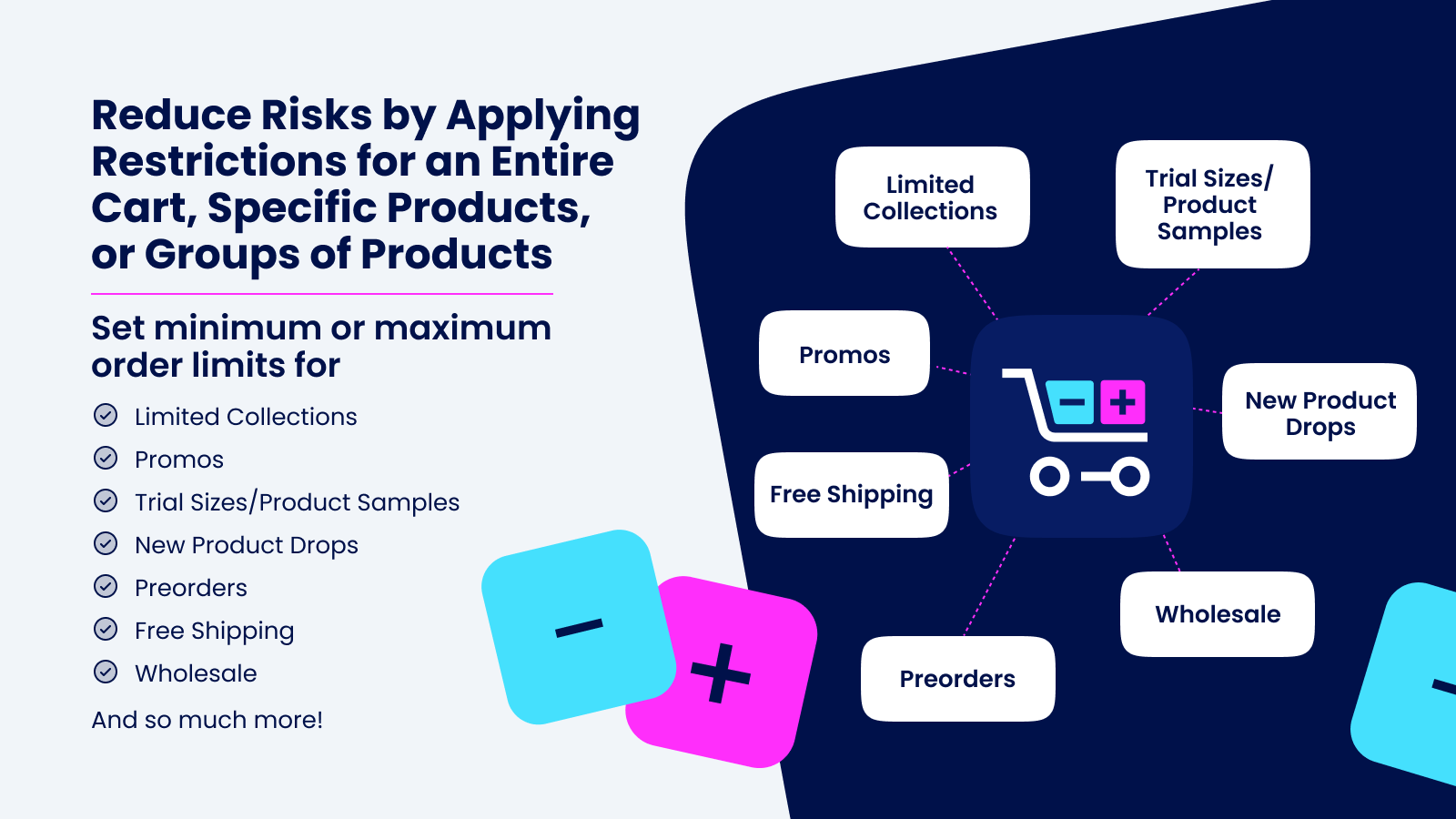
 Set smart order limits on your Shopify store with Minmaxify. Control minimum and maximum purchase quantities across collections, product types, and tagged items. Create custom rules for cart totals, specific products, or product groups without any coding needed. Prevent overselling promotional items or manage wholesale ordering with clear cart notifications. Set purchase restrictions based on quantity, price, or weight limits. Shoppers get instant feedback when they need to add or remove items at checkout. Perfect for managing prepackaged cases and establishing order boundaries for different customer segments. Simple setup helps you maintain control over order quantities while providing a smooth shopping experience.
 -
#10. Take control of stock, Set MOQ, Order Limits & Checkout Rules for B2B wholesale, Retail stores.

 KOR Order Limits helps you set minimum order quantity (MOQ), maximum order quantity, and checkout rules for your B2B wholesale and retail stores. Control order limits by product, variant, collection, or customer tag to prevent overselling and protect your stock. Sell in packs or multiples with bulk quantity rules that work on Shopify checkout validation. Limit orders by cart quantity, order amount, weight, and max orders per customer. Set quantity limits per customer by day, month, year, or lifetime. The Low Stock Counter helps you manage inventory while Future limits let you control orders by custom days. Use the AI Assistant to build limits quickly, set priority order, bypass high-value carts, and bulk manage rules via CSV. Perfect for wholesale businesses needing checkout rules and order quantity control.