Best alternatives for EXPORT OrderPro: Order reports Shopify app in 2026 [Updated]
PickYourApp Review Team
6 min read
•
Jan 17, 2026

Order Export apps help Shopify merchants automatically sync and export their order data in customizable formats. Export orders to Google Sheets, Excel, or CSV files with detailed reporting options. These apps offer scheduled exports, real-time updates, and flexible templates to match your business needs. Whether you need automated order syncing, custom report layouts, or data exports to logistics partners, these solutions simplify order management and reporting workflows.
-
#1. Helpful pre-made and detailed reporting for all store data. Easily filter, export, and send reports.
 Get comprehensive Shopify reporting with Data Export's pre-made templates covering sales, taxes, inventory, POS, payouts, orders, customers, and refunds. The Report Builder lets you preview records, customize fields, and organize data by time periods. Schedule automated report delivery through email, FTP, or Google integration. Export your data in Excel, CSV, or PDF formats with optional password protection. Create exactly the reports you need using advanced filters and column management tools. Free expert support helps you make the most of your store's data reporting capabilities.Install from Shopify App Store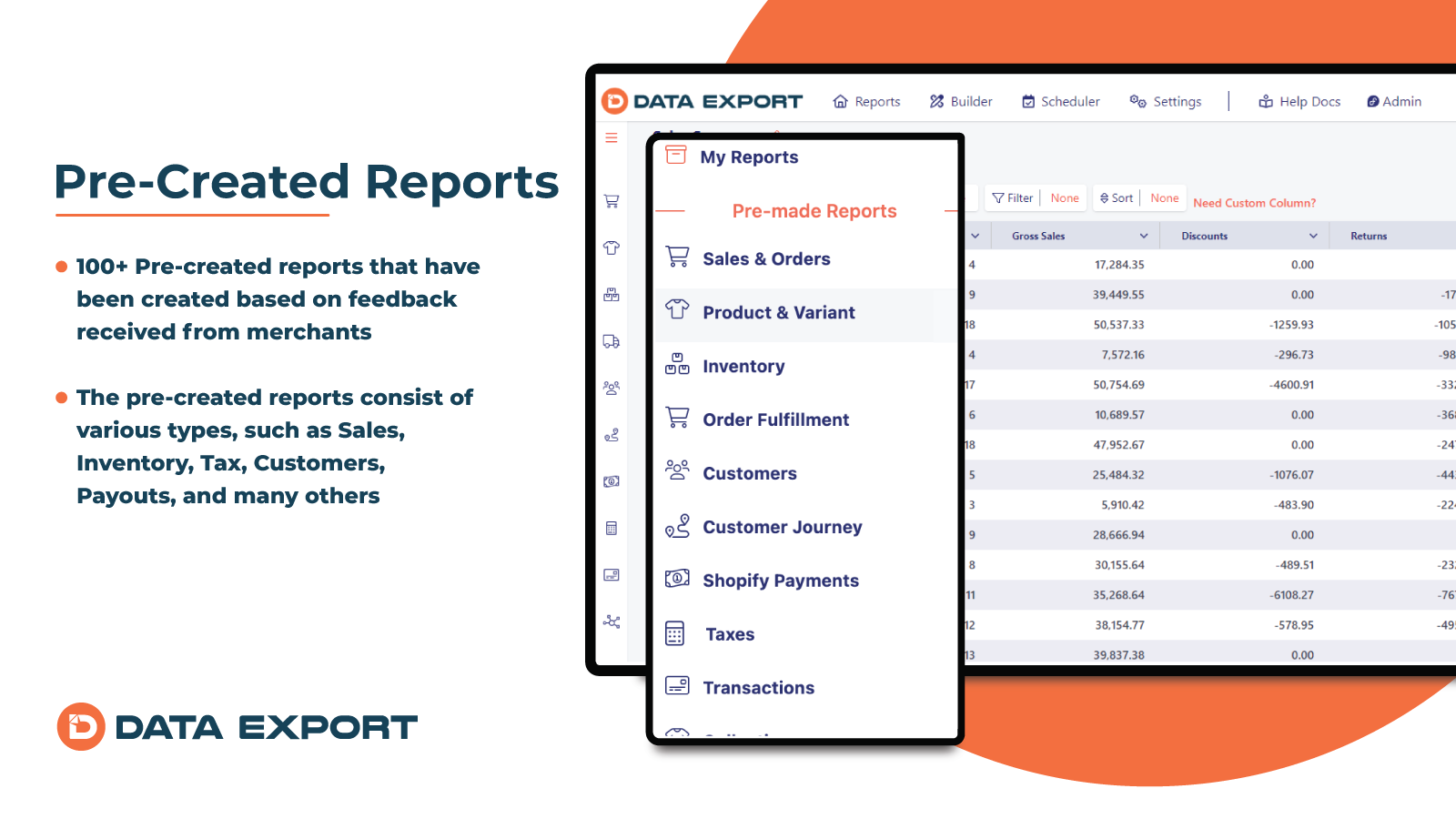
-
#2. Customize and automate data exports. Export orders, products, & more to a custom CSV/Excel file.
 Export your Shopify data easily with customizable CSV and Excel exports for orders, products, customers, metafields, and analytics. Create multiple export templates to match your specific needs, whether for 3PL fulfillment, ERP systems, or product feed management. Set up automated data exports to your preferred destination - email, FTP/SFTP servers, Google Sheets, Google Drive, Dropbox, Airtable, or Amazon S3. The app includes advanced filtering options and calculated fields using Python for precise data control. Premium users can leverage ShopifyQL for detailed analytics exports. Simple to set up yet flexible enough for complex reporting requirements, this exporter helps you manage your store data exactly how you need it.Install from Shopify App Store
-
#3. Build and export orders reports for most business needs to XLS & CSV files. Exports most order info.
 OEP: Export Orders to Report makes it simple to export order details to XLS and CSV files for your business needs. Build custom order reports with 90+ order attributes including order number, order ID, SKU, quantity, price, fulfillment status, tracking numbers, tracking URLs, customer information like name, email, billing address, and shipping address. The app also captures referring website and landing URL data useful for marketing analytics. Create unlimited columns with the order details you need using the handy column editor to adjust your reports exactly how you want them. Export orders to Excel sheets and CSV formats with any combination of ordered items, fulfillment data, and customer data. Perfect for order management and business reporting. Google Sheets support coming soon.Install from Shopify App Store
-
#4. Simple reporting & analytics. Explore your data and automate reports. Custom report service.
 Get detailed insights into your Shopify store with comprehensive reporting and analytics tools. Create custom reports in seconds to track sales performance, inventory levels, and order details. Export your data easily in CSV or Excel format for sharing and analysis. Monitor sales trends across different timeframes, analyze product performance, and track customer behavior. Get complete visibility of your inventory across locations and SKU variants. Access detailed reports on orders, refunds, payments, shipping charges, taxes, abandoned checkouts, and more. Perfect for store owners who need quick access to their data and want to automate regular reporting tasks. Whether you're tracking daily sales, managing warehouse stock, or analyzing customer patterns, this app delivers the insights you need in a simple, user-friendly format.Install from Shopify App Store
-
#5. Automatically sync incoming Orders to Google Sheets. Update Sheet when order data changes.
 Seamlessly export and sync your Shopify orders to Google Sheets in real-time. This app automatically updates your spreadsheets whenever order information changes, keeping your data current without manual work. Export detailed order data including line item properties and file attachments directly to your Google Drive in organized folders. Set custom filters to sync specific orders based on your needs. The app integrates smoothly with other upload tools, making it a reliable solution for merchants who need their order data synchronized with Google's cloud services. Perfect for businesses that want to maintain accurate, up-to-date order records in their Google Sheets without constant manual updates.Install from Shopify App Store
-
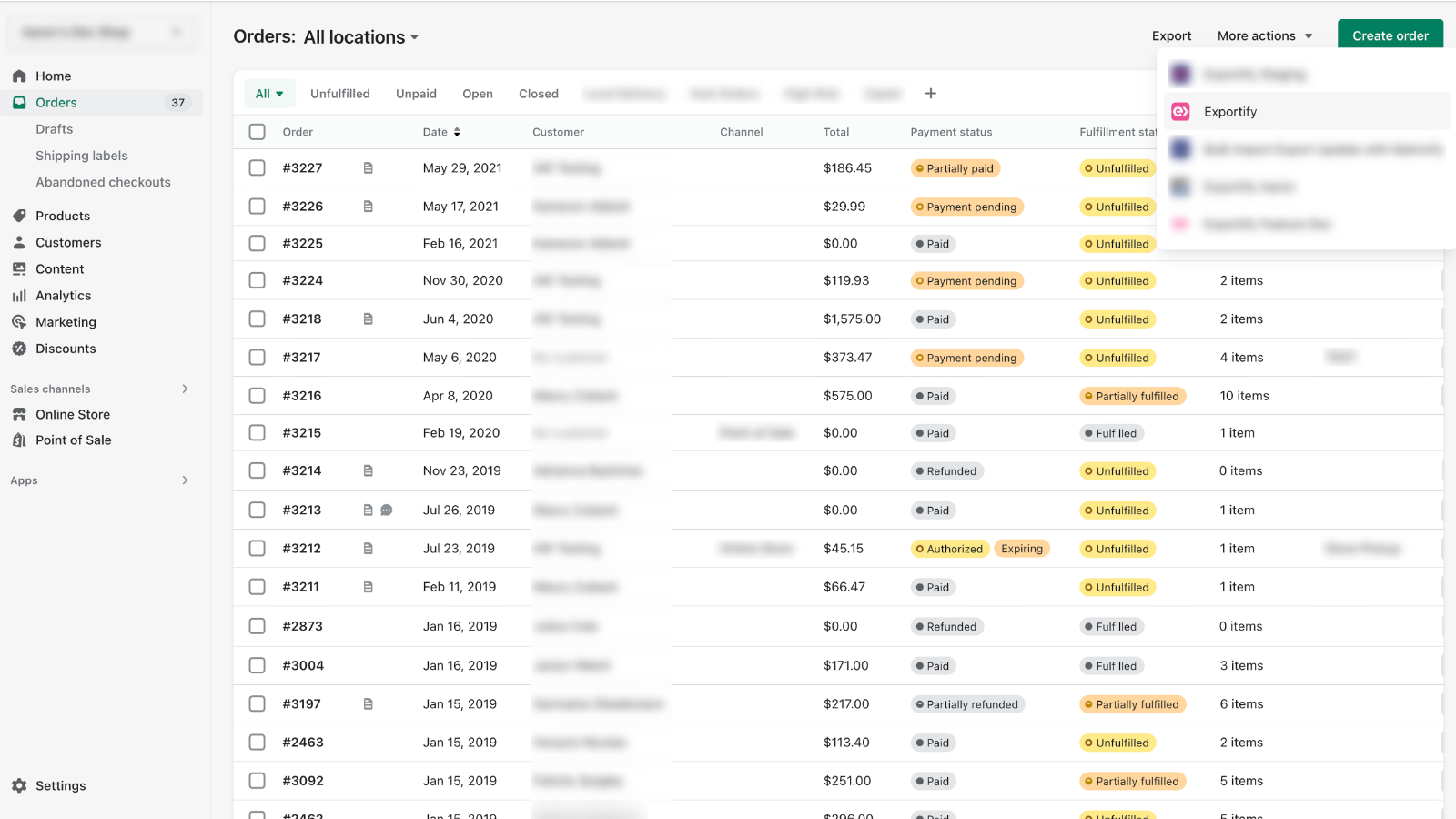
#6. Exportify lets you export order data in the exact file format, type, and layout you need.
 Export your Shopify order data exactly how you need it with Exportify. This practical tool helps you format orders into Excel spreadsheets or custom delimited text files that work seamlessly with your accounting, product customization, or order management systems. The app extracts all order details, including customization fields from note attributes and line item properties, into separate columns. Whether you need to export single orders or process them in bulk, Exportify handles XML, Excel, and text formats while preserving all essential data fields. Save valuable time by avoiding manual spreadsheet reformatting and get your order information ready for use in external systems right away.Install from Shopify App Store