
 News
News
 Shopify SEO
 Shopify development
Best alternatives for Webgility x QuickBooks Desktop Shopify app in 2027 [Updated]

Webgility x QuickBooks Desktop
From $139/month. Free trial available.
No Bookkeeping Errors with real-time Sync for orders, inventory, payouts & more - QuickBooks Desktop
Compare with % app %| Name | Rate on Shopify | Price | Free trial | Key features |
|---|
-
#1. Build custom reports, automate reports & analytics, and reconcile data from key integrations easily

 Report Pundit is a custom reports and analytics tool that helps you build advanced reports for your Shopify store. Access over 150 pre-built reports including sales reports, profit reports, customer reports, inventory reports, tax reports, payout reports, financial reports, and accounting reports with multi-currency support. Create custom dashboards and refine data using filters, calculated columns, custom metrics, and custom API fields. Pull information from metafields, tags, and line-item properties for detailed analysis. Get AI insights through Claude and ChatGPT integration to analyze your Shopify data. Automate your reporting workflow by scheduling custom email reports. Export reports to Excel, CSV, PDF, Google Sheets, or Slack. View multi-store data in one place across different markets and currencies. Handle payout reconciliation and generate fulfillment reports, refund reports, and POS reports all from a single platform.
 -
#2. Prebuilt and Custom Reports to Automate Repetitive and Frustrating Data Tasks

 Data Export IO: Reports helps you automate repetitive data tasks with prebuilt and custom reports for your Shopify store. Access instant reports to analyze sales, inventory, shipping, fulfillment, payouts, tax, customers, refunds and more. Build custom reports using meta fields, line item properties, note attributes and any field from your store API. Add calculations and formulas for unique data analysis. Save, edit and rerun unlimited reports whenever needed. Schedule automated reports in multiple formats including Sheets, Excel, CSV, JSON, or TXT. Send reports automatically to email, FTP, drive or Google Sheets. Choose from editable report templates covering sales, marketing, inventory and all store operations. Need help? Get one-click setup assistance for your reports.
 -
#3. Powerful reporting & analytics. Explore your data and automate reports. Custom report service.
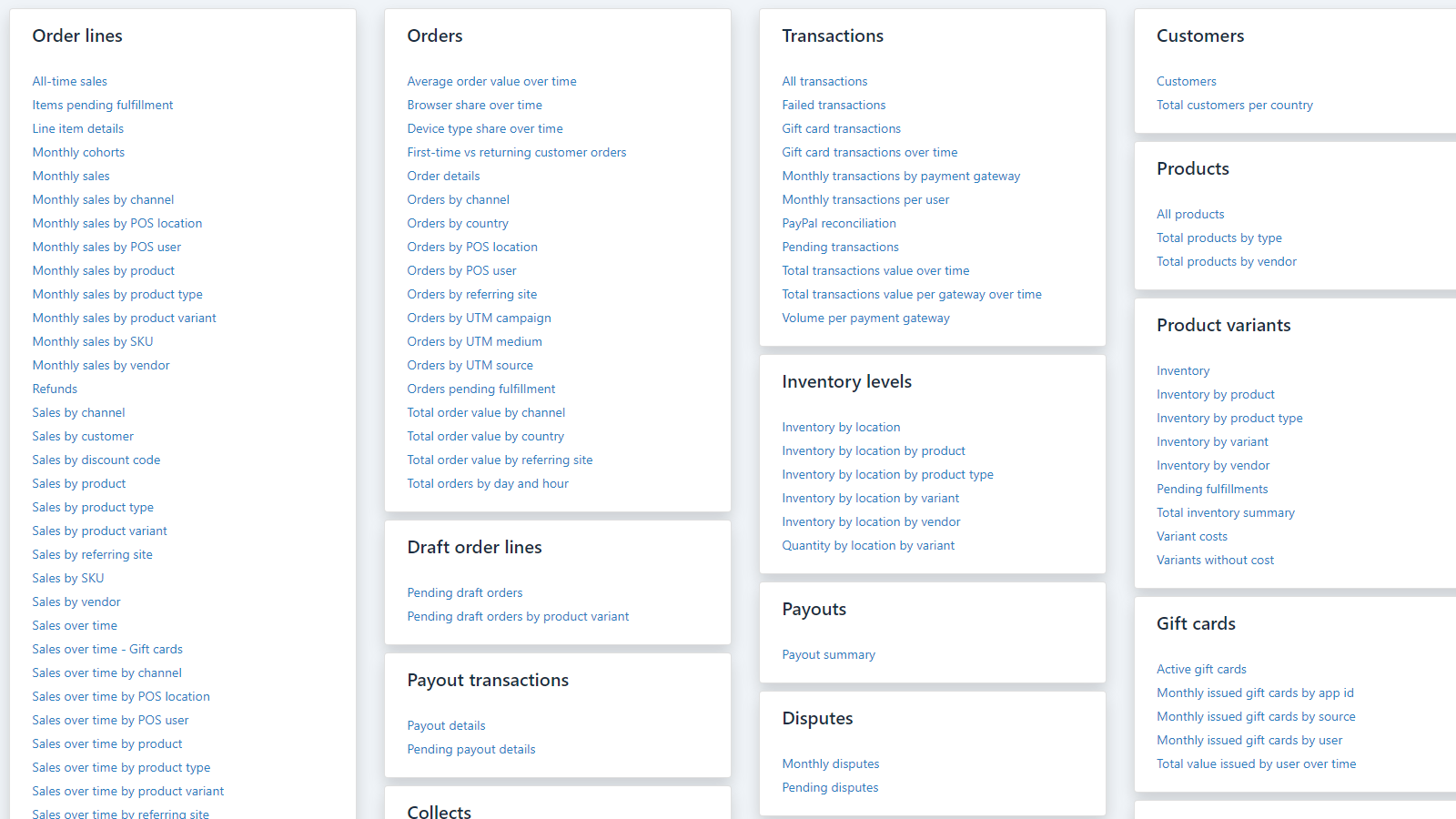
 Get detailed insights into your store's performance with comprehensive reporting and analytics. Explore sales, payments, inventory, customer data, and payouts using pre-built or custom reports. Create personalized reports with custom fields, metrics, and formulas to analyze your data exactly how you need it. Share reports easily by exporting to PDF, Excel, CSV, or Google Sheets. Set up automated email delivery to keep your team informed. The app includes POS reporting, multi-store analytics, and multi-currency support. Need help? Their custom report service will build reports tailored to your requirements. Access advanced features like tag analysis, metafield tracking, and multiple chart visualizations to understand your business better. Whether you're monitoring daily operations or planning long-term strategy, BR - Better Reports gives you the data analysis tools you need.
 -
#4. Tell us the report you need. Our team builds it for you, free, and sends it to your inbox.


Mipler ‑ Advanced Reports
Free plan available | Free trial availableMipler is a store analytics and reporting app that builds custom reports from your orders, products, inventory, metafields and tags. Get the exact report you need - just tell the team what you want and they'll build it for you free and send it to your inbox. Create financial reports, accounting reports, tax reports, payout reports, refund reports, discount reports, VAT reports, and COGS profit reports in minutes. Build reports by delivery date, tag groups, or subscription counts. Schedule automated email reports in Excel or PDF format to any inbox - no Shopify admin access required. Export data to Google Sheets or share reports via secure links. The app includes AI analytics powered by Claude, letting you ask questions about your store in your language. Connect ChatGPT via MCP for advanced analytics dashboards. -
#5. Instantly track your True Profit. Sync costs & report on Net profit, profit & loss, LTV, profit calc


TP: True Profit Analytics
From $35/month | Free trial availableTrueProfit is a real-time Net Profit Analytics platform that shows your store's true profit on autopilot. Track your financial health with an accurate profit dashboard that automatically syncs all costs including COGS, shipping fees, transaction fees, taxes, and custom expenses. Get real-time ad spend tracking from Facebook, Google, TikTok, Bing, Snapchat, and Amazon. View product-level and ad-level net profit through detailed Product Analytics and Marketing Attribution reports. Monitor Customer Lifetime Value, generate P&L reports, and analyze profit data across all your stores. Connect your profit data to AI tools like ChatGPT and Claude using TrueProfit MCP for faster decision-making. No more outdated spreadsheets - all your data is calculated and analyzed in one place. Includes a mobile app for tracking profits on the go. -
#6. Stop guessing payouts & inventory. Auto-sync Ecommerce store to QuickBooks with sales and refunds

 Automate your ecommerce accounting by syncing Shopify to QuickBooks Online, QuickBooks Desktop, and Xero. This app eliminates manual data entry by automatically syncing orders, taxes, inventory, refunds, and payouts in real time. Simplify reconciliation by matching sales, deposits, and fees instantly. Manage multichannel operations seamlessly with support for Amazon, eBay, Walmart, and 30+ marketplaces. Keep stock levels updated across all sales channels with inventory sync. Get AI-powered insights into profitability, revenue, expenses, and sales trends. Perfect for B2B with POS sync, payment terms, and 2-way payments. Avoid errors, scale with confidence, and stop guessing your payouts.
 -
#7. Have confidence in your numbers with accurate & automated ecommerce accounting in QuickBooks or Xero
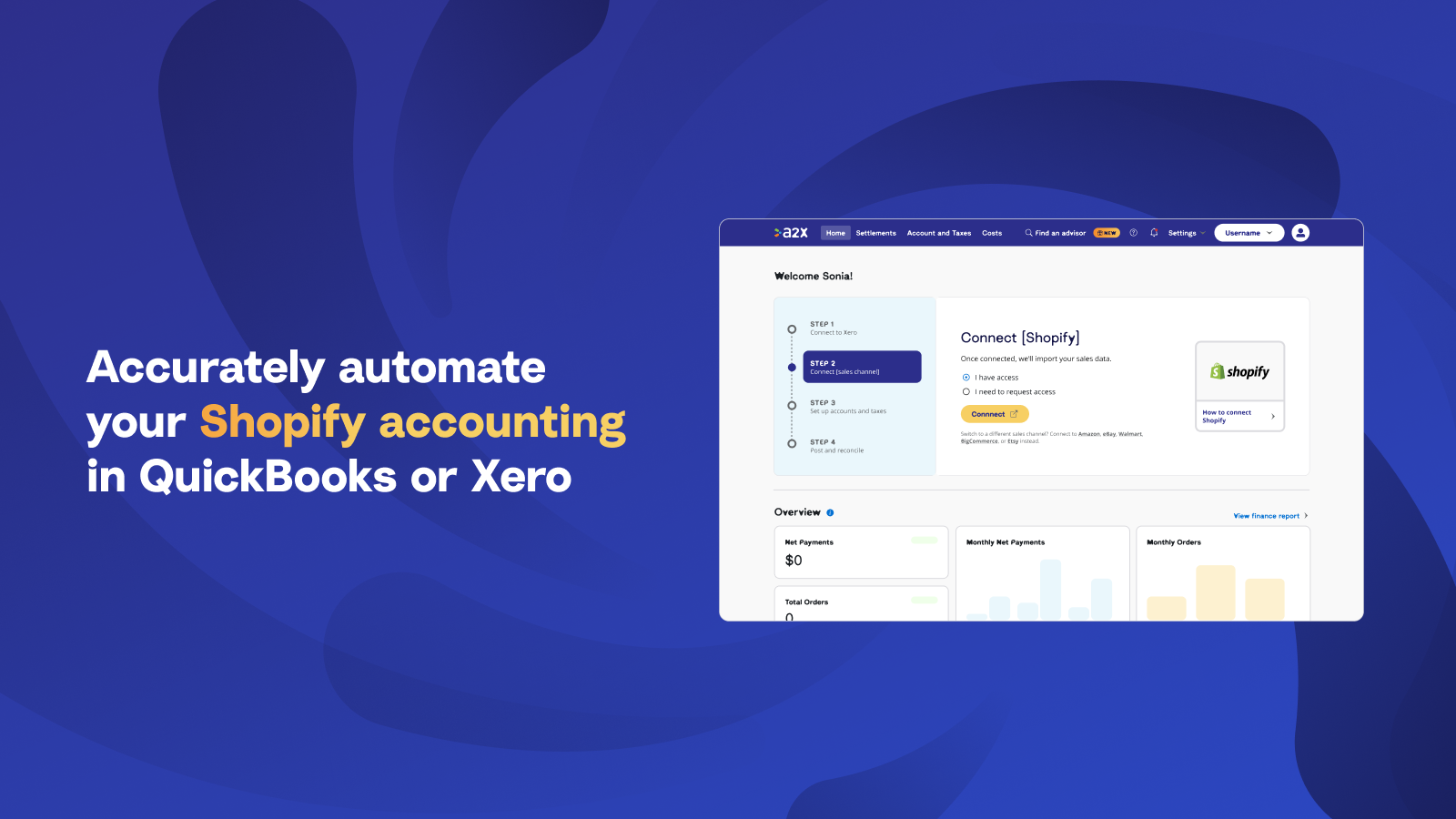
 A2X automates ecommerce accounting for Shopify merchants using QuickBooks Online (QBO), Xero, Sage, or NetSuite. Every transaction including sales, fees, taxes, refunds, and gift cards gets categorized into accurate summaries that reconcile perfectly with your payouts. Trusted by leading merchants, accountants, and bookkeepers, A2X saves hours on bookkeeping while delivering true financial visibility. Track COGS accurately, avoid overpaying taxes with proper tax rules, and improve your P&L quality. The app syncs wholesale B2B orders with your general ledger and supports multi-channel selling including POS. Get confidence in your numbers with automated reconciliation that makes ecommerce accounting straightforward.
 -
#8. Sync sales data to Xero easily in an automated manner - individual orders or summary sync options

 Parex Bridge for Xero makes syncing your Shopify sales data to Xero simple and automated. Choose between two sync options: Individual Orders or Summary Sync. With Individual Orders, automatically export all orders, products, customer data, and tax details to Xero. You can set up automated sync throughout the day or manually sync whenever you prefer. The Summary Sync option creates one invoice for each Shopify payout, plus daily invoices for other payment methods, making reconciliation incredibly easy. The app handles the entire sync process automatically, saving you time on bookkeeping tasks while ensuring accurate financial records in Xero.
 -
#9. Accurate accounting for retail and B2B sales, payments, and product details.

 QuickBooks Online brings your Shopify accounting into one centralized place. This accounting software automatically syncs sales activity, payments, customer data, and product details from your retail and B2B store for smoother bookkeeping. Sales, taxes, and fees are mapped to the right categories to reduce manual entry and keep your books accurate. B2B orders record as invoices with customer and product details aligned. Inventory quantities and costs stay in sync as you sell, helping you track cash flow across all channels. The connector is included at no extra cost.
 -
#10. Custom reports & analytics for sales, inventory, orders & customers. Schedule, export & share.

 Report Toaster delivers custom reports and analytics for Shopify merchants who need detailed insights into sales, inventory, orders, and customers. Access realtime data across all your shops and create fully customizable reports with charts perfect for presentations. Choose from 150+ ready-made reports or build your own using the AI report builder. Create calculated fields to track inventory history, set up aging reports, or pull data from tags and metafields. Export reports as PDF or CSV for email sharing or Excel analysis. Schedule automated report delivery via email, SMS, or Slack. Share live sales and inventory report links with staff or third-parties. Multi-store reporting lets you compare data across multiple shops in one place.