Nachricht
 Shopify SEO
 Shopify-Entwicklung

Looop ‑ Build with Webflow
- von Thind Ventures Ltd.
- Kostenloser Tarif verfügbar
- von Thind Ventures Ltd.
- Kostenloser Tarif verfügbar
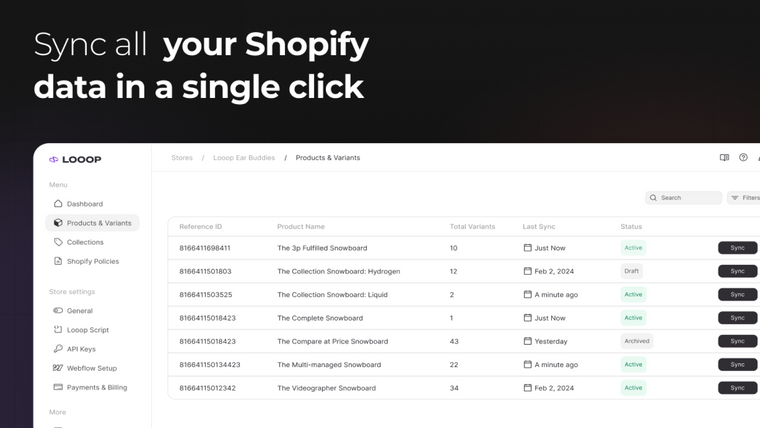
Erstellen und veröffentlichen Sie Ihren Shopify-Shop mit Webflow Designer. Synchronisieren Sie Ihr Webflow CMS mit Shopify und nehmen Sie Website-Änderungen schnell und ohne Programmierung vor – fügen Sie einfach das Loop-Skript hinzu, um loszulegen.
App beanspruchen
Verifiziere dein Entwicklerprofil, um ein Badge zu erhalten und Vertrauen in deine Apps aufzubauen
Über Looop ‑ Build with Webflow
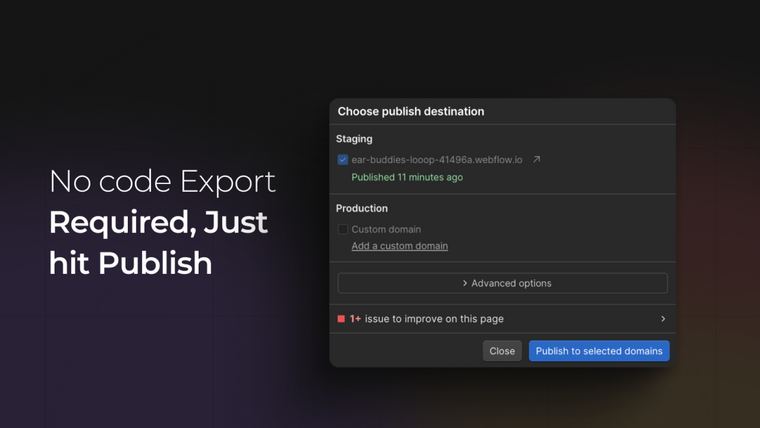
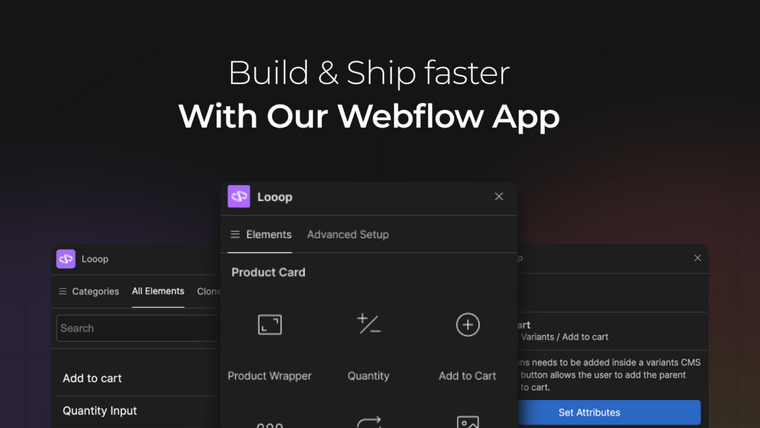
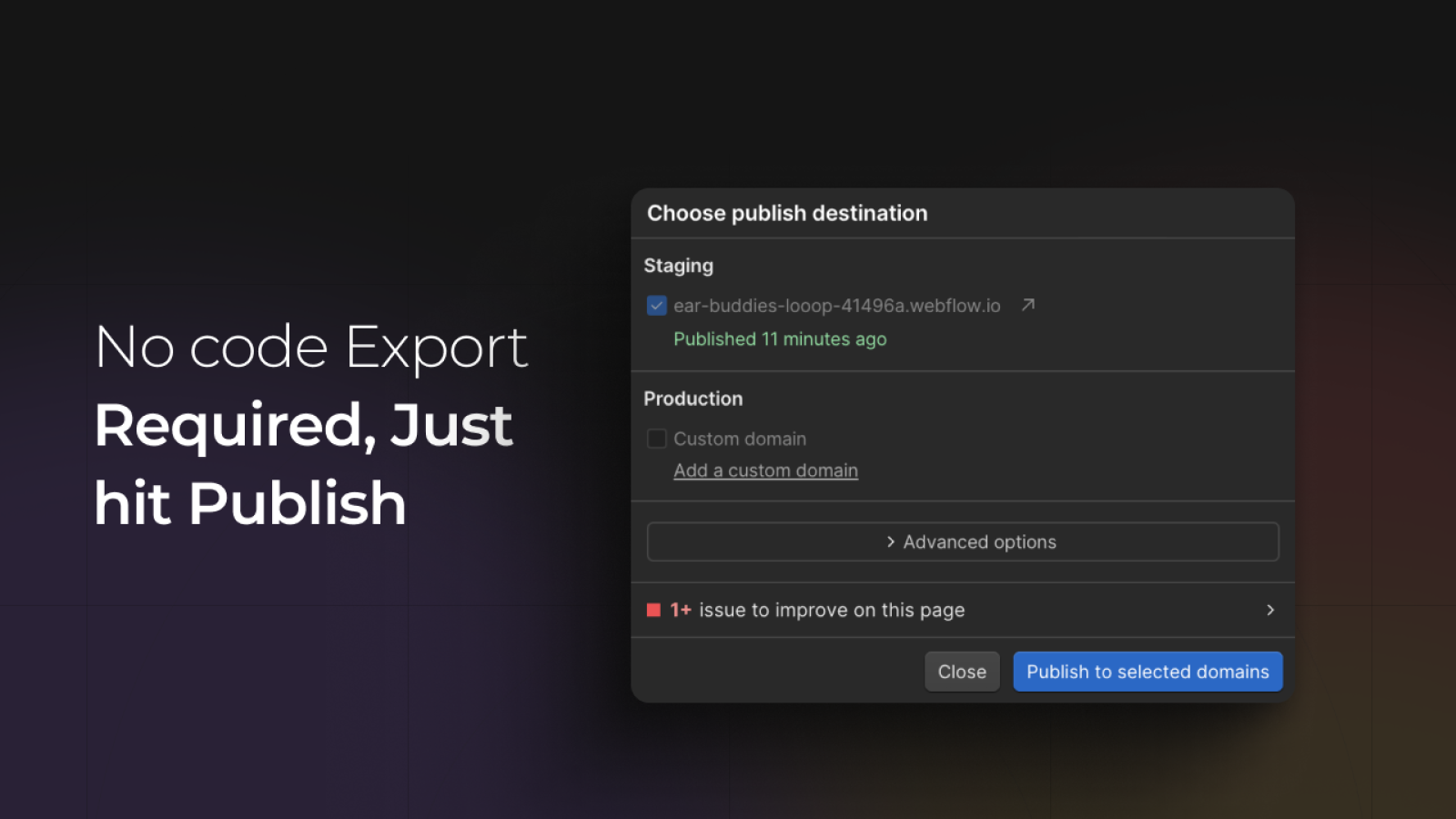
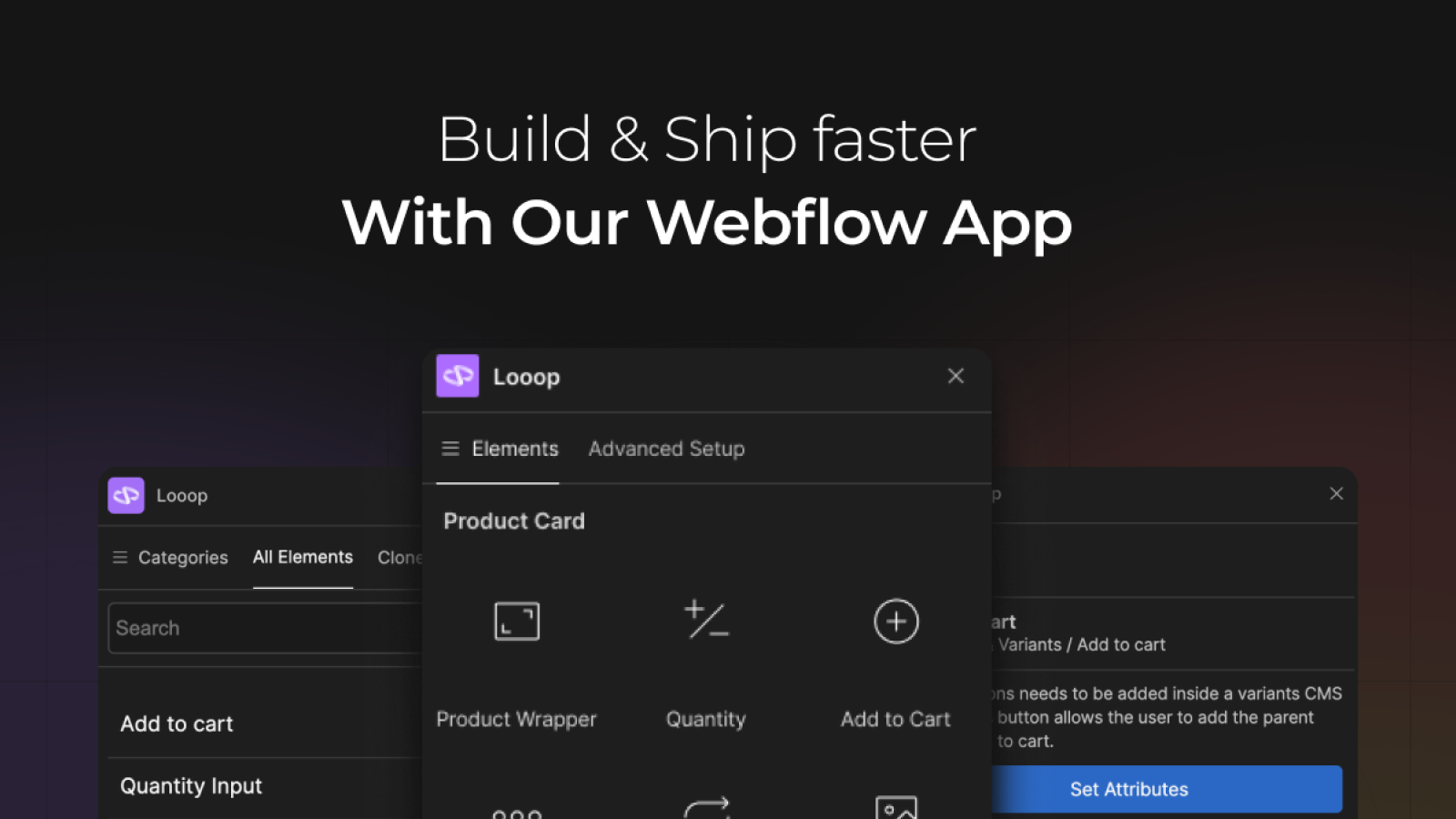
Erstellen Sie mit Webflow Designer und der nahtlosen Looop-Integration beeindruckende E-Commerce-Websites. Mit diesem Tool können Sie Ihren Shopify-Shop direkt in Webflow gestalten und bereitstellen – ganz ohne Code-Transfer zwischen den Plattformen. Synchronisieren Sie Ihr Webflow CMS mit Shopify und aktualisieren Sie Ihre Website bei Bedarf schnell und einfach. Der Einstieg ist kinderleicht: Fügen Sie einfach das Looop-Skript im Head-Bereich Ihres Webflow-Projekts ein und schon kann es losgehen. Ob Sie einen neuen Shop erstellen oder einen bestehenden aktualisieren – Looop macht den Prozess unkompliziert und erfordert keine Programmierkenntnisse.
Veröffentlicht: 13. März 2024
Hauptmerkmale
- Webflow CMS mit Shopify synchronisieren
- Websites in Webflow Designer entwickeln und bereitstellen
- Shopify-Store in Webflow Designer erstellen
Integrationen mit:
- Fathom Analytics,
- Google Analytics,
- Google Autofill,
- Webflow
Kategorie:
Preise von Looop ‑ Build with Webflow
Kostenloser Plan
Kostenlos
- Veröffentlichen auf Webflow.io-Subdomains
- Shopify-Produkte & Varianten synchronisieren
- Echtzeit-Inventar
- Shopify Markets
- Produktsichtbarkeit
- Looop-Branding
Looop Plus
29 USD / Monat
- Alles im kostenlosen Plan, plus:
- Shopify-Checkout
- Möglichkeit, das Looop-Branding zu deaktivieren